
Want a verse on every screen? Psalmo is free.
Best Apps to Limit Social Media in 2026: 6 Options, 6 Mechanisms
The average person spends 4 hours 37 minutes on social apps every day and checks their phone 96 times. A 2-hour daily cap doesn’t address the 94 check-ins that happen before it kicks in. The apps that actually change the habit work differently: they target the individual moment of opening rather than the cumulative total. This guide covers 6 apps to limit social media use, organized by how each one intercepts the scroll impulse. If you’ve tried a hard limit and found it didn’t stick, the mechanism might be wrong for how you’re wired, not the idea itself.
The best apps to limit social media in 2026 use four mechanisms: friction pauses (one sec, ScreenZen), scheduled hard blocks (AppBlock, Opal), gamified focus sessions (Forest), and Scripture-gated access for faith users (Psalmo). The right choice depends on whether you need hesitation before each launch, a hard commitment device, visual motivation, or a purpose-driven pause.
How These Apps Interrupt the Scroll
Different apps block the habit at different points in the sequence. Understanding where each one intervenes is what helps you pick the one that’ll actually work for you.
DataReportal’s 2025 Global Digital Report measured average daily social media use at 4 hours 37 minutes per person. Asurion’s 2023 research found smartphone users check their phones 96 times per day, roughly once every 10 minutes during waking hours. Hard time limits address the cumulative total but leave the 96 individual check-ins untouched. Friction-based apps work differently: inserting a brief pause before each launch gives the brain a moment to ask whether it actually wants to open the app. Research conducted with Max Planck Institute and Heidelberg University researchers found that one sec’s 1-second breathing pause reduced app openings by 57% on average. Blocking apps take the opposite approach: they remove the choice entirely during scheduled windows. This works better for people who find in-the-moment decision-making unreliable because the option to override a soft limit means the limit usually gets overridden.
Gamified apps like Forest redirect the reward the scroll normally provides toward something visible. Scripture-gate apps like Psalmo tie the interruption to a Bible passage, which suits users whose motivation for reducing phone time is faith-based.
Apps That Limit Social Media with a Pause
These two apps don’t block access outright. They insert a small cost before each launch, giving the impulse a moment to dissolve.
one sec
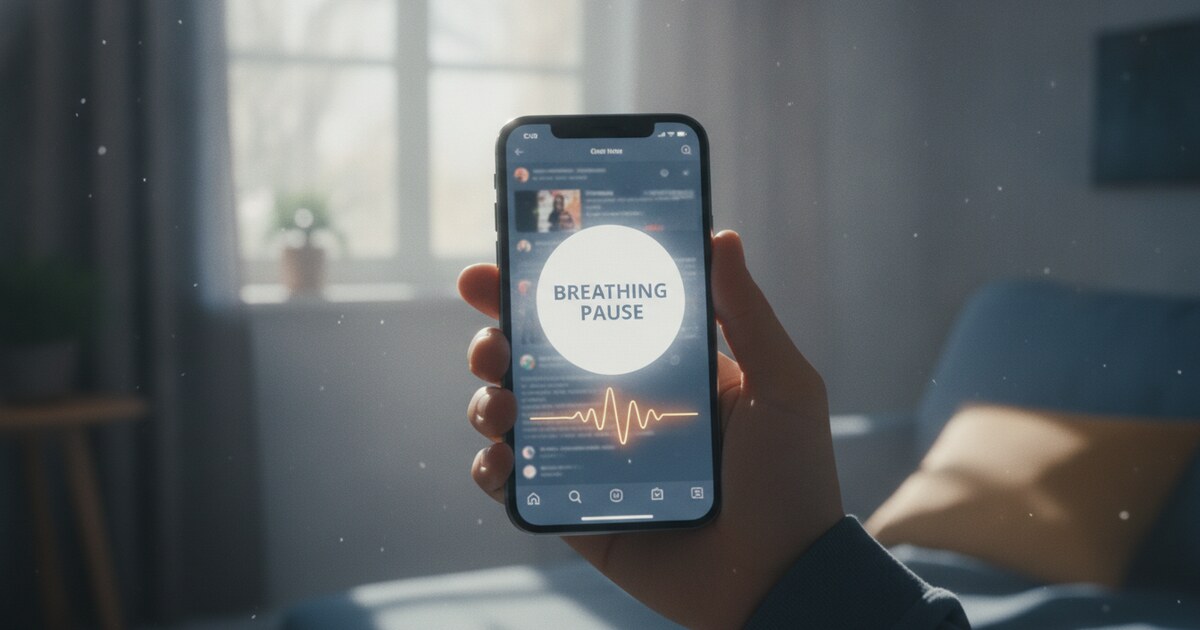
one sec inserts a 1-second breathing exercise every time you try to open a social app. If you still want in after the pause, it lets you through. The brief interruption gives the automatic scroll reflex a chance to become a conscious decision before it turns into a session.
The app has a 4.6-star rating from 32,300+ reviewers. Research backed by Max Planck Institute and Heidelberg University researchers found it cuts app openings by 57% on average. You can customize what happens during the pause: a 1-second countdown, a breathing exercise, a reflective question, or a mirror prompt. It’s available on iPhone, Android, and as a browser extension.
The pricing structure includes free and paid plans. Check one-sec.app for current pricing.
Best for: People who want to stay in charge of the final decision but need a pause long enough to make it an actual decision rather than a reflex.
ScreenZen
ScreenZen works on a similar principle. Opening a blocked app triggers a brief check-in: a breathing exercise or a reflective question before access is granted. It doesn’t lock you out. It just makes you answer “why?” before entering.
ScreenZen operates on a voluntary donation model with no mandatory subscription, which sets it apart from most screen time apps. It holds a 4.8-star rating across 30,000+ reviews. Check screenzen.co for current platform availability.
Best for: People who want friction without a financial commitment or complex settings.
Apps That Block Social Media on a Schedule
For some people, having the option to override a limit defeats the purpose. These two apps let you commit in advance rather than negotiate with yourself in the moment.
AppBlock
AppBlock lets you block specific apps immediately or on a recurring schedule: evenings, study hours, work windows, or custom times you set in advance. Strict Mode prevents you from editing, disabling, or uninstalling the app during an active block, removing the bypass option entirely.
The app reports users save an average of 2.74 hours per day within their first week. Current pricing and platform details are at appblock.app.
Best for: People who know they’ll look for workarounds under pressure and need a commitment device that removes the option.
Opal
Opal uses Focus Rules to block selected apps during set sessions. Hard Mode goes further: you can’t turn Opal off until the session ends. The app also tracks your Opal Score, a metric that combines sleep, focus, and rest data into a single wellbeing number.
Opal is available on iPhone, iPad, Android, and Mac. It has a free tier and an Opal Pro subscription for advanced features. The app holds a 4.8-star rating from 150,000+ users. Check opalapp.com for current pricing.
Best for: People who want scheduled blocking with multi-device coverage and health-tracking context alongside the block.
Forest: Make Focus Visual
Forest takes the gamification approach to limiting social media. When you start a session, a small tree begins growing. If you leave to open a blocked app, the tree dies. Completed sessions accumulate over time into an actual forest, giving you a visible record of focused time rather than just a usage number.
The core features are free: you can run sessions, block apps, and see your focus history at no cost. Forest Plus adds a subscription for seasonal trees, custom analytics, and advanced allowlists. The app is available on iPhone, Android, and as a browser extension.
Forest has a real-tree partnership that has resulted in 2 million+ trees planted through collaboration with Trees for the Future. Some users find that tangible external impact adds a second layer of motivation beyond the visual habit.
Best for: Visual thinkers who respond to positive reinforcement and need a concrete representation of progress rather than a number.
Psalmo: Scripture Before the Scroll
Psalmo works differently from the other apps on this list. Instead of a pause or a block, it gates your social apps behind Scripture. When you try to open a blocked app (Instagram, TikTok, YouTube, or whatever you choose), Psalmo opens first. You read a passage. Then your apps unlock for the window you set: 15 minutes, 30 minutes, 1 hour, 2 hours, or 4 hours.
The free plan blocks up to 3 apps and includes 6 verse categories (General, Love, Faith, Jesus Christ, Prayer, Hope), three home-screen widget sizes, and lock-screen widgets on iPhone. You can also set a blocking schedule (specific days and times), use Lock Now for an immediate focus window, and choose how much you read before unlocking: 1 verse, 3 verses, 10 verses, or a chapter. After the unlock window closes, the apps lock again.
Psalmo is available on iPhone and Android, with no account required. On iPhone you can also block app categories and websites through Apple’s Screen Time permission. On Android, blocking covers individual apps only. It can’t block a specific section of an app (Reels only, or Shorts only), only the whole app.
For readers looking at the wider landscape of Christian app blockers, Psalmo sits alongside several Scripture-based gate apps, most of which are iOS-only. Its approach to blocking Instagram, TikTok, and YouTube covers any apps you choose, not just the preset list.
Best for: Christians and people of faith who want the interruption to be spiritually meaningful rather than just a waiting period.
Which One Fits How You Actually Behave
The mechanism matters more than the feature count. A few questions narrow it down fast.
If you want to stay in charge of whether you ultimately open the app, use a friction app (one sec or ScreenZen). The pause inserts hesitation without removing agency.
If in-the-moment willpower is unreliable for you, pick a scheduled blocker (AppBlock or Opal). Hard Mode and Strict Mode exist precisely because most people override soft limits.
If you need a positive reward to motivate focus rather than a restriction for failing, Forest fits better than a pure blocker.
If your reason for cutting back is faith-based, Psalmo connects the interruption to that reason. For the full picture of how faith-based social media limits work in practice, that article walks through what to expect from the category.
iOS Screen Time (iPhone) and Android Digital Wellbeing are also free and built in. They don’t require installing anything, but they offer no Hard Mode equivalent and are easy to disable mid-session.
Frequently Asked Questions
Does AppBlock cost anything?
AppBlock has both free and paid options. The free version covers basic blocking. Advanced scheduling features and Strict Mode are available on paid plans. Current pricing is at appblock.app.
Is there a free app to limit social media?
Several exist. Forest’s core focus features are completely free. ScreenZen uses a voluntary donation model with no required payment. Psalmo’s app-blocking feature covers up to 3 apps on its free plan, with no account needed. iPhone’s Screen Time and Android’s Digital Wellbeing are both free and built into the operating system.
What’s the difference between a hard block and a friction pause?
A hard block removes access entirely during a set window. A friction pause lets you through but adds a small cost first, usually a breathing exercise, a reflective question, or a Bible verse. Hard blocks work better for people whose willpower collapses under pressure. Friction pauses work better for people who want to stay in control of the final decision.
Can I use these apps on both iPhone and Android?
One sec, Forest, Opal, and Psalmo all support both iOS and Android. AppBlock and ScreenZen’s current platform details are on their respective sites. Built-in tools (Screen Time on iOS, Digital Wellbeing on Android) are platform-specific by design.
If you want each social media check-in to become a moment with Scripture rather than a countdown timer, Psalmo is free to download on iPhone and Android. The free plan includes widget support, 6 verse categories, and app blocking for up to 3 apps. No account required to start.