
Want a verse on every screen? Psalmo is free.
You pick up your phone first thing in the morning. Before you’ve said a single prayer, you’ve already spent 15 minutes on Instagram. If that sounds familiar, you’re probably not lacking willpower. The apps on your phone are just very good at being opened.
More friction is the fix. If you want to block apps until you pray, you need a tool that holds the gate for you. A handful of apps now do exactly this: they pause Instagram, TikTok, and YouTube until you’ve read today’s scripture or said a short prayer. Then they unlock.
How to block apps until you pray: Install an app like Psalmo, Bible Mode, or FaithLock. Pick which apps to gate (Instagram, TikTok, and YouTube are common choices). When you try to open a gated app, you’ll be redirected to today’s verse. Read it, and all gated apps unlock for the rest of the day. Setup takes about 3 minutes.
Here’s how it works, which apps actually do it, and how to get set up.
Why Blocking Apps Until You Pray Actually Works
Most people who want to pray in the morning already know they want to. The problem isn’t intention. Phone-checking just wins the first-open race every time.
The average person checks their phone within 2 minutes of waking up. For most, that first tap lands on social media or news, and the window for quiet morning prayer closes before it ever opened.
Block-apps scripture tools work by building a behavioral principle called implementation intentions right into your phone. The concept, developed by psychologist Peter Gollwitzer, pairs a desired behavior with a specific trigger: “When I try to open Instagram, I’ll read scripture first.” Research shows this cue-based approach increases habit follow-through by 50-75% compared to willpower-based goal-setting alone. The key difference with scripture-gating apps is that the trigger is mandatory rather than voluntary. You want TikTok. The app intercepts the open and shows today’s verse. You read it, apps unlock, and the habit fires without requiring a conscious decision. Over four to six weeks, this structure typically converts an effortful choice into an automatic one. The daily verse resets at midnight, the streak tracks your consistency without ever threatening gaps, and you’re never locked out permanently. The system holds the habit for you until it holds itself.
The other thing that matters: these apps don’t punish you for missing a day. The verse is always there, the gate always resets, and you never fall behind. That design removes the shame spiral that kills most habit apps within three weeks.
Apps That Block Your Phone Until You Pray
Not all block-apps-until-you-pray tools work the same way. Here’s how the main options compare in 2026.
Psalmo (iOS + Android)
Psalmo is the only cross-platform option in this category. On both iPhone and Android, you choose which apps to gate (Instagram, TikTok, YouTube, X, and Snapchat are all supported). The gate fires when you try to open a blocked app and shows today’s verse. Once you’ve read it, all gated apps unlock until midnight.
The blocking feature is free. Premium adds 15 aesthetic themes, custom photo backgrounds, and AI-powered features: generate a prayer for whatever you’re carrying, find a verse for a specific situation, or get a plain-language explanation of any passage.
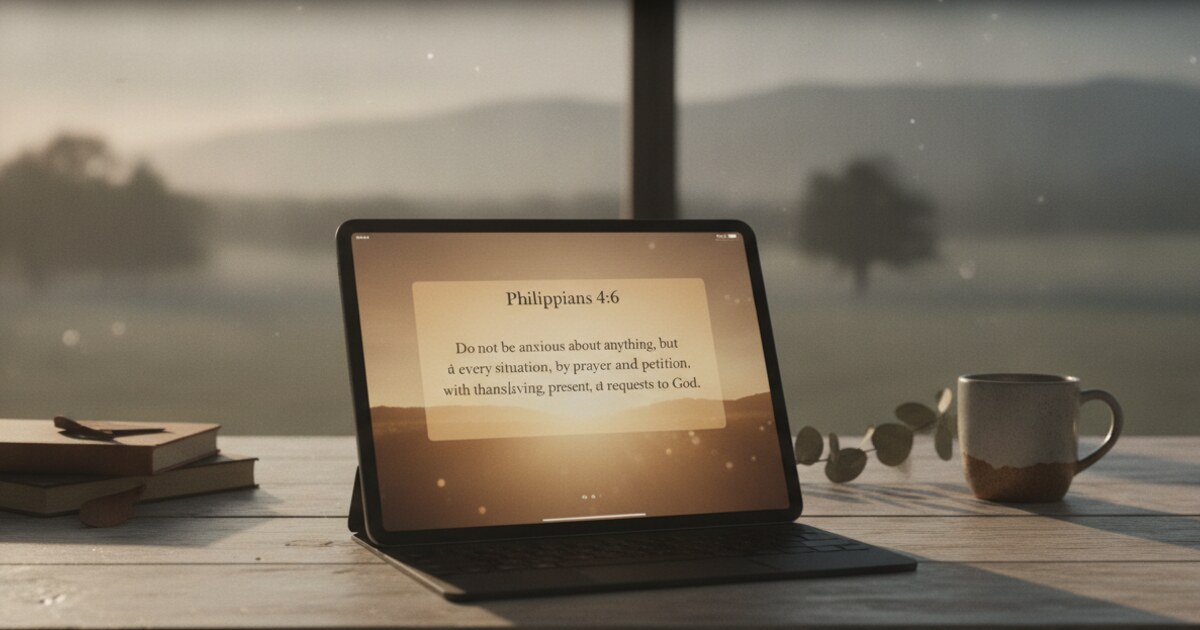
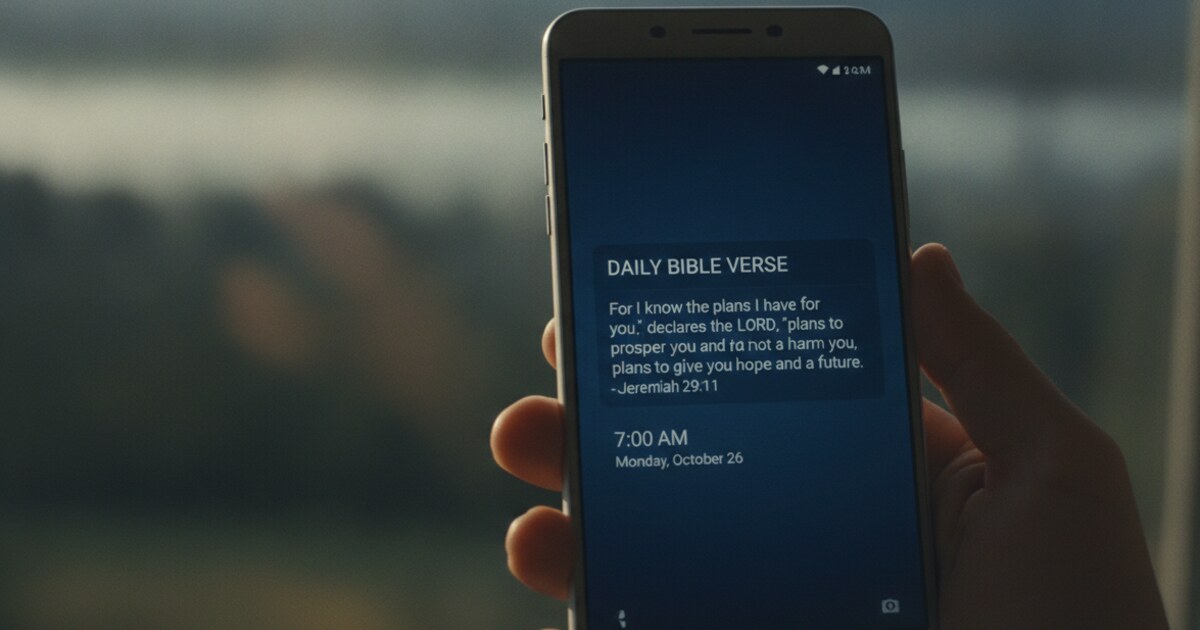
Psalmo also keeps scripture visible all day. The daily verse shows on your home screen and lock screen (iOS 16+) as a widget, so the reminder stays in front of you even after your apps are unlocked.
Available free on App Store and Google Play.
Bible Mode (iOS only)
Bible Mode by Friday Labs takes a more aggressive approach. When active, it turns your phone to grayscale and blocks apps until you read a verse. Good for users who want full phone minimalism alongside the prayer gate: not just a few social apps paused, but the entire phone experience dampened.
iOS only. No Android version, no home-screen widget layer.
FaithLock (iOS only)
FaithLock gates apps behind a prayer-writing prompt rather than a verse read. You type a short prayer before your apps unlock. A better choice for users who want a reflective moment in the morning, not just a quick scripture skim.
iOS only. No widget integration.
Prayer Lock (iOS only)
Prayer Lock works similarly to FaithLock, with more focus on Catholic and liturgical prayer patterns. Less flexible in terms of which specific apps you can gate.
iOS only.
How to Set Up Psalmo to Block Apps Until You Pray
Setup takes about 3 minutes.
- Download Psalmo from the App Store or Google Play. The app is free.
- Open Psalmo and complete setup: choose your verse categories (Faith, Peace, Strength, Gratitude, and 11 others) and pick a translation (KJV or WEB).
- Go to Settings and tap Lock Apps Until You Read.
- Select which apps to gate. Instagram, TikTok, YouTube, X, and Snapchat are all available.
- Grant the required permissions. On iOS, Psalmo uses Screen Time. On Android, it uses Usage Access.
- The next time you try to open a gated app, Psalmo intercepts the launch and shows today’s verse. Read it, and all gated apps unlock for the rest of the day.
The gate resets at midnight automatically. No daily configuration required.
You can disable the block at any time from Settings. If something urgent comes up, one tap turns off the gate. Psalmo won’t hold your apps hostage.
Which App Is Right for You
Android users: Psalmo is the only option. Bible Mode, FaithLock, and Prayer Lock are all iOS only. If you’re on a Samsung, Pixel, or any other Android device, Psalmo is currently the only scripture-gated app blocker that works for you.
iPhone users who want the simplest setup: Both Bible Mode and Psalmo work well. Bible Mode suits users who want full phone grayscale and total minimalism. Psalmo is better if you want scripture visible on your home screen all day, not just as a morning gate.
iPhone users who want more than a quick read: FaithLock’s prayer-writing prompt builds more depth into the unlock. If you want to pause and write two sentences before opening Instagram, FaithLock is the right tool.
The functional difference between these apps is narrow. The more useful question is how you want to engage with scripture in the morning: a 30-second verse read, or a 2-minute written prayer.
For a detailed side-by-side comparison of all apps in this category (including free tier breakdown and honest scores for each), see our full guide to apps that lock social media until you read the Bible. If you’re evaluating Bible Mode specifically, we’ve published a full Bible Mode review with honest alternatives that covers who it works best for and where it falls short.
Frequently Asked Questions
Does blocking apps until you pray actually help build a prayer habit?
For most people, yes. The gate removes the willpower decision from the moment. You want to open Instagram, so you read the verse. The habit forms as a side effect of wanting the app. Over four to six weeks, many people find the morning scripture reading continues even on days when the gate is accidentally off.
What if I need a gated app in an emergency?
All of these apps let you disable the block immediately in Settings. Psalmo takes one tap. The gate is a daily nudge, not a hard lock. You’re never stranded.
Can I block apps until I pray on Android?
Yes. Psalmo supports Android, and it’s the only app in this category that does. Bible Mode, FaithLock, and Prayer Lock are iOS only. If you have a Samsung or Pixel, Psalmo is your only real option for scripture-gated blocking.
Does Psalmo require a subscription to use app blocking?
The app-blocking feature is on the free tier. You can gate Instagram and TikTok behind today’s verse without paying anything. Premium adds AI features, extra themes, and custom photo backgrounds.
Do I still get notifications from blocked apps while the gate is active?
Yes. Notifications arrive normally. The block only fires when you try to open the app. Once you read today’s verse, the apps behave normally until midnight.
If you want scripture visible all day and not just as a morning gate, Psalmo’s home-screen and lock-screen widgets keep the verse in front of you after apps are unlocked. Download Psalmo free on iOS or get it on Google Play.