
Want a verse on every screen? Psalmo is free.
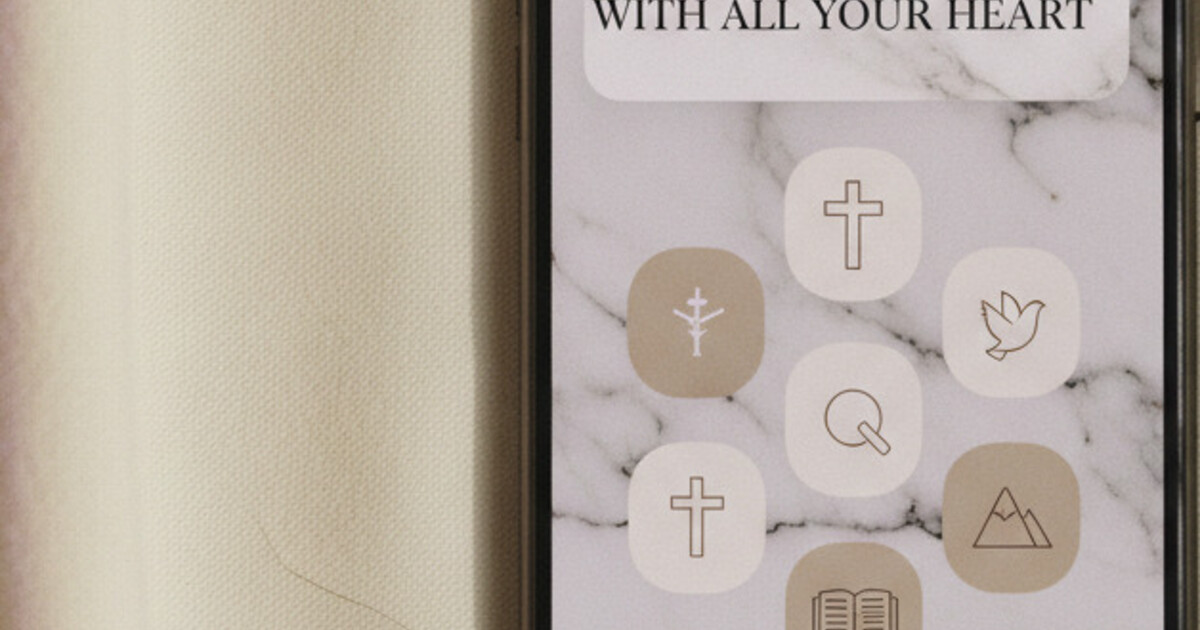
Your phone home screen is the first thing you see in the morning and the last thing you touch at night. For a lot of Christians, it’s also a missed opportunity. The aesthetic phone trend took off when iOS 14 introduced home screen widgets in September 2020, and ChristianTok ran with it quickly: scripture verses on Marble backgrounds, soft-pink Pastel widgets, Watercolor themes that look like something from a prayer journal. The search demand is real, and the setup is simpler than it looks. A Christian home screen aesthetic has three design layers: a scripture widget as the hero element, a wallpaper that doesn’t compete with the verse, and an app layout that gives the design room to breathe.
A Christian home screen aesthetic combines a scripture widget, a minimal or faith-forward wallpaper, and a muted color palette. The fastest setup: install Psalmo, pick one of its 15+ themes (Marble, Watercolor, Pastel, or Rose Gold), and place a medium-size widget where your most-opened social app used to sit. The whole setup takes under 5 minutes.
Here’s how to actually build one, plus five aesthetic directions worth copying.
What Makes a Christian Home Screen Aesthetic
Three layers work together to create the look. Get all three right and the result feels intentional. Miss one and it just looks like you added a widget to an otherwise cluttered screen.
Wallpaper. The wallpaper should sit quietly behind the scripture widget, not compete with it. Solid colors or very soft gradients work better than photography, because the verse needs to be readable at a glance. Think warm cream, dusty rose, muted sage, or deep navy depending on the mood you want.
Scripture widget. The scripture widget is the anchor — the visual element everything else orbits. This is where Psalmo does its best work. The app ships 15+ themes designed specifically for this role, spanning several major aesthetic palettes. The free tier includes Classic (clean black on white), Dark (white text on charcoal), and Minimal (letterpress-style). Premium unlocks all 15+ themes plus custom photo backgrounds for the widget itself.
iOS 14 (September 2020) brought home screen widgets to iPhone for the first time. iOS 16 (September 2022) added a lock-screen widget layer with three accessory shapes: rectangular, circular, and inline. Those two updates drove the aesthetic home screen era, and the Christian version grew directly alongside them. Pew Research 2024 found that 45% of US adults pray daily and 62% own a smartphone, placing roughly 280 million people at the overlap of active faith and mobile-first behavior. The scripture widget category expanded from 2-3 notable apps in 2020 to more than 12 by 2026. Among those, Psalmo offers the widest range of aesthetic themes: 15+ options spanning editorial (Marble), warm feminine (Rose Gold), boho (Watercolor, Vintage), soft (Pastel), dark moody (Night Sky, Chalkboard), and nature-forward (Forest, Ocean). Widget sizes run small (verse reference only), medium (verse and reference), and large (full verse and theme art). Setup from download to first widget: under 3 minutes on both iOS and Android.
App layout. A crowded home screen breaks the aesthetic regardless of how good your widget looks. Move apps you check mindlessly to a second or third page, or into folders. Keep your main page to 6-8 apps max, arranged in a grid that gives the scripture widget room to sit without competition.
5 Christian Home Screen Aesthetic Ideas
These are the five setups that surface most often in ChristianTok and Christian Pinterest boards, mapped to Psalmo themes and real wallpaper palettes.
1. Clean Minimal (editorial, clean-girl energy)
Psalmo theme: Classic or Minimal. Wallpaper: pure white or warm off-white. App icons: stock iOS icons or soft gray alternatives. Layout: 4-6 apps per page, scripture widget centered or anchored to the top row. The verse in dark text on a white widget background reads like a printed bookmark pressed against the screen. This setup photographs well in natural light and works at any time of day.
2. Soft Pink and Rose Gold (feminine, warm, prayer-journal style)
Psalmo theme: Rose Gold or Pastel. Wallpaper: dusty blush, pale pink, or warm peach. This is the most-pinned aesthetic in the Christian space by a wide margin. Rose Gold uses warm metallic gradients that catch the light; Pastel reads softer and more matte. Pair with cream-colored app icons if you want a fully coordinated look, or leave the stock icons and let the widget carry the palette.
3. Boho and Watercolor (earthy, handmade, artistic)
Psalmo theme: Watercolor or Vintage. Wallpaper: warm terracotta, sage green, or neutral linen. The Watercolor theme overlays a soft painted texture on the verse card, giving it the feel of a handmade gift tag. Vintage renders the verse in a sepia-toned aged-paper style that pairs well with warm neutrals. Both work with unmodified app icons, since the earthiness of the palette carries without needing icon customization.
4. Dark Academia (moody, literary, evening-devotion energy)
Psalmo theme: Night Sky or Chalkboard. Wallpaper: deep navy, forest green, or charcoal. Night Sky puts scripture on a dark star-field gradient. Chalkboard renders the verse in white text on a dark textured ground that references old classroom walls. This aesthetic photographs well with a low-light shot and works equally well as a home screen and a lock-screen widget on iOS 16 and later. See the aesthetic-bible-widget guide for theme screenshots side by side.
5. Nature and Cottagecore (outdoorsy, fresh, morning-devotion feel)
Psalmo theme: Forest or Ocean. Wallpaper: soft sage, stone blue, or a very lightly blurred outdoor photo. Forest renders the verse against a subtle leaf-texture background. Ocean uses cool muted blues that feel calm and early-morning in quality. Both themes work well with the medium widget size, which shows the full verse and scripture reference without taking up too much vertical space. This setup reads effortless rather than designed, which is the point of the cottagecore aesthetic.
How to Set Up a Christian Home Screen on iPhone
Getting the setup done takes about 5 minutes the first time.
Step 1: Choose your wallpaper. Pick one of the five aesthetic directions above and find a matching wallpaper. Unsplash, Pinterest, and the iOS color wallpaper picker all work. Set it via Settings > Wallpaper. Keep it simple: one color or a very soft single-texture.
Step 2: Install Psalmo and add a home screen widget. Long-press your home screen, tap the ”+” button in the top corner, search “Psalmo,” and select your preferred widget size. Small fits cleanly in a corner; medium is the standard choice that shows a full verse with reference; large fills a row and includes the theme art around the verse.
Step 3: Pick your theme and verse category. Before finalizing widget placement, tap “Edit Widget” to choose your theme and verse category. Psalmo has 15+ categories including Faith, Peace and Anxiety, Morning Verses, Evening Verses, Strength, Gratitude, and Prayer. Match the category to the mood of your setup — or set it to rotate across all categories for variety.
Step 4: Add a lock-screen widget (iOS 16 and later). Long-press the lock screen, tap Customize, and add a Psalmo accessory widget. Rectangular shape works best for a verse fragment; circular works as a minimal reference badge that shows chapter and verse without the full text. The how-to-add-bible-verse-widget-to-iphone guide covers both home screen and lock screen placement with step-by-step detail.
Step 5: Gate the apps that pull you off your home screen. Open Psalmo, go to Settings, and select which apps to block until today’s verse is read. Instagram, TikTok, X, YouTube, and Snapchat are all options. Once today’s verse is opened and read, those apps unlock for the rest of the day. This step is optional, but it’s what separates a phone that looks intentional from one that actually is.
Step 6: Tidy the home screen layout. Move anything you don’t need on the main page into folders or to page two. Give the scripture widget space to be the first thing your eye lands on. A grid of notification-badge-covered apps crowding the widget undoes the whole design.
Setting Up a Christian Home Screen Aesthetic on Android
Android’s widget system is more flexible than iOS on layout, though it doesn’t support lock-screen widgets — Android removed that capability in Android 5.0 (2014), a platform constraint rather than a Psalmo limitation.
On Android, all of Psalmo’s home screen customization happens on the main screen. Long-press the home screen, tap Widgets, find Psalmo, and drag your preferred size into place. Android lets you resize widgets more freely than iOS, so you can stretch a medium Psalmo widget to fill a full-width row if you want the verse to dominate the visual space.
For a coordinated Android aesthetic, the theme pairing still works the same way. Forest theme widget alongside a green-toned icon pack. Night Sky with a dark system theme across the OS. Pastel on a soft-pink wallpaper. The widget customization (theme, verse category, refresh interval) lives in the same Edit Widget panel as on iOS.
Android also allows daily automatic refresh via WorkManager, which Psalmo runs in the background. The verse updates at midnight by default, or hourly if you enable that option in Psalmo settings. For more detail on theme options across both platforms, the bible-widget-themes guide covers all 15+ themes with visual breakdowns.
How Psalmo Makes the Aesthetic Actually Work
A home screen that looks intentional but doesn’t act intentional is just decoration.
The app-blocking feature is what closes that gap. You pick which apps to gate. Those apps stay locked until you open Psalmo and read today’s verse. Once you’ve read it, everything unlocks for the rest of the day. No shame mechanics if you miss a day. No streak pressure. Just a daily reminder of what the design is actually for.
The verse-sharing feature adds a layer to the creative side of it. Psalmo can generate a themed image of the current verse, formatted for Instagram or TikTok: the same aesthetic you’ve built on your home screen, packaged for a single-tap share. The theme carries across — if you use Marble on your home screen widget, the share image pulls from the same visual language. It’s a small thing, but it closes the loop between private devotional space and the Christian creator culture that drove this aesthetic in the first place.
Psalmo is free on iOS and Android. The free tier covers Classic, Dark, and Minimal themes, the daily verse widget in three sizes, verse category control, and the app-blocking gate. Premium unlocks all 15+ themes, custom photo backgrounds, and the AI prayer and reflection features. The annual subscription comes with a 7-day free trial — enough time to set up your preferred aesthetic, run a full week with the app gate on, and decide whether the premium themes are worth keeping.
Start at psalmo.app and have your home screen ready in under 5 minutes.




