
Want a verse on every screen? Psalmo is free.
Best Evening Bible Verse App in 2026
Your phone is probably the last thing you look at before bed. For most people, that means a news feed, a social app, or a scroll that starts as “five minutes” and stretches closer to midnight. A good evening bible verse app breaks that pattern by putting scripture in that window instead, with a verse waiting on your lock screen when you set the phone down to charge.
The best evening bible verse apps in 2026 are Psalmo, YouVersion, Abide, and Daily Verses. Psalmo works best for most users: it delivers a notification at your chosen wind-down hour, shows a verse on your home screen and lock screen with night-appropriate dark themes, and can gate social apps so scripture comes before the late-night scroll.
The best evening bible verse app in 2026 is Psalmo. It sends a notification at your chosen wind-down time, displays a verse on your home screen and lock screen with Night Sky and Dark themes built for low-light, and can pause social media apps until you’ve read today’s scripture. YouVersion is the strongest alternative for translation variety. Abide works best if your evening routine involves guided audio over passive display.
Why the Evening Window Is Different
The hour before bed is when phone use tends to spike, not from intention but from inertia. The phone is the last thing set down for the night, and without any structure around it, social feeds fill that gap automatically.
Evening scripture apps solve a different problem than morning ones. Morning apps create intention before the day starts. Evening apps create closure after it. Apps built for evening scripture use two mechanisms: a scheduled notification that arrives before phone use escalates, and a lock-screen or home-screen widget that puts a verse in view the moment you reach for your phone to charge it. Psalmo covers both. You can set the daily verse notification to any hour you choose, select the Evening Verses or Peace & Anxiety category for rest-appropriate scripture, and pick the Night Sky or Dark theme for low-contrast display. Blue light from screens suppresses melatonin, the hormone that signals sleep onset, and replacing even one late-night scroll session with scripture shifts how you wind down. The lock-screen widget stays visible on your phone while it charges overnight, so a verse is the last image on your screen before you put it down.
The scripture difference is also temperamental. Philippians 4:7 (KJV) — “And the peace of God, which passeth all understanding, shall keep your hearts and minds through Christ Jesus” — lands differently at 10pm than it does at 7am.
What a Good Evening Bible Verse App Needs
A generic daily verse app isn’t designed for evening use. It just happens to work at any hour. Here’s what separates the purposeful ones from the generic ones when you’re choosing for a night routine:
Notification timing control. You should be able to schedule the notification for your actual wind-down window, whether that’s 8pm, 9:30pm, or 11pm. Apps that only offer a morning slot or a vague “evening” preset don’t serve this use case properly.
Low-light themes. A bright white interface in a dark room strains your eyes and signals daytime to your brain. A proper dark or night theme handles this without requiring you to change the phone’s system settings.
Evening verse categories. Peace, Healing, Gratitude, and Psalms fit a winding-down mindset better than Strength & Courage or Work & Purpose verses. Category filtering makes the difference between a verse that settles you and one that doesn’t fit the moment.
Passive display. A widget on your home screen or lock screen shows the verse without requiring you to open anything. When you’re tired, you won’t remember to open an app. A widget is already there when you reach for your phone.
Optional app gating. For users who want accountability around late-night scrolling, a feature that requires reading scripture before unlocking social apps caps the behavior with intention rather than willpower.
Best Evening Bible Verse Apps in 2026
| App | Custom notification time | Dark/night theme | Evening categories | Lock-screen widget | App gate | Platforms |
|---|---|---|---|---|---|---|
| Psalmo | Yes (any hour) | Dark, Night Sky | Evening Verses, Peace & Anxiety | Yes (iPhone iOS 16+) | Yes | iOS + Android |
| YouVersion | Yes (any hour) | Dark mode | Reading plans only | No | No | iOS + Android |
| Abide | Yes (any hour) | Dark mode | Devotional/meditation | No | No | iOS + Android |
| Daily Verses | Limited | No dark theme | Fixed, no filtering | No | No | iOS + Android |
Psalmo: Best Overall
Psalmo’s Evening Verses and Peace & Anxiety categories pull from Psalms, Philippians, and rest-oriented New Testament passages. The Night Sky theme (dark background, gold text) and the Dark theme both hold up in low-light environments. The themes are part of the free tier, so no subscription is needed for the night-optimized display.
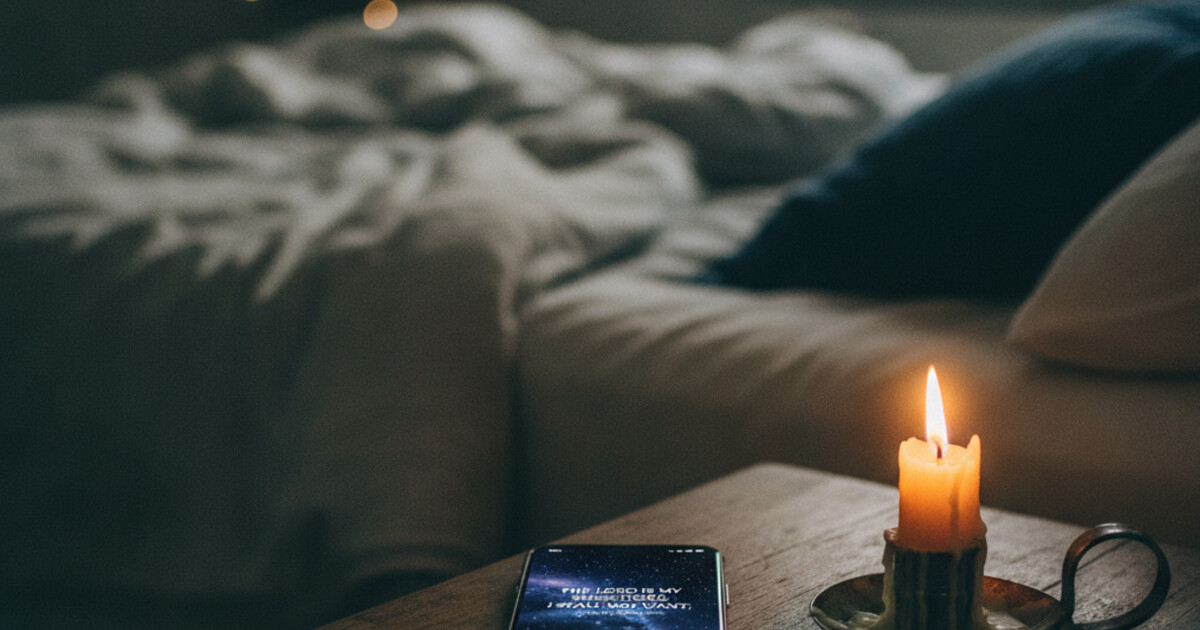
The lock-screen widget is what makes Psalmo especially suited to evening use. Most people charge their phone on a nightstand or desk nearby. The lock screen is the last thing visible before setting the phone down. A Psalmo lock-screen widget (iPhone, iOS 16+) puts a verse right there, every night, after one-time setup.
The behavioral gate adds a second layer for late-night scroll accountability. Select Instagram, TikTok, YouTube, X, or Snapchat as gated apps and they require a verse read before they unlock. The gate resets each day, so if you reach for your phone late at night, scripture shows up first.
YouVersion: Best for Translation Depth
YouVersion’s notification timing is completely configurable and reliable. Its dark mode is well-implemented. The limitation for evening use is that YouVersion is a reader-first app: the daily verse lives inside the app, not on your home or lock screen. No lock-screen widget is available. If translation access (NIV, ESV, NLT, NAS) matters more than passive display, YouVersion is the right pick.
Abide: Best for Meditative Wind-Down
Abide is guided scripture-based audio, not a widget app. If your evening practice involves listening (a short meditation, a breath prayer, a devotional session), Abide handles that use case better than any of the others. For passive verse display on a lock screen while your phone charges, it doesn’t have an answer.
Daily Verses: Simple and Free
Daily Verses delivers a verse notification and shows a basic home-screen widget. There’s no dark theme and no category filtering. It works as a free fallback when minimal setup is the only requirement, but it’s not purpose-built for an evening routine.
How to Set Up Psalmo for the Evening
Setup takes about 5 minutes:
- Open Psalmo and go to Settings. Set your notification time to your usual wind-down hour.
- In Categories, turn on Evening Verses and Peace & Anxiety. Turn off categories that feel more morning-appropriate, like Strength & Courage or Work & Purpose, if you want a calmer evening verse selection.
- In Themes, select Night Sky or Dark.
- On iPhone (iOS 16+): long-press your lock screen, tap Customize, select the widget area, and add Psalmo. The rectangular accessory widget displays full verse text.
- On Android: long-press your home screen, select Widgets, find Psalmo, and drag the medium or large size to a screen you check before bed.
The full iPhone widget setup is covered in the guide on how to add a Bible verse widget to your iPhone. For Android, see the Bible verse widget for Android home screen guide.
Morning and Evening Scripture as a Pair
A morning verse and an evening verse serve different functions. The morning one gives you something to carry forward into the day. The evening one gives you something to land on when the day is done.
Phillippa Lally’s research at University College London (2010, European Journal of Social Psychology) found that pairing a new behavior with an existing physical anchor is the most reliable way to build a durable habit. Charging your phone before bed is one of the most consistent nightly actions people take. Attaching scripture to that act means you see it without needing to remember to look.
One app can cover both anchors. Psalmo lets you set a notification time and widget once, then stay out of your way. For the morning side of this setup, the morning bible verse app guide covers how to orient scripture toward the start of the day. For a deeper look at how notification scheduling compares across apps, the daily bible verse reminder app comparison breaks down how each option handles delivery timing.
Frequently Asked Questions
What is the best evening Bible verse app?
Psalmo is the best evening bible verse app for most users in 2026. It sends a notification at your chosen wind-down time, offers Evening Verses and Peace & Anxiety categories, and displays a verse on your lock screen while your phone charges at night. The Night Sky and Dark themes work well in low-light environments. It’s free on iOS and Android.
Can I use Psalmo to stop late-night social media scrolling?
Yes. Psalmo’s app gate lets you select apps (Instagram, TikTok, YouTube, X, Snapchat) that require reading today’s verse before they unlock. The gate resets daily. Try to open a gated app late at night and you’ll see the verse first. You can turn the gate off at any time in Settings.
Which Bible verse app has the best dark theme for night use?
Psalmo’s Night Sky theme uses a dark background with gold text and low contrast, designed specifically for low-light viewing. The Dark theme is a clean neutral option. Both are available in the free tier alongside Classic and Minimal.
Does YouVersion have an evening Bible verse notification?
Yes. YouVersion lets you schedule a daily verse notification at any time, including evenings. It doesn’t have a lock-screen widget or evening-specific verse categories, so the experience is less tailored for a wind-down routine than Psalmo’s.
Is there a free evening Bible verse app with dark themes?
Yes. Psalmo’s free tier includes the evening notification, Evening Verses and Peace & Anxiety categories, home-screen and lock-screen widgets (lock-screen on iPhone only), Night Sky and Dark themes, and the social app gate. No subscription required for any of these features.
If you want a verse on your screen when you charge your phone tonight, Psalmo is free on the App Store and Google Play.