
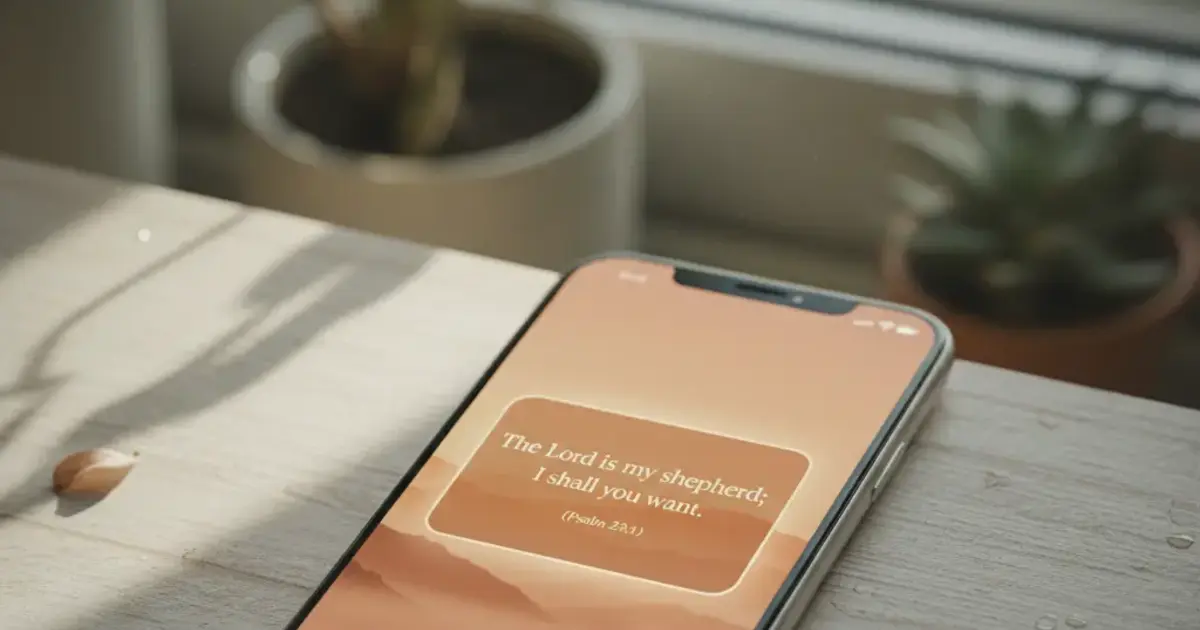

Want a verse on every screen? Psalmo is free.
Every morning you unlock your phone and whatever you placed on your home screen is the first thing your eye lands on. An aesthetic Bible verse widget means you chose: a clean verse, a palette that complements your wallpaper, type that reads like it was picked on purpose. The apps that do this well have gotten genuinely good in 2026, and the gap between the best and the rest is wide enough to matter. Here’s what’s available, what each theme library actually looks like, and how to get it set up.
The best aesthetic Bible verse widget app in 2026 is Psalmo. It ships 16 hand-crafted themes covering everything from dark and moody (Night Sky, Chalkboard) to warm and editorial (Marble, Rose Gold, Gold Leaf). Classic, Dark, and Minimal are free. The rest unlock with a premium subscription, along with custom photo backgrounds.
Most Bible apps treat widgets as a bolted-on checkbox. Psalmo and a small number of competitors built the widget as the product, with the rest of the app arranged around it. The difference shows.
What Makes a Bible Widget “Aesthetic”?
“Aesthetic” in phone customization means the widget feels intentional, like it belongs on your home screen rather than sitting on top of it. For Bible widgets, that means font choice, background treatment, and verse framing working together. A well-designed aesthetic Bible widget has a color palette that complements your wallpaper, a typeface readable at small sizes without defaulting to system fonts, and enough whitespace that the verse text (not the surrounding chrome) is where your eye lands. The best apps give you 10 or more distinct themes, each with its own visual identity: Sunrise uses warm ambers and a soft serif, Night Sky uses deep navy with a thin sans-serif, Marble uses off-white stone texture with editorial letter-spacing. Widget size matters too. A small 2x2 shows one verse. A medium 2x4 can pair a verse reference with a pull-quote. A large 4x4 gives you the full verse set against a background image visible from across a desk.
Visual design matters beyond decoration. Research on habit formation consistently shows that environmental cues in your immediate field of view trigger intended behaviors at higher rates than mental reminders alone. The widget you see before opening Instagram or TikTok is that cue. If it’s beautiful, you’re more likely to stop and read.
Best Aesthetic Bible Verse Widget Apps in 2026
Here are the four apps that invest in theme design as a core feature.
| App | Themes | Widget Sizes | Lock Screen | Android | Free Tier |
|---|---|---|---|---|---|
| Psalmo | 16 | S / M / L | iOS 16+ (3 shapes) | Yes | 3 themes |
| Bible Widgets (Monkey Taps) | 12 | S / M / L | No | No | 2 themes |
| Daily Verses | 6 | S / M | No | Yes | All |
| YouVersion | 1 | S / M / L | No | Yes | All |
Psalmo and Bible Widgets are the two that treat aesthetics as a real product feature. Daily Verses is functional but visually plain. YouVersion’s widget is polished but gives you no theme variety.
The biggest gap between Psalmo and Bible Widgets comes down to platform. Psalmo works on Android and includes 3 lock-screen shapes on iOS 16+. Bible Widgets is iOS-only with no lock-screen support. If you have a Samsung or Pixel, or want a lock-screen verse on iPhone, Psalmo is the only option in the table that covers both.
Theme count alone doesn’t tell the whole story either. Bible Widgets has 12 themes, but most cluster in the same pastel-and-light aesthetic. Psalmo’s 16 themes span 5 distinct visual families, so there’s actual variety between them rather than just variations on one mood.
Psalmo’s Theme Gallery: All 16 Themes
16 themes sorted into 5 visual families:
Light and natural (Sunrise, Ocean, Forest, Watercolor). Warm or nature-inspired backgrounds with soft gradients. Watercolor uses a hand-painted texture. Sunrise uses amber tones that work particularly well as a first-thing-in-the-morning widget.
Dark and moody (Dark, Night Sky, Chalkboard, Vintage). Low-brightness backgrounds, easy on the eyes at 6am or for a bedside widget. Night Sky uses deep navy. Chalkboard uses matte black with a hand-drawn texture. Vintage has a worn, sepia-tinted warmth.
Neutral and editorial (Minimal, Classic, Modern, Marble). White or near-white backgrounds with confident typesetting. These read as deliberately designed rather than fallen back on, and they work against almost any wallpaper color.
Warm and feminine (Rose Gold, Pastel, Gold Leaf). The three that show up most in ChristianTok home-screen tours. Pastel pairs soft lavender with thin serif type. Gold Leaf uses a cream base with metallic accents.
Stained Glass. Its own category: deep jewel tones in a geometric pattern. It reads as a statement theme against a dark wallpaper.
Classic, Dark, and Minimal are free. Premium unlocks the other 13 themes plus custom photo backgrounds, so you can put your own photo behind the verse text and rotate it with the seasons.
How to Set Up Your Aesthetic Bible Widget on iPhone
The detailed walkthrough is in our iPhone home-screen Bible widget guide. The short version:
- Download Psalmo from the App Store.
- Open the app and pick your theme. Tap any premium theme to start a free trial.
- Long-press your iPhone home screen until the apps start jiggling.
- Tap the + button in the top corner to open the widget picker.
- Search “Psalmo,” choose your size (small, medium, or large), and tap Add Widget.
For lock-screen widgets on iOS 16+: long-press the lock screen, tap Customize, and select the lock screen layer. Psalmo offers 3 shapes there: rectangular, circular, or inline. All three show one verse, formatted to fit the shape.
Android setup uses a slightly different flow. See the Android home-screen widget walkthrough for the step-by-step on Pixel and Samsung One UI devices.
How Psalmo Keeps Scripture Front and Center
Psalmo was built around the widget layer, with the app arranged behind it. The verse refreshes daily at midnight by default. Switch to hourly rotation in settings if you want more variety throughout the day. Notifications can be scheduled for any time you choose.
The app also includes a lock-apps layer: you pick which apps (Instagram, TikTok, X, YouTube, Snapchat) pause until today’s verse has been opened. The verse is the gate. Read it and the apps open for the rest of the day. For anyone trying to spend less time scrolling, pairing a beautiful widget with a soft friction gate is what separates Psalmo from apps that are purely decorative.
Verse categories let you shape the daily pool. 15 categories include Faith, Morning Verses, Hope, Healing, Peace and Anxiety, Gratitude, and Work and Purpose. Toggle the ones that fit your current season and the verse draws from those.
Psalmo is free to download with 3 themes included. No subscription required to use the daily verse widget or the app-blocking feature. Get Psalmo on iOS and Android at psalmo.app.
Frequently Asked Questions
What is the most aesthetic Bible widget app?
Psalmo has the largest theme selection of any Bible widget app in 2026, with 16 themes from dark and moody (Night Sky, Chalkboard) to warm and editorial (Marble, Rose Gold, Gold Leaf). Classic, Dark, and Minimal are free. All 16 themes work on both iOS and Android.
Do aesthetic Bible widgets work on Android?
Most don’t. Bible Widgets by Monkey Taps and several popular options are iOS-only. Psalmo works on both iOS and Android with the same 16-theme library. Android doesn’t support lock-screen widgets (removed in Android 5.0), but home-screen widgets in all 3 sizes work across Android launchers.
Can I use a custom photo behind my Bible widget?
Yes, with Psalmo Premium. You can set your own photo as the widget background on any size. The verse text renders on top of the photo. It’s a practical way to personalize beyond the built-in themes and match seasonal wallpapers.
Are aesthetic Bible widget apps free?
Most offer a free tier with limited themes. Psalmo’s free tier includes 3 themes (Classic, Dark, Minimal) with no subscription required to use the daily verse widget or the app-blocking feature. Premium unlocks all 16 themes plus custom photo backgrounds.
How often does the Bible widget verse change?
Psalmo’s default is daily: the verse refreshes at midnight so you see a new one each morning. You can switch to hourly rotation in settings if you want more variety. The verse draws from whatever categories you’ve toggled on in the app (Faith, Hope, Healing, Morning Verses, and 11 others).
If you want daily scripture on your home screen that looks like it was designed to be there, download Psalmo free on iOS and Android.




