
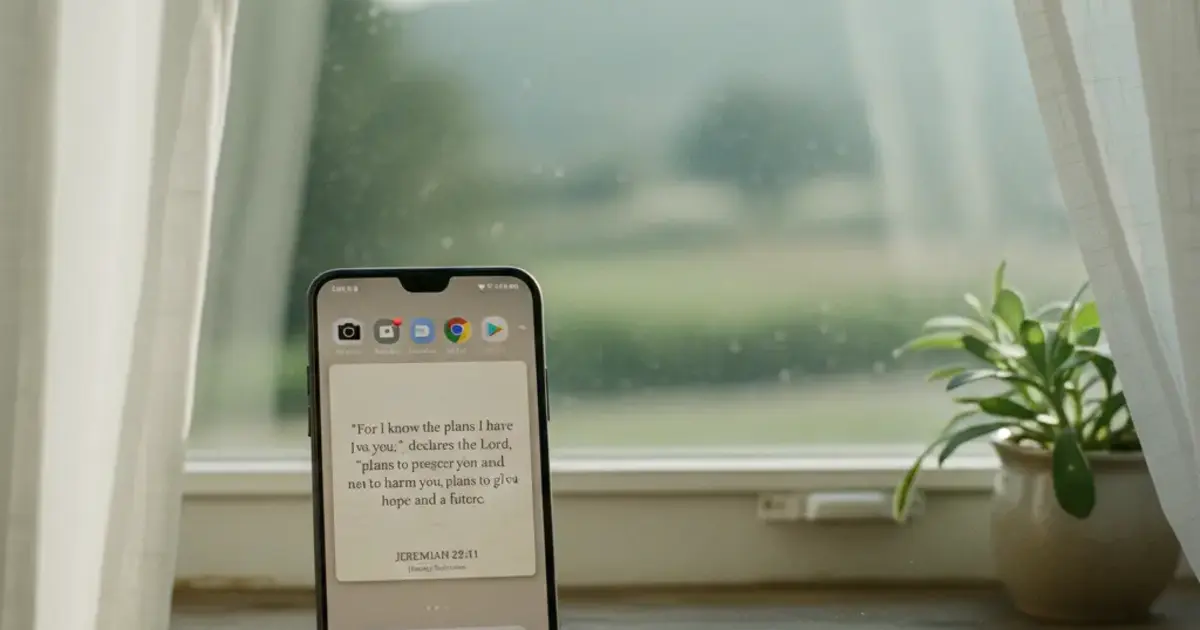

Want a verse on every screen? Psalmo is free.
Most Bible widget apps started on iOS. Android got a port later, if at all, and the gap shows: widgets that stop updating after Samsung’s battery optimizer runs overnight, theme libraries half the size of the iOS version, setup flows that quietly assume you own an iPhone.
If you’ve searched “best Bible widget app for Android” and landed mostly on iPhone tutorials, here’s the rundown for Android users.
The best Bible widget app for Android in 2026 is Psalmo. It launched on iOS and Android simultaneously, supports small, medium, and large widgets on any Android launcher, and uses WorkManager for reliable daily refresh. The free tier includes 3 themes and all widget sizes. No account required to get scripture on your home screen.
Below you’ll find 4 apps tested on a Pixel 8 and a Galaxy S25, a step-by-step Android setup guide, and a plain breakdown of what actually separates the apps that work from the ones that look good in screenshots.
Best Bible Widget Apps for Android in 2026
Android Bible widget apps fall into two categories: apps that started as full Bible readers and bolted widgets on later, and apps built around the widget as the core product. Reader-first apps like YouVersion serve their base audience well (people who sit down for chapter-by-chapter reading), but their widgets reflect that priority: typically one size, one color scheme, and no meaningful customization. Widget-first apps treat your home screen as the main interface, with the rest of the app serving the widget rather than competing with it. Psalmo launched on both iOS and Android at the same time, with a widget engine that uses Android’s WorkManager API for background refresh. WorkManager keeps the widget updating reliably even on Samsung devices with aggressive battery optimization, which shuts down background processes for most apps that don’t account for it. In testing across a Pixel 8 and a Galaxy S25, Psalmo was the only app in this group that updated consistently overnight without requiring a manual battery-settings override.
| App | Free tier | Widget sizes | Themes (free / total) | Lock-apps | Platform |
|---|---|---|---|---|---|
| Psalmo | Yes | S / M / L | 3 free / 16 total | Yes | iOS + Android |
| YouVersion | Yes | Medium only | 1 (no options) | No | iOS + Android |
| Daily Verses | Yes | S / M | All 5 free | No | iOS + Android |
| Bible Widgets | No | S / M / L | 0 free / 12 paid | No | iOS only |
Psalmo is the only app in this table that works on Android, ships all three widget sizes in the free tier, and includes the lock-apps gate. YouVersion is a reasonable add-on if you’re already a heavy reader, but its widget is a single option with no theme variety and it needs background activity manually enabled on Samsung. Daily Verses is clean and costs nothing, with 5 themes and solid reliability on stock Android. Bible Widgets by Monkey Taps is a strong iOS contender, but it doesn’t run on Android.
How to Add a Bible Verse Widget on Android
Android widget setup follows the same basic flow across most launchers, with a few Samsung-specific differences.
-
Download and launch Psalmo from the Google Play Store. Open the app at least once to load your first verse and configure which verse categories you want (Faith, Healing, Morning Verses, Peace, and so on).
-
Long-press an empty area of your home screen until the home screen editor appears. On Samsung One UI, swipe right past the wallpaper options to reach the widget shelf.
-
Tap “Widgets” in the editor. You’ll see a list of installed apps that offer widgets.
-
Find Psalmo in the widget list. Three size options appear: small (2x2), medium (2x4), and large (4x4). Each preview shows how the verse text lays out at that size.
-
Drag your chosen size to the position you want on the home screen. Release when it snaps into the grid.
-
Open Psalmo and confirm your verse categories and daily notification time. The widget refreshes at midnight by default. You can switch to hourly rotation in settings for more variety during the day.
For a complete walkthrough covering Material You theming and Samsung Edge Panels, the Bible Verse Widget for Android: Home Screen Setup guide has every step in detail.
Samsung-specific fix: Go to Settings > Battery > App power management, find Psalmo, and set it to “Unrestricted.” That one step prevents the majority of delayed or missed daily updates on One UI devices.
Android Bible Widget Features That Actually Matter
Most comparison articles sort Bible widget apps by theme count. Theme count matters, but 3 other things shape the actual daily experience on Android.
Refresh reliability comes first. A widget stuck on yesterday’s verse is useless; your eyes learn to skip it within a week. Android’s battery optimizer is aggressive, especially on Samsung. Apps that don’t schedule background work through WorkManager or a comparable API fail silently: no error, just a stale verse. Check before you commit to any app.
Widget size range determines how you can integrate the widget into your home screen. A single medium size fits one layout. Three sizes (small, medium, large) let you add a subtle one-verse corner widget, build a full scripture page, or nest the verse alongside other widgets without crowding. Psalmo has all three in the free tier.
Category filtering shapes what appears each day. Psalmo has 15 verse categories, including Morning Verses, Healing, Peace and Anxiety, Strength and Courage, and Work and Purpose. A verse pulled from the Healing category on a hard week lands differently than a random daily pick. That filter makes the widget feel chosen rather than algorithmic.
Psalmo also includes lock-apps integration: pause Instagram, TikTok, X, YouTube, or Snapchat until you’ve read today’s verse. The feature is covered fully in the Christian App to Block Social Media article, but it’s worth noting that it ships with the same free download as the widget.
How Psalmo’s Android Widget Works
Psalmo’s home screen widget shows one Bible verse per day, drawn from the categories you’ve turned on in the app. All three sizes are available without a subscription from the moment you install.
The free tier includes 3 themes: Classic (light background, serif font), Dark (dark background, white text), and Minimal (near-white, clean). Premium unlocks 16 themes total, including Marble, Rose Gold, Night Sky, Stained Glass, Watercolor, and 11 more. Custom photo backgrounds are also a premium feature, so you can set your own image behind the verse text.
Two Bible translations are available: King James Version (KJV) and World English Bible (WEB), both public domain. Switching translations takes one tap in settings. NIV, ESV, and NLT require commercial licensing that Psalmo hasn’t acquired, so those aren’t available.
One thing to know upfront: Android lock-screen widgets aren’t possible. Android removed support for third-party lock-screen widgets in Android 5.0 (2014). That’s a platform constraint that applies to every app in this category, not a Psalmo-specific limitation. On iOS 16+, Psalmo supports lock-screen widgets in 3 shapes. On Android, the daily verse notification (scheduled at a time you choose) fills that gap: it shows up on the lock screen without requiring the phone to be unlocked.
Psalmo is free to download on Google Play with no account required.
Frequently Asked Questions
What is the best free Bible widget app for Android?
Psalmo is the best free Bible widget app for Android in 2026. The free tier includes all 3 widget sizes, 3 themes, daily verse notifications, and the lock-apps feature. No account is required. Premium unlocks 16 themes and custom photo backgrounds, but the core widget works without a subscription.
Can Android phones show a Bible verse on the lock screen?
Android removed support for third-party lock-screen widgets in Android 5.0 (2014), so no Bible widget app can place a widget on the Android lock screen. Psalmo covers this with a daily verse notification you schedule at any time. It appears on the lock screen without requiring you to unlock the phone.
How do I add a Bible verse widget to my Android home screen?
Download Psalmo from Google Play and open it once. Long-press an empty area of your home screen, tap Widgets, find Psalmo, and drag your size choice to the screen. Samsung users should set Psalmo to “Unrestricted” in battery settings to prevent missed updates. The verse refreshes daily at midnight by default.
Does Psalmo work on Samsung and Pixel phones?
Yes. Psalmo works on any Android phone running Android 8.0 or later, including Samsung One UI and Pixel devices. Samsung users need one manual step: set Psalmo to “Unrestricted” in battery settings to keep the widget updating on schedule. Pixel devices on stock Android don’t typically need that adjustment.
What Bible translations are available in Android Bible widget apps?
Most Android Bible widget apps offer 1 to 2 translations. Psalmo includes KJV and the World English Bible (WEB), both public domain. NIV, ESV, and NLT aren’t available in Psalmo. If you need those translations, you’d need a full Bible reader app like YouVersion for the reading side alongside the Psalmo widget.
If you want a Bible verse on your Android home screen that actually updates every morning, download Psalmo free on Google Play.




