
Want a verse on every screen? Psalmo is free.
Brick vs Opal: Which App Blocker Actually Holds? (2026)
Scroll-stopping apps don’t care that you’ve decided to quit. They’re engineered to pull you back the moment you pick up your phone, and software willpower alone rarely wins that fight. Both Brick and Opal were built to solve that problem, but from completely different starting points. One ships to your door as a physical object; the other runs entirely inside the phone you’re trying to put down. Understanding which architecture matches your failure mode is the whole question. This article covers how each tool blocks apps, what it costs, how hard it is to bypass, and where one clearly outperforms the other.
Brick is a $59 NFC device: tap your phone to it, chosen apps disappear until you tap again. Opal is a software blocker for iPhone, Android, and Mac; the free tier allows one rule and the Pro plan ($99.99/year) adds Hard Mode with no way out. Brick wins on impulse; Opal wins on scheduling and Mac coverage.
What Brick and Opal Actually Are
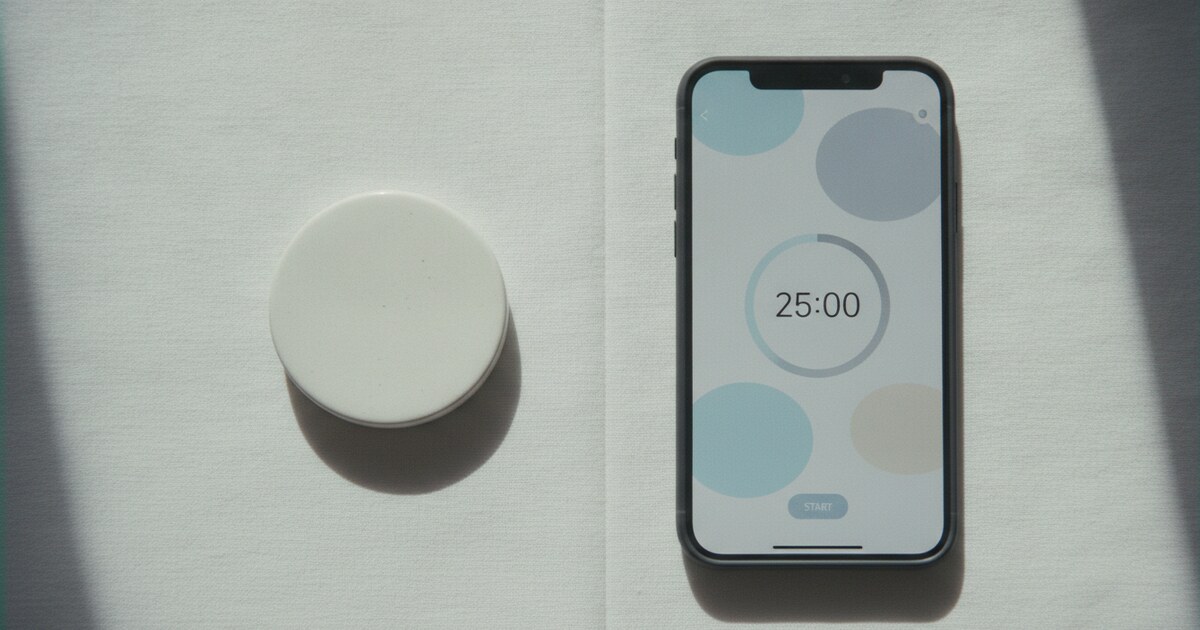
Brick is a battery-free NFC chip sealed in a small plastic housing. It was built by Brick LLC in Wisconsin, founded in 2023 by TJ Driver and Zach Nasgowitz. You select which apps to block in the free Brick app, tap your phone to the device to start a session, and walk the device somewhere else.
The hardware costs $59 once, with lifetime app access and no subscription required. Brick supports up to 10 custom modes (Work, Sleep, Family Time, and others you define), a built-in focus timer, Strict Mode to close software workarounds, and 5 Emergency Unbricks per session. The app holds 4.9 stars from over 57,000 App Store reviews.
Opal runs as software on iPhone, Android, and Mac. Its free tier gives you one blocking rule, basic timers and soundscapes, and an Opal Score tracking today’s screen-time data. The Pro tier, at $99.99 per year or $19.99 per month, unlocks unlimited rules, Opal Score history, advanced soundscapes, and Hard Mode.
A $399 lifetime option also exists. Students can apply for up to 50% off through Opal’s website.
Brick and Opal attack the same problem from opposite engineering philosophies. The average smartphone user checks their device 96 times a day (Asurion, 2023) and spends 4 hours 37 minutes on screen each day (DataReportal, 2025). Brick draws on implementation intention, a behavioral strategy studied by NYU psychologist Peter Gollwitzer: placing a required physical object in an inconvenient location raises the cost of impulsive behavior without eliminating access entirely.
Opal extends the software site-blocker model, common on desktop browsers since the mid-2000s, to iPhone, Android, and Mac with a subscription analytics layer. Brick’s NFC device costs $59 once with no recurring fee. Opal offers a free tier with one blocking rule and a Pro tier at $99.99/year; its Hard Mode, which Opal describes on its pricing page as “no way out,” is a Pro-only feature.
Founded in 2023 by Brick LLC of Wisconsin, Brick has earned 4.9 stars across 57,000+ App Store reviews.
How Blocking Works: Hardware Tap vs Software Schedule
With Brick, blocking is a physical act. You tap your phone to the NFC chip to start a session; the selected apps vanish from the home screen. Getting them back requires the chip to be physically in hand. If the chip is on your desk at work and you’re on your couch, retrieving it breaks the impulse before it becomes a full scroll session.
Brick’s Strict Mode adds a software layer that closes most bypass workarounds on iOS. It also supports custom modes so you can run different block lists in different contexts: a Work mode that hides social apps, a Sleep mode that cuts late-night distractions. The built-in timer tracks how long you’ve held the block.
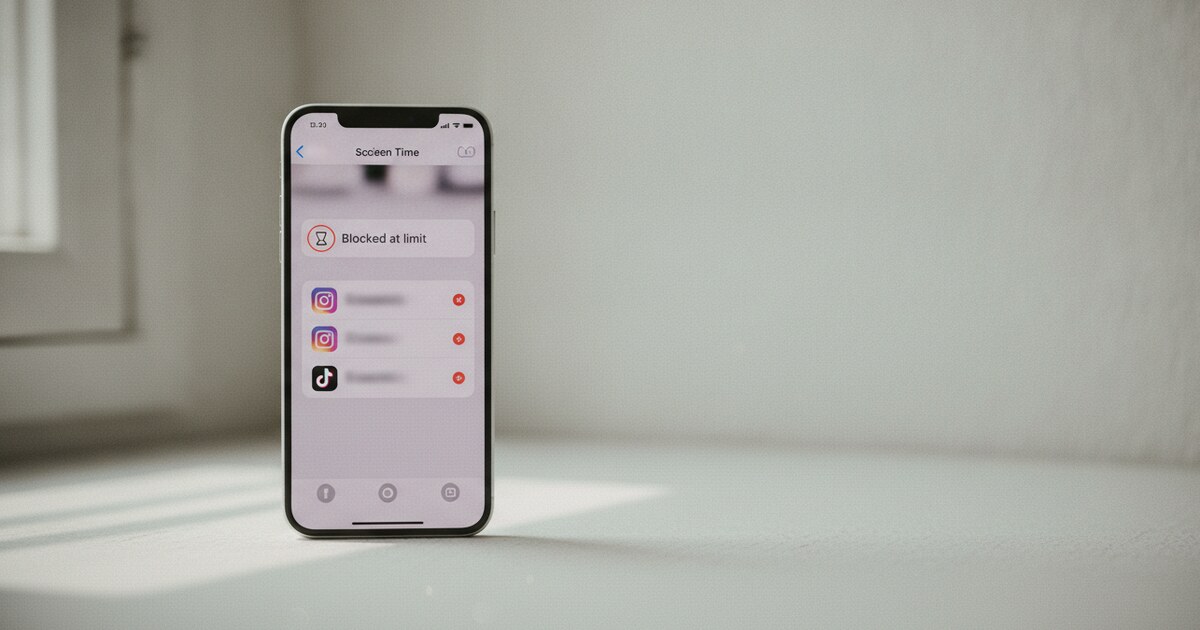
Opal’s blocking is schedule-driven. You create rules (block Instagram from 9 AM to 5 PM, limit TikTok to 30 minutes per day, or start a timed session when you sit down to work), and the app enforces them automatically. Hard Mode, on the Pro plan, makes the session uncancellable once started. Free-tier sessions are softer: a screen appears when you try to cancel, but a determined user can push through.
Price: One Purchase vs Subscription
The cost structures are as different as the mechanisms.
Brick: $59 one-time for the physical device, free app, no subscription required ever. Replacement devices and spare NFC chips are sold separately.
Opal: free tier with one rule, then $19.99 per month (3-day trial), $99.99 per year (one-week trial), or $399 for lifetime access.
If you run Opal Pro at the annual rate for two years, you’ve paid $200. A Brick covers the same window for $59. The long-term math favors Brick unless you need Mac blocking or more than one scheduled rule.
Platform Reach
Brick is available for iPhone (iOS 18.0 or later required) and Android via the Google Play Store. Its blocking is phone-level only: apps on your laptop are unaffected.
Opal runs on iPhone, Android, and Mac, with rules syncing across all three. If your distraction problem spans your phone and your MacBook, Opal can cover both under a single rule. Brick can’t reach the desktop.
For users whose hardest-to-avoid apps live on a laptop, Opal’s cross-platform reach is a real advantage.
Bypass Difficulty: Strict Mode vs Hard Mode
This is where the two products diverge most sharply.
Brick’s physical requirement closes the main bypass route. Strict Mode handles software workarounds on iOS, so without the puck in hand, there’s no digital path around the block. The 5 Emergency Unbricks per session exist for genuine situations. Reviewers consistently describe Brick as harder to bypass on impulse, specifically when the device has been left in another room.
Opal’s Hard Mode (Pro only) is described by the company as having “no way out” once a session starts. The free tier is less strict: a determined user can usually cancel sessions without much resistance. Independent comparisons note that tech-savvy users occasionally find workarounds in software systems, though Opal patches them as they’re discovered.
The honest read: a Brick device left in another room beats Opal Hard Mode for raw impulse resistance, because one requires physical access and the other only requires a subscription. But if you forget to tap the Brick, the session never starts. Opal’s scheduled rules run regardless.
Brick vs Opal: Side-by-Side Comparison
| Feature | Brick | Opal |
|---|---|---|
| Cost | $59 device, no subscription | Free (1 rule); $99.99/yr Pro |
| Platform | iPhone (iOS 18+), Android | iPhone, Android, Mac |
| Blocking method | Physical NFC tap | Software schedule/session |
| Strict/Hard Mode | Strict Mode (built in) | Hard Mode (Pro only) |
| Mac blocking | No | Yes (Pro) |
| Custom modes | Up to 10 | Unlimited (Pro) |
| Emergency unlock | 5 Unbricks/session | Session-dependent |
| Subscription | Never required | For Hard Mode + unlimited rules |
Who Should Pick Brick
Brick fits people whose problem is impulse. If you’ve already decided to stop scrolling but reach for the phone automatically seconds later, the hardware model addresses that gap in a way software alone can’t. When the chip is in another room, the impulse has nowhere easy to go.
It’s also the right call for anyone who has tried software blockers and found them too easy to turn off. The physical step genuinely changes what it takes to override the system.
The trade-off: it’s an object to manage. If your routine spans multiple locations or your distraction problem lives mainly on a laptop, the phone-only NFC model starts to show its limits.
Who Should Pick Opal
Opal fits people with structured days who want scheduling to run in the background. If you want social media blocked automatically from 8 AM to 6 PM on weekdays across your iPhone and MacBook, Opal sets that once and handles it without any daily tapping routine.
The free tier is a genuine testing ground. One rule is usually enough to find out whether scheduled blocking fits how you actually work before committing $99.99 to the annual plan.
The analytics layer matters too: Opal’s Opal Score history and Focus Gems give ongoing feedback that a tap-to-lock device doesn’t. If you want to track your focus habits over time, Opal has better data tools.
A Third Option for Faith-Motivated Users
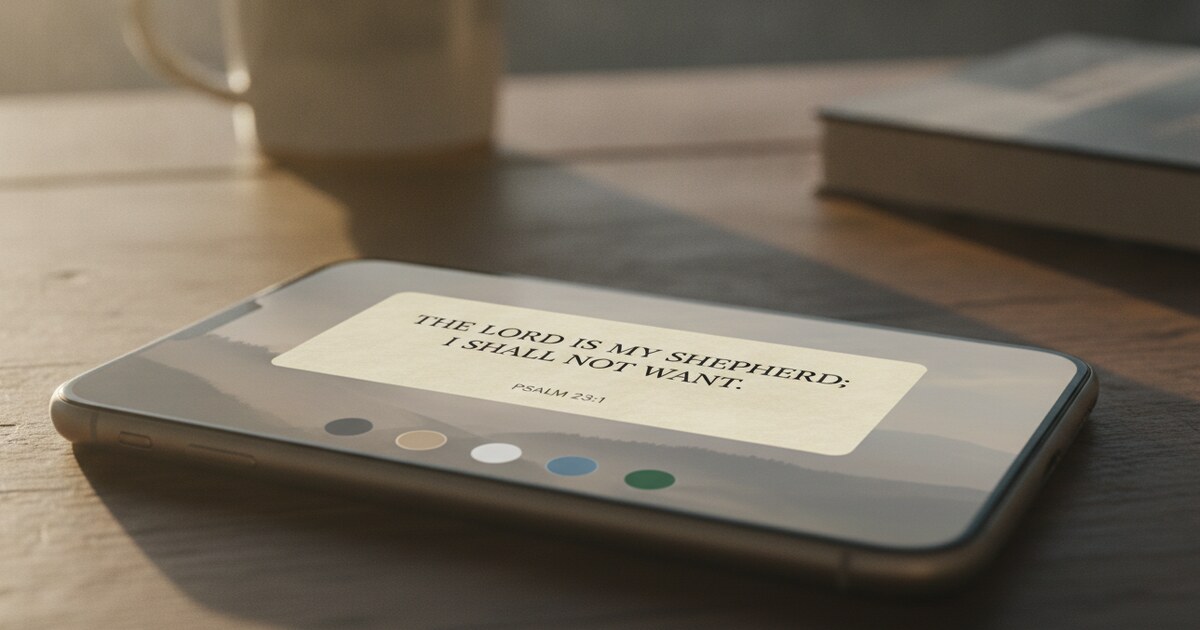
Brick and Opal both treat blocked apps as a pure friction problem. For Christian users who want that friction to carry meaning, Psalmo works differently. When you open a blocked app, Psalmo shows a Bible passage first. You read one verse, three verses, or a full chapter (your choice), and then the app opens for the window you set: 15 minutes to 4 hours.
For a broader look at faith-based app blockers alongside general options, the best Christian app blocker guide covers the full category. For a detailed look at Opal on its own, the Opal app review has the full pricing and feature breakdown.
Psalmo doesn’t have a Mac app and isn’t competing with Brick on hardware enforcement. It’s built for users who want Scripture as the pause, not just a countdown screen. The free plan covers blocking for up to 3 apps with a daily verse widget on both iPhone and Android.
Frequently Asked Questions
Is Brick better than Opal for focus?
For impulsive phone habits, Brick is harder to bypass when the physical device is elsewhere. For scheduled sessions and Mac blocking, Opal Pro’s Hard Mode offers more flexibility. The better tool depends on whether your problem is impulse or schedule.
Can you get around Brick without the physical device?
Brick’s Strict Mode closes most software workarounds. Without the puck physically in hand, there’s no digital bypass. Five Emergency Unbricks are included per session for situations when you genuinely need access.
Does Opal work without a subscription?
Yes. Opal’s free tier includes one blocking rule, basic timers, app blocking on iPhone, Android, and Mac, and today’s Opal Score. Hard Mode and unlimited rules require the Pro plan at $99.99/year.
Does Brick work on Android?
Yes. Brick is available on both iPhone (iOS 18.0 or later) and Android via the Google Play Store. The same physical NFC device works with both platforms.
What if you lose the Brick device?
Brick sells replacement NFC chips and spare devices. Their support team has an emergency unlock process for situations when the device is unavailable. Five Emergency Unbricks per session also provide a built-in safety valve.
Psalmo is free to download on iOS and Android. If you want app blocking that pairs a Bible passage with every unlock, you can set it up in about two minutes.