
Want a verse on every screen? Psalmo is free.
Opal App Review: Honest Verdict for 2026
Opal costs $99.99 a year, and most people searching for an opal app review want to know within the first paragraph whether that price is justified. This review covers what the free tier includes, what Pro adds, and where the app falls short — based on the live App Store listing and verified pricing as of October 2026.
Opal is available on iPhone (iOS 18.0+), Android, and Mac. It holds a 4.7-star rating from 89,769 App Store reviews and an Editors’ Choice designation from Apple. Opal OS Corporation develops it.
Opal is a screen time app that blocks distracting apps during scheduled focus sessions. The free tier covers basic app blocking and one session type. Pro ($99.99/year) adds Deep Focus mode, unlimited rules, and the Mac desktop extension. Most people testing whether app blocking changes their habits can start free and upgrade only if they find themselves bypassing the blocks.
What Opal Does
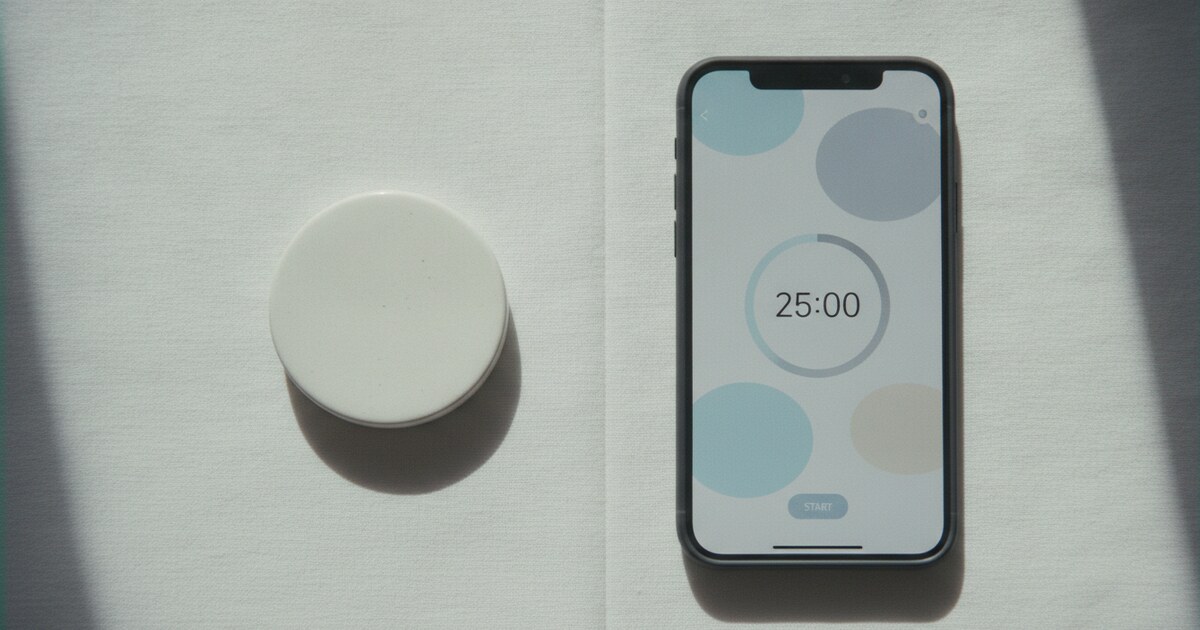
The core mechanic is a session. You schedule a focus block (say, 9 a.m. to noon on weekdays) and Opal blocks the apps you’ve chosen during that window. You can also start a session on demand: 25 minutes, 90 minutes, or a custom length.
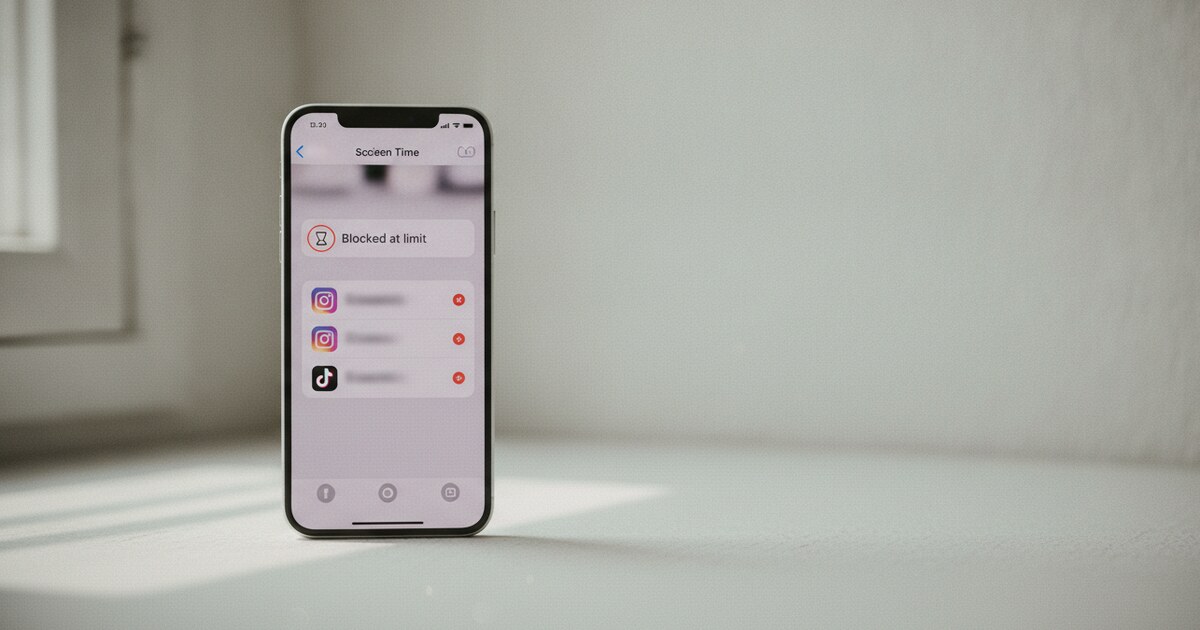
The key difference from iPhone’s built-in Screen Time is friction. Bypassing a Screen Time limit takes three taps and a passcode. Bypassing an Opal block requires the same steps, but the app adds a delay and confirmation prompt designed to interrupt the automatic reach. On the free tier you can still dismiss that prompt. Deep Focus (Pro only) removes the option entirely.
Opal was developed by Opal OS Corporation and is available on iPhone (iOS 18.0+), Android, and Mac, which puts it ahead of most faith-based blockers that are iPhone-only. The company reports over 500 million hours of screen time saved across its user base as of August 2026, with typical users recovering about 1 hour 23 minutes daily. The app holds a 4.7-star rating from 89,769 App Store reviewers. Pricing runs from free for basic blocking to $99.99 per year for Pro, which unlocks Deep Focus (sessions you can’t end early), unlimited rules, and the Mac desktop extension. On iPhone, Opal works through Apple’s Screen Time API. On Android it uses the Accessibility permission, the standard mechanism for all third-party app blockers on that platform. The Mac app extends your phone’s rules to the desktop, covering Chrome, Safari, and Firefox at the browser level. This cross-device reach is the main reason someone would consider Pro rather than staying on the free iOS-only plan.
Opal’s Key Features
Focus Sessions and scheduling. Set sessions by time of day, day of week, or trigger them manually. Each session carries its own allowed-apps list. Your Work session can allow Slack but block Twitter; your Evening session can block both.
Opal Score. A composite metric that combines sleep, focus time, and phone-down periods into a daily grade. Weekly reports show where your time goes. Score history is a Pro feature; the basic weekly summary is available free.
Focus Gems. A reward mechanic on both free and Pro tiers. Hitting milestones (first session, 1,000 total focus hours) unlocks badges. Whether this motivates you or reads as noise depends on how you respond to gamification.
Deep Focus. Pro only. Once a session starts in Deep Focus mode, you can’t end it early. There’s no “I just need to check one thing” option. This is the feature that separates Opal from softer blockers for anyone who knows they’ll rationalize their way out of a standard block.
Hard Mode. Similar to Deep Focus but set as the permanent default. Turning it off requires a 24-hour delay or contacting Opal support directly. Don’t activate this unless you’re fully committed to the app list you’ve built.
Mac app. A desktop version with a menu bar icon that mirrors your phone’s block rules and covers websites at the browser level. The Mac app has its own trial and pricing tier.
Calendar scheduling. Set recurring sessions so blocking runs automatically: Daily Deep Work from 8 a.m. to noon, for example, without you remembering to trigger it each morning.
Opal Pricing: Free vs. Pro and What It Costs
Opal is free to download. Paid plans, as listed on the App Store:
- Weekly: $4.99 per week
- Monthly: $19.99 per month
- Yearly: $99.99 per year ($8.33/month)
- Student weekly: $9.99 per week
- Pro subscription: $49.99
Monthly billing at $19.99 adds up to $240 per year, more than double the yearly rate. If you decide to subscribe, annual is the only tier that makes financial sense long-term.
Is the free tier enough? One productivity writer testing Opal reported cutting their screen time in half using only the free version. The free plan handles scheduled blocking and basic session management, which covers what most people need during an initial habit-formation period of four to six weeks. Pro matters most if you find yourself dismissing blocks (Deep Focus removes that path) or if you want desktop browser blocking through the Mac app.
Is Opal worth $99.99 a year? For a dedicated focus workflow involving timed blocks and cross-device use, yes. For occasional phone-checking reduction, the free tier is likely enough to test the habit first. At the high end of the app-blocker category, the annual cost makes the most sense once you’ve confirmed the mechanic works for you.
Where Opal Falls Short
iOS 18.0 required. The App Store listing specifies iOS 18.0 or later. Older iPhones that can’t run iOS 18 won’t install Opal.
Not a parental-control tool. Opal is self-imposed. You can disable blocking from Settings any time unless Hard Mode is active. It works well for adults managing their own habits; it doesn’t hold up as an enforcement tool for teenagers.
The gap between difficulty levels. Opal’s free tier runs on Normal mode (dismissible blocks). Pro unlocks Deep Focus (no override). Several users in forums note the missing middle: Normal feels too easy to bypass on a distracted day; committing to Deep Focus on a session-by-session basis feels like too large a jump.
Mac app is a separate cost. Cross-platform blocking sounds like a single subscription, but the Mac app carries its own pricing. Full coverage across phone and desktop costs more than the iOS plan alone.
The category is getting more affordable. One Sec’s friction-based delay approach is free with a small optional purchase. Freedom covers apps and websites across devices for $39.99 per year. Opal’s $99.99 annual cost made more sense before the category filled out.
Who Should Use Opal
Opal fits people who work in scheduled focus blocks, prefer a polished interface with light gamification, and need a stricter gate than their own willpower provides. The Editors’ Choice designation reflects a well-built onboarding and a clean design, which matters if you’ve bounced off harder-to-set-up screen time tools before.
It fits less well for users who want free long-term blocking without a subscription, parents enforcing limits on children, or anyone who needs robust website blocking without paying for the Mac tier separately.
A Faith-Based Alternative
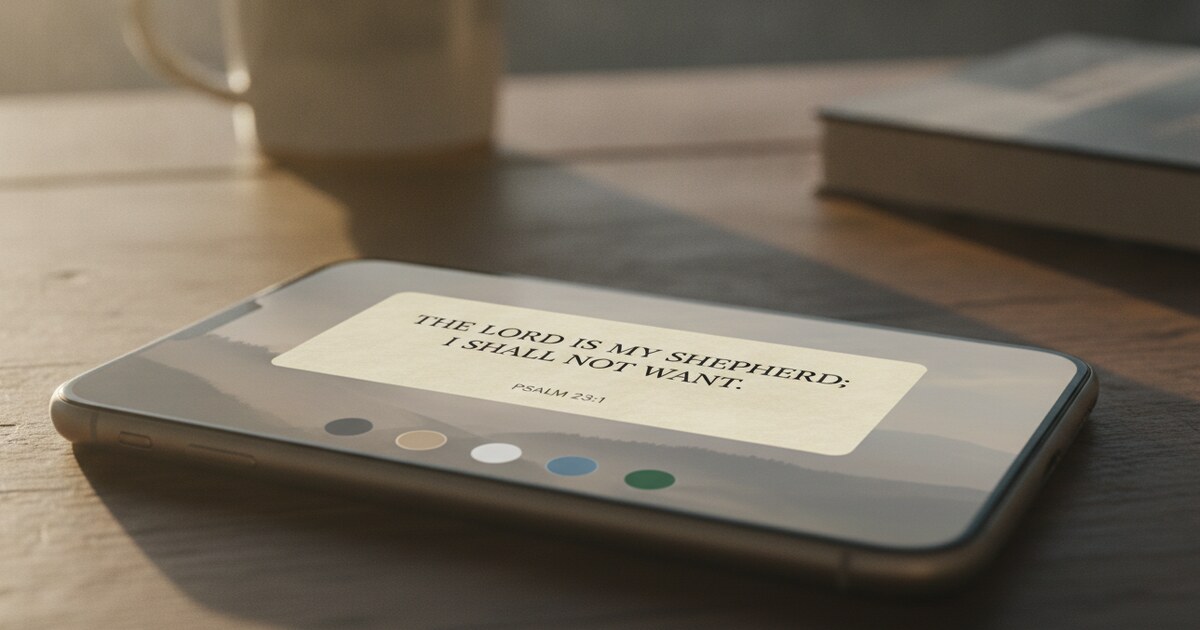
If you want a pause before opening distracting apps, with Scripture as the gate instead of a timer, Psalmo works differently. You pick the apps that pull you in (Instagram, TikTok, X, YouTube, or any others), and opening one shows a Bible passage first. After reading (one verse, three verses, ten verses, or a full chapter), the apps stay open for a window you set: 15 minutes to 4 hours.
The free plan covers blocking for up to 3 apps, plus home-screen widgets on iPhone and Android and lock-screen widgets on iPhone. There’s no Hard Mode equivalent, and blocking can be turned off at any time, so the gate is softer than Opal’s Deep Focus. For faith-focused users, reading a passage before opening Instagram is the point itself.
Psalmo runs on iPhone and Android. Opal runs on both platforms plus Mac, so if desktop blocking matters, Opal has that edge. For a comparison of six blockers by reader goal, the Opal alternatives guide covers Freedom, AppBlock, One Sec, Jomo, ScreenZen, and Psalmo side by side. For the full faith-based category, the best Christian app blocker guide covers seven options with honest verdicts on gate type, platform, and pricing.
Frequently Asked Questions
Is Opal free to use?
Opal has a free tier with basic app blocking and scheduled sessions. The Pro plan ($99.99/year) adds Deep Focus mode, unlimited rules, advanced analytics, and access to the Mac app trial. The free version is enough for most people to test whether app blocking changes their habits before committing to a subscription.
What does Opal cost per year?
Opal’s annual plan is $99.99, which works out to $8.33 per month. Monthly billing is $19.99, weekly is $4.99, and a student weekly option is $9.99. All prices are listed on the App Store and subject to change. The annual plan is the most cost-effective billing cycle.
Does Opal work on Android?
Yes. Opal is available on iPhone (iOS 18.0+), Android, and Mac. On Android it uses the Accessibility permission to block apps. Android users get app blocking but not the website-level blocking or Mac desktop extension that Pro includes.
Can Opal block websites on iPhone?
iPhone website blocking is limited by Apple’s Screen Time API. The Mac app provides full browser-level blocking (Chrome, Safari, Firefox) on desktop. Comprehensive cross-device website blocking requires the Mac app subscription alongside the iOS plan.
What is Opal’s Hard Mode?
Hard Mode sets Deep Focus as the permanent default, so no session can be ended early without a 24-hour delay or direct contact with Opal support. It’s designed for users who’ve tested standard Deep Focus and still found ways around it. Most users try scheduled Deep Focus sessions before committing to Hard Mode.
Psalmo is free to download on iOS and Android. If you want a screen time tool that builds a verse into every unlock, it pairs well with whatever blocker you settle on. Get Psalmo free on iOS and Android.