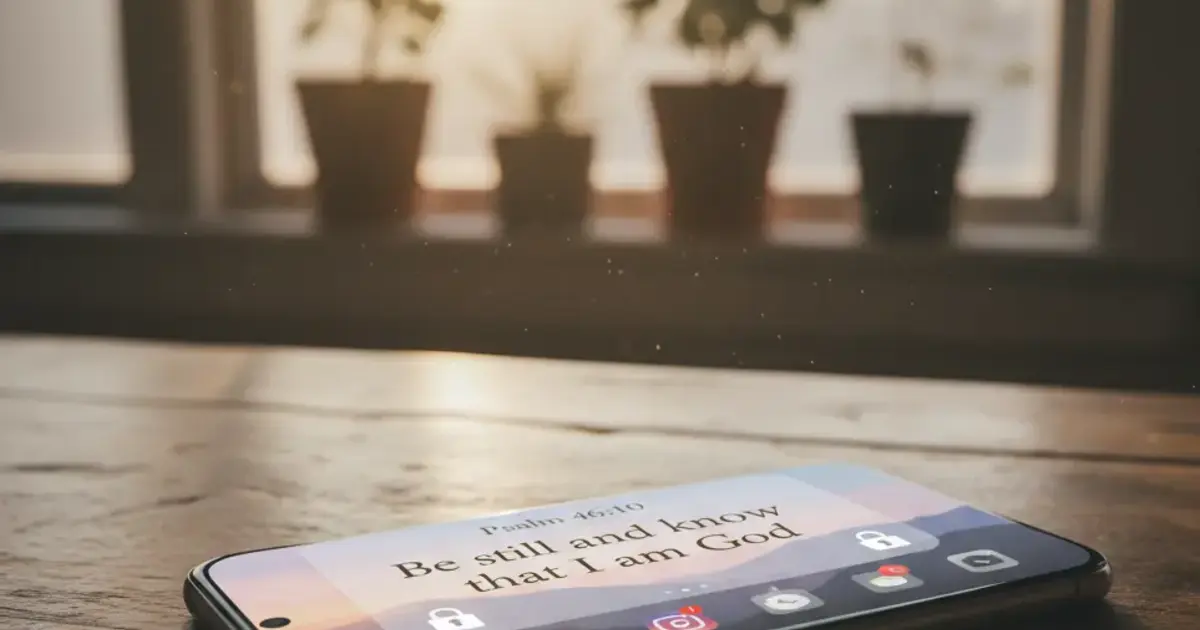

Want a verse on every screen? Psalmo is free.
Most screen time apps give you the same loop: check the hours, feel bad, set a daily limit, and tap “Ignore Limit” before noon. A scripture screen time app breaks that loop. The gated apps don’t unlock on a timer. They unlock when you’ve read today’s verse.
A scripture screen time app pauses social media access (Instagram, TikTok, YouTube) until you’ve read today’s Bible verse. The best option in 2026 is Psalmo: cross-platform (iOS and Android), free lock-apps feature, and you choose exactly which apps to gate. Bible Mode and FaithLock are the main alternatives, but both are iOS-only.
Here’s how the top options compare, how to set Psalmo up in about 3 minutes, and why verse-gating works when clock limits don’t.
How a Scripture Screen Time App Works
A scripture screen time app uses Bible content as the gate for your most attention-hungry social apps. The flow is direct: open the app, read today’s verse, and Instagram (or TikTok, YouTube, Snapchat, whichever apps you’ve chosen) unlocks for the rest of the day. Skip the verse, and those apps stay paused.
This is different from Apple Screen Time and Android Digital Wellbeing, which cap usage by the clock. Clock-based limits are easy to dismiss with a single tap, and most people have done exactly that before getting out of bed. Verse-gating requires a specific action: read something. That friction is the point.
Habit research consistently shows that inserting a deliberate pause before an automatic behavior is more durable than time caps alone. The pause interrupts the reflex. A scripture screen time app ties that interruption directly to your daily faith practice. The verse is the unlock mechanism: once you’ve read it, the apps open.
For a detailed look at how the phone-locking mechanism works across iOS and Android, the guide on bible apps that lock your phone covers the Screen Time API and Digital Wellbeing flow in full.
The Best Scripture Screen Time Apps in 2026
Four apps occupy this niche. Here’s how they compare:
| App | Platform | Lock-apps feature | Widget | Free tier |
|---|---|---|---|---|
| Psalmo | iOS + Android | Yes, pick which apps | Yes, 3 sizes | Full lock-apps feature free |
| Bible Mode | iOS only | Yes, grays home screen | No | Paid for core feature |
| FaithLock | iOS only | Yes, specific apps | Limited | Paid for core feature |
| Prayer Lock | iOS only | Limited | No | Free but very basic |
Psalmo works on iOS and Android, which alone separates it from every competitor in this category. You pick which apps to gate: Instagram, TikTok, X, YouTube, Snapchat, or any combination. Those apps pause until you open Psalmo and read the day’s verse, then unlock for the full day. The lock-apps feature is free, no subscription required.
Bible Mode takes a heavier approach: instead of gating specific apps, it grays out your entire home screen. You scroll past a verse to reach your apps. Some users prefer this because setup requires no choices. The tradeoffs: iOS only, and the core feature is paywalled.
FaithLock gates specific apps like Psalmo does, but it’s iOS-only and the blocking feature requires a paid plan. No home-screen widget.
Prayer Lock is free but covers limited ground. The lock mechanic is tied to a logged prayer rather than a verse, which fits a narrower use case and doesn’t include any widget layer.
If you’re on Android, Psalmo is the only option with a real feature set. For a direct head-to-head on Bible Mode specifically, the bible mode alternatives guide walks through that comparison in detail.
How to Set Up Psalmo as a Scripture Screen Time App
Getting this running takes about 3 minutes.
On iPhone:
- Download Psalmo from the App Store.
- Open the app, go to Settings > Lock Apps.
- Toggle on the apps you want to gate.
- Grant Screen Time permissions when prompted. This connects Psalmo to Apple’s app-gating system.
- Set your verse categories in Settings > Verse Preferences (15 categories: Faith, Peace, Strength, Hope, Healing, and more).
- Add the widget: long-press your home screen, tap the + icon, search Psalmo, place your preferred size (small, medium, or large).
On Android:
- Download Psalmo from Google Play.
- Go to Settings > Lock Apps and toggle on the apps you want to gate.
- Grant the Digital Wellbeing / UsageStats permission when prompted.
- Set your verse categories and your daily notification time.
- Add the widget: long-press your home screen, find Psalmo in the widget list, place it.
The verse widget refreshes daily at midnight by default. You can switch to hourly refresh in Settings > Widget Refresh if you want new verses throughout the day.
Scripture Screen Time vs. Built-In Phone Tools
Apple Screen Time and Android Digital Wellbeing are good at diagnosis. They show you where the time went and let you set caps per app. The problem isn’t the data or the limits: it’s the “Ignore Limit” button.
That button is designed to feel like a reasonable choice, and it does when you’re half-awake at 6:45am. You dismiss the limit before you’re conscious enough to make a real decision. By the time you’ve caught yourself, the scroll has already started.
Verse-gating sidesteps the dismiss problem. There’s no “Ignore Limit” tap. You have to read the verse. Those 30 seconds shift the sequence: you choose to read scripture first, then you choose whether to open TikTok. The order matters.
The two tools complement each other well. Use Screen Time’s downtime scheduler to quiet notifications overnight. Use Psalmo’s lock feature to gate your highest-attention apps in the morning. One handles the clock, the other handles the reflex.
How Psalmo Works as a Scripture Screen Time App
Psalmo bundles three things that scripture screen time users usually piece together from separate apps: app-gating, a daily verse widget, and verse push notifications.
The gating flow is straightforward. You wake up, try to open Instagram, see it’s paused. Open Psalmo, read today’s verse (drawn from whichever of the 15 categories you’ve turned on), and Instagram unlocks for the day.
The streak counter increments. No shame mechanic if you miss a day: the streak rewards consistency without punishing gaps.
The widget puts today’s verse on your home screen or lock screen (iOS 16+) in one of 15+ aesthetic themes: Classic, Dark, Minimal, Marble, Ocean, Stained Glass, and more. The free tier includes 3 themes. Premium unlocks the full library plus custom photo backgrounds.
The AI prayer tools (premium) let you request a verse matched to your situation, ask for a short generated prayer, or ask plain-language questions about any Bible passage. Psalmo uses KJV and WEB, both public domain. No premium translations gated behind a subscription.
The free tier covers the full scripture screen time workflow: app-gating, daily verse delivery, push notifications, KJV/WEB translations, and 3 themes. That’s the core product at no cost. Users who want the design layer and AI tools can upgrade, but the behavior-change feature doesn’t require it.
Frequently Asked Questions
What is a scripture screen time app?
A scripture screen time app gates social media access (Instagram, TikTok, YouTube) behind a daily Bible verse. You read today’s verse and the gated apps unlock for the rest of the day. The top options in 2026 are Psalmo (iOS and Android), Bible Mode (iOS only), and FaithLock (iOS only). Psalmo is the only one that works on both platforms and keeps the lock-apps feature free.
Does a scripture screen time app actually reduce phone use?
Yes, when the friction is deliberate. Verse-gating requires a specific action before unlocking social media, which interrupts the automatic grab-and-scroll reflex. Habit research shows that inserting an intentional pause before a compulsive behavior is more durable than clock-based limits alone. Most Psalmo users report fewer mindless opens within the first week of using the app-gating feature.
Is Psalmo available on Android?
Yes. Psalmo works on iOS and Android. Most scripture screen time apps (Bible Mode, FaithLock) are iOS-only. Psalmo’s Android version uses Digital Wellbeing APIs for app gating and WorkManager for widget refresh, so the core lock-apps feature works on Pixel and Samsung devices without a separate subscription.
Can I choose which apps get blocked until I read scripture?
In Psalmo, yes. You pick the list: Instagram, TikTok, X, YouTube, Snapchat, or any combination. The feature can be disabled at any time and you stay in control of which apps are gated. Bible Mode works differently: it grays out your entire home screen rather than targeting specific apps.
Do scripture screen time apps require a paid subscription?
Psalmo’s lock-apps feature is free. The app-gating and daily verse widget don’t sit behind a paywall. A premium tier adds extra themes, custom photo backgrounds, and AI prayer tools. Bible Mode and FaithLock both charge for their core unlock features, making Psalmo the only free cross-platform option in this category.
If you’re ready to start the day with scripture before the scroll, download Psalmo on the App Store or Google Play and have the lock-apps feature running in about 3 minutes.




