

Want a verse on every screen? Psalmo is free.
TikTok is engineered to keep you opening it. The average user launches it 19 times a day and logs nearly 90 minutes of watch time. If you’ve been looking for something that puts scripture between you and that loop, a bible app that blocks TikTok is exactly the tool you need.
The best bible app that blocks TikTok in 2026 is Psalmo. It pauses TikTok until you’ve read today’s verse, works on both iOS and Android, and the blocking feature is free with no subscription required. Bible Mode is the main iOS-only alternative. Both apps use your phone’s native screen-time API; the gate resets at midnight each night.
Four apps do this meaningfully well. Here’s how they differ and which one fits your situation.
How Bible Apps That Block TikTok Actually Work
Apps like Psalmo gate TikTok by connecting to your phone’s native screen-time controls. On iOS 16 and later, that’s the Screen Time API (the same system Apple’s built-in parental controls use). When Psalmo activates the gate, it tells iOS to pause TikTok until a condition is met: you open the verse screen and read today’s passage. On Android, Psalmo uses Digital Wellbeing’s app-pausing API to accomplish the same thing. The gate runs at the operating-system layer, which is why it holds even if you try opening TikTok from a notification or a shortcut. TikTok just shows a paused-app screen until the reading condition clears. Once you’ve read the verse, the lock lifts for the rest of the day. At midnight, it resets automatically, so tomorrow morning requires another reading. You stay in control of the app list: TikTok is the most common pick, but you can add Instagram, YouTube, X, Snapchat, or any combination. The blocking list is editable and can be turned off entirely in settings.
This is the feature that separates Psalmo (and a handful of competitors) from every standard Bible app. YouVersion, Bible Gateway, and Olive Tree don’t do any blocking. They’re reader-first apps. Psalmo was built around the gate.
Best Bible App That Blocks TikTok in 2026
Four apps are worth looking at. Here’s how they compare at a glance:
| App | Platforms | TikTok Blocking | Free Tier | Widgets |
|---|---|---|---|---|
| Psalmo | iOS + Android | Yes | Yes (up to 5 apps) | Yes (3 sizes) |
| Bible Mode | iOS only | Yes | Limited | No |
| FaithLock | iOS only | Yes | No | No |
| Abbey | iOS only | Soft nudge | Yes | No |
Psalmo is the only option that runs on both iOS and Android. If you’re on Android, it’s your only real choice in this category. The free tier includes TikTok blocking, daily verse widgets in three sizes, and 3 themes. Premium unlocks 15+ themes, custom photo backgrounds, and AI prayer tools.
Bible Mode (by Friday Labs) is the strongest iOS alternative. It blocks TikTok and other apps, adds a full-phone greyscale mode, and leans into the digital detox framing. The free tier is thin — most blocking functionality sits behind a subscription. Read the full Bible Mode review and alternatives if you want the detailed breakdown.
FaithLock has the most aggressive blocking in the category. Once TikTok is gated, there’s no soft path around it. Paid from day one, iOS only, no widget layer.
Abbey takes the lightest approach. Instead of a hard gate, it shows a friction screen asking if you really want to open TikTok. Less effective for people who need a real block, but useful for those who find hard locks too rigid.
For most people, particularly on Android, Psalmo is the clear answer. If you’re iOS-only and want the most aggressive TikTok blocking possible, FaithLock is worth a look alongside it.
How to Set Up TikTok Blocking in a Bible App
Here’s the Psalmo setup on iPhone:
- Download Psalmo from the App Store and open it.
- Tap the shield icon on the home screen to open app-blocking setup.
- Select TikTok from the app list. Add any other apps you want to gate.
- Set your verse categories (Faith, Peace & Anxiety, Morning Verses, and 12 others).
- Tap “Activate.” iOS prompts you to approve Screen Time permission.
- Done. TikTok is now gated until you read tomorrow’s verse.
The first time you open TikTok after setup, Psalmo intercepts it and shows today’s verse. Read it — takes about 30 seconds — and TikTok opens normally for the rest of the day.
On Android, the flow is identical. Psalmo asks for Digital Wellbeing permission instead of Screen Time, but every other step is the same.
Bible Mode’s setup on iOS is similar. The main difference is the permission prompt: Bible Mode uses a Screen Time passcode approach that adds an extra step during initial configuration.
Does Blocking TikTok Until You Read the Bible Work?
The short answer: yes, if the gate is hard enough.
Soft nudges (like Abbey’s pause screen) have low follow-through because tapping past a modal is trivial. Hard gates tied to a real action (reading a verse, not just dismissing a screen) produce different behavior. There’s a meaningful difference between “do you really want to open TikTok?” and “you can’t open TikTok until this is done.”
Research on friction-based habit change supports this. Adding one deliberate step before a high-engagement behavior reduces automatic, mindless use significantly. The scripture component does double duty: it creates the friction and replaces the opening habit loop with something intentional.
A few things that affect whether it sticks:
- Category fit. Pick a verse category that connects to what you’re actually praying about. “Peace & Anxiety” or “Morning Verses” tend to hold attention better than a catch-all rotation.
- App selection. Block the apps that actually pull you. If TikTok is the problem app, block TikTok. Don’t sweep in work tools and create friction where you don’t need it.
- The off switch. Psalmo lets you disable the gate entirely in settings. That’s good design. People who set this up voluntarily tend to leave it on far longer than those who feel coerced by an app.
If willpower alone hasn’t worked, a hard OS-level gate with a scripture trigger is a different category of tool entirely. It’s worth trying before concluding you can’t break the habit.
How Psalmo Handles TikTok Blocking
Psalmo was built around one idea: put scripture between you and the scroll. The TikTok-blocking feature is the primary reason most screen-time-aware Christians download it over the standard Bible reader apps.
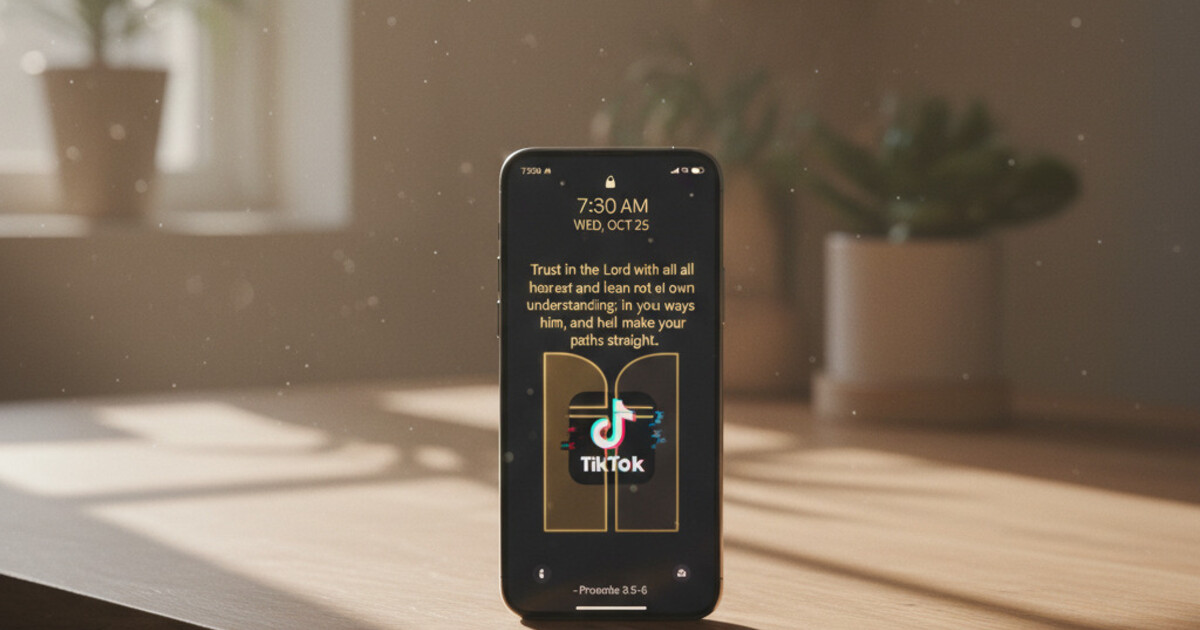
When TikTok is set as a blocked app in Psalmo, your morning looks like this: you pick up your phone, you tap TikTok, and Psalmo intercepts the launch with today’s verse instead. The verse draws from the categories you’ve toggled on — Faith, Strength & Courage, Peace & Anxiety, Gratitude, and 11 others. Read it, and TikTok opens. That’s the whole workflow.
The widget layer makes this habit stick. Psalmo puts a daily verse widget on your home screen in small, medium, or large, and on the iOS lock screen in three accessory shapes. So even before you try to open any app, today’s verse is already visible on your lock screen. The gate and the widget work as two separate reinforcing prompts.
Psalmo runs on both iOS and Android. Most competitors are iOS-only. If you’re buying for a family or recommending to someone on Android, that cross-platform coverage matters.
For more options in the broader category, see apps that lock Instagram until you read the Bible and best bible app to reduce screen time.
If you want to stop opening TikTok before you’ve spent a moment with scripture, Psalmo makes that the default, free on iOS and Android.
Frequently Asked Questions
Does a bible app actually block TikTok?
Yes. Apps like Psalmo and Bible Mode use Apple’s Screen Time API on iOS, or Android’s Digital Wellbeing API, to pause TikTok until you’ve read today’s verse. Once you open and read it, TikTok unlocks for the rest of the day. The block resets at midnight automatically.
Which bible app blocks TikTok on Android?
Psalmo is the only bible app that blocks TikTok on both iOS and Android. Bible Mode, FaithLock, and Abbey are iOS-only. On Android, Psalmo uses the Digital Wellbeing API to gate TikTok and any other app you choose until today’s verse is read.
Is blocking TikTok with a bible app free?
Psalmo’s free tier includes TikTok blocking for up to 5 apps with no subscription required. Bible Mode has a limited free option but restricts most blocking features to paid plans. FaithLock charges from day one. Psalmo has the most complete free blocking tier of any bible app in this category.
Can I choose which apps get blocked besides TikTok?
Yes. In Psalmo, you pick which apps to gate: TikTok, Instagram, X, YouTube, Snapchat, or any combination. The list is yours to configure and can be changed anytime in settings. Bible Mode and FaithLock also allow a custom blocked app list.
Does Psalmo block TikTok all day or just in the morning?
Psalmo blocks TikTok until you’ve read today’s verse, which most people do in the morning. Once you read it, TikTok unlocks for the full day. The gate resets at midnight each night. There’s no time-of-day restriction beyond that one daily reading requirement.




