
Want a verse on every screen? Psalmo is free.
Bible Mode vs FaithLock: Which App Wins in 2026?
If you’ve spent any time searching for a Christian app blocker on iOS, two names keep coming up: Bible Mode and FaithLock. Both promise to put Scripture between you and your social apps. Both work on iPhone. Both have their defenders online. What they don’t share is how they get there.
Bible Mode and FaithLock use different theories of friction. One wants to make the gate as easy as possible. The other wants it to cost something. If you’re trying to decide between them, the friction question is the whole decision. This breakdown covers how each app works, where they diverge, and when Psalmo is worth considering as a third option.
Bible Mode and FaithLock are both iOS-only Christian app blockers that gate social media until you complete a daily Scripture interaction. Bible Mode uses a single verse with a quick read-and-confirm tap, typically 8 to 10 seconds. FaithLock uses a longer reading sequence, typically 30 to 45 seconds. Neither app runs on Android, and neither bundles Scripture widgets with the gate mechanic.
What Bible Mode Does
Bible Mode, built by Friday Labs, is designed for low-friction Scripture exposure. Open the app, read today’s verse, tap confirm. The blocked apps on your list (Instagram, TikTok, YouTube, X, and others) unlock for the rest of the day. The gate runs through Apple’s Screen Time and Family Controls API, the same infrastructure behind iOS parental controls.
The Christian screen-time app category has grown from 2 meaningful options in 2022 to at least 7 distinct apps by mid-2026. Bible Mode occupies the lighter end of that field: it’s built for users who want a brief verse pause before the scroll habit kicks in, not a full devotional session. The app delivers a verse display, basic widget support, and a limited free tier before a subscription paywall. Pew Research (2024) found 62% of U.S. Christians say faith is very important to their daily life and 45% pray daily, pointing to a large audience for ambient Scripture habits without a demanding daily time commitment. DataReportal (2025) puts average daily phone screen time at 4 hours 37 minutes. IDC (2023) reports 79% of smartphone users check their devices within 15 minutes of waking. Bible Mode targets that first-phone-reach moment, inserting a verse between the wake-up instinct and the scroll habit. As of mid-2026, it has no Android version and no announced roadmap for one.
Bible Mode’s design philosophy is low friction. One verse. One tap. Done. That simplicity is the whole product, and it works for users who’ve found heavier devotional apps too demanding to sustain.
Its limits follow from the same design. An 8-second gate is easy to rush through without absorbing the verse. There’s no meaningful widget experience, no AI features, and no Android path. If any of those matter to you, Bible Mode runs out of answers quickly.
What FaithLock Does
FaithLock takes a higher-friction approach to the same core problem. Before your blocked apps unlock, you complete a longer reading sequence. The exact interaction depends on your settings, but users consistently describe it as closer to 30 to 45 seconds of active engagement rather than a quick verse glance.
That added friction is the product, not a side effect. A gate that requires genuine reading is harder to sleepwalk through after the first week. If you’ve tried verse-gate apps before and found yourself tapping confirm without absorbing anything, FaithLock’s longer sequence creates more intentional pressure.
FaithLock is iOS-only. The design is more utilitarian than Bible Mode, focused entirely on the gate mechanic rather than visual polish or theming. The free tier is limited, with the fuller feature set behind a subscription. From a friction standpoint, FaithLock sits between Bible Mode (lightest gate in the category) and Holy Focus (heaviest gate, with 300+ liturgical prayers running 80 to 140 words each). If you want something that genuinely slows you down without committing to a full prayer format, FaithLock is the middle option.
The honest limitation: FaithLock is gate-only. There’s no home-screen or lock-screen widget. Scripture appears on your phone only when you try to open a blocked app. If you want a verse visible throughout the day, not just as a morning barrier, you’d need a second app alongside it.
Bible Mode vs FaithLock: Head-to-Head
Here’s how the two apps compare across the features that matter most for a daily Scripture habit:
| Feature | Bible Mode | FaithLock |
|---|---|---|
| Platform | iOS only | iOS only |
| Gate mechanic | Single verse + confirm tap | Longer reading sequence |
| Friction level | Low (8-10 seconds) | Moderate (30-45 seconds) |
| Widget support | Minimal | None |
| Themes / aesthetics | Basic | Basic |
| AI features | None | None |
| Free tier | Limited | Limited |
| Android | No | No |
Two points from this table stand out. First, neither app runs on Android. US Statcounter data (mid-2026) puts Android at roughly 44% of the smartphone market. Anyone on a Samsung, Pixel, or other Android device can’t use either of these apps. Second, neither bundles the gate with a meaningful widget experience. The Scripture gate and a home-screen verse display remain separate products.
Which One to Pick
Bible Mode fits if:
- You want the lightest possible daily gate
- You’re new to Scripture-anchored screen habits and don’t want to start with heavy friction
- A brief verse exposure is enough to shift your first-morning instinct
FaithLock fits if:
- You’ve tried lighter gates and found yourself tapping through without reading
- You want a gate that costs enough time to feel intentional
- The middle-friction option between a quick verse and a full prayer liturgy is what you need
Both apps are iOS-only. If you’re on Android, neither is an option. If you want your Scripture gate and home-screen widget from one app rather than two, neither covers that either. A complete comparison of the category, including cross-platform and widget-bundled options, is in the best Christian app blocker guide.
One practical note: both apps have limited free tiers. The fastest way to know which friction level fits your habit is to try the free tier for a week before optimizing the decision in your head.
How Psalmo Fits
Psalmo runs on iOS and Android. The gate mechanic follows the same model as Bible Mode: you pick which apps to block (Instagram, TikTok, X, YouTube, Snapchat, or any combination), and they unlock once you’ve read today’s verse. A closer look at how the Psalmo gate compares to FaithLock’s approach is in the Psalmo vs FaithLock breakdown.
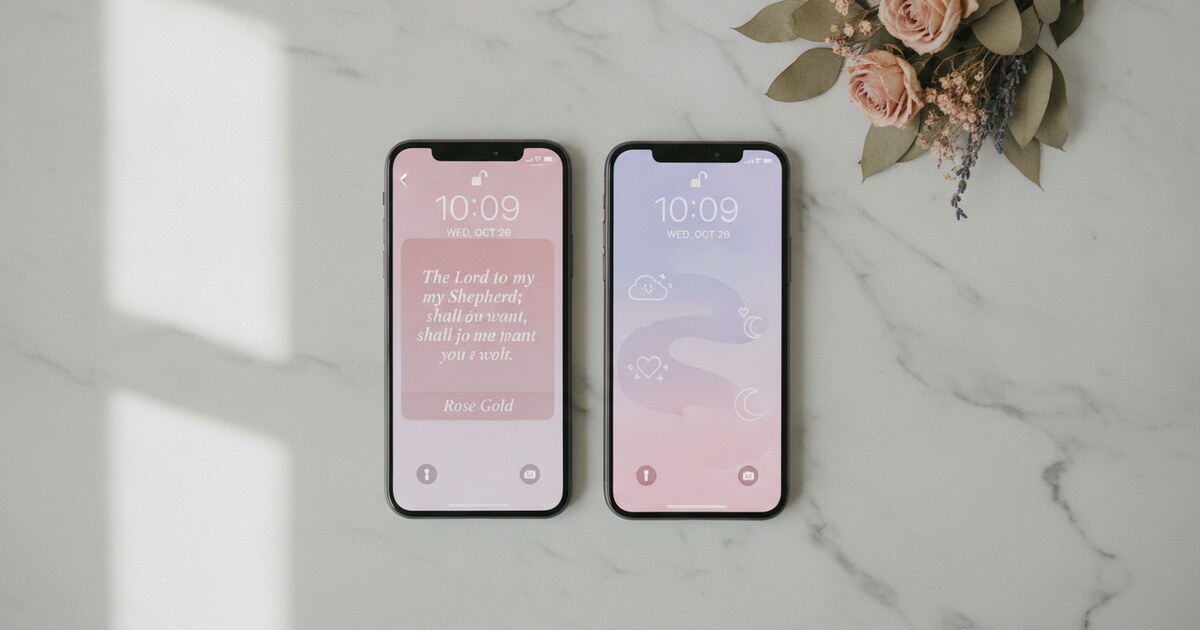
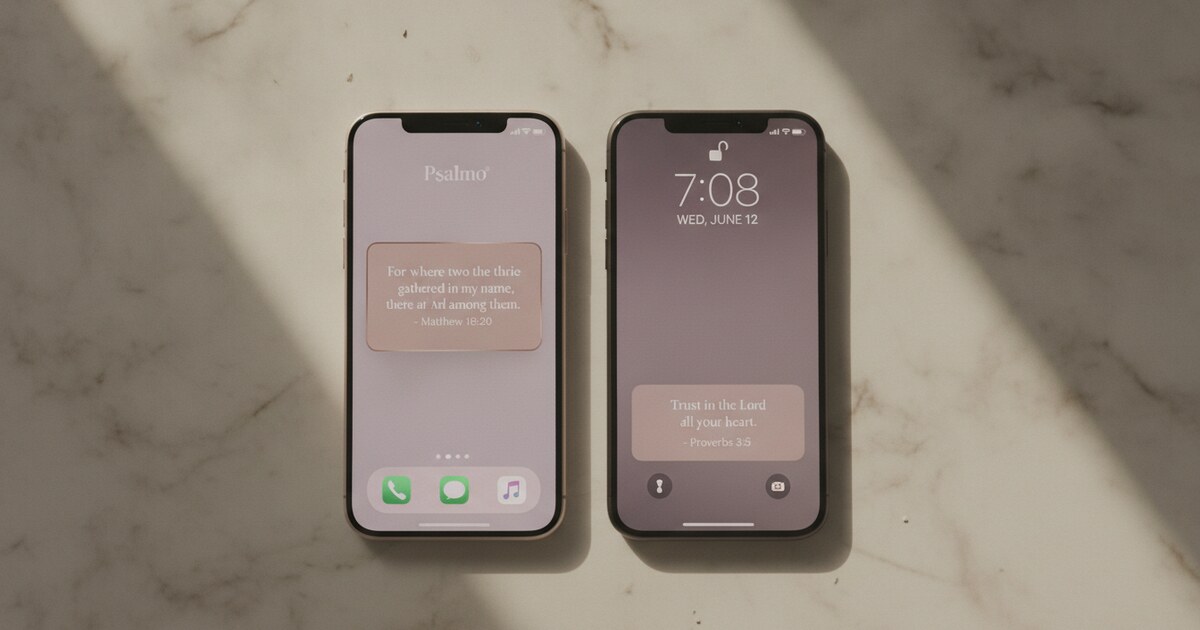
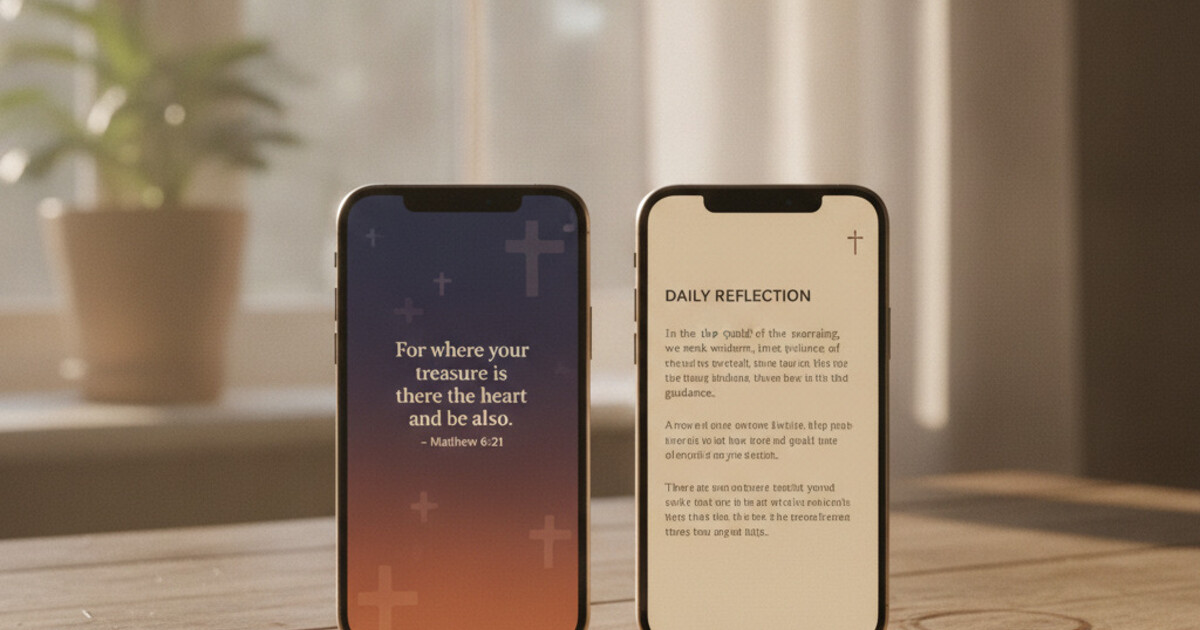
What’s different is what comes bundled. Home-screen widgets in small, medium, and large sizes. Lock-screen widgets on iOS in rectangular, circular, and inline formats, refreshed daily at midnight or hourly depending on your setting. Fifteen-plus aesthetic themes from Classic and Dark to Marble, Gold Leaf, and Stained Glass. AI features on the premium tier: a prayer generator, a verse-finder for specific situations, a Bible explanation tool, and a weekly reflection prompt. KJV and WEB are both included and both free, with no subscription needed for the core verse content.
If you’re iOS-only and want the lightest gate, Bible Mode is a reasonable starting point. If you want more friction on iOS, FaithLock is the right step. If you’re on Android, or if you want Scripture visible all day without adding a second app, Psalmo handles both in one download.
Frequently Asked Questions
Is Bible Mode or FaithLock better for Android?
Neither Bible Mode nor FaithLock runs on Android. Both apps use Apple’s Screen Time and Family Controls API, which is iOS-only infrastructure. If you’re on a Samsung, Pixel, or any other Android device and want a Christian verse-gate app, Psalmo is currently the only option in this category that runs on Android with a genuine lock-apps mechanic and a Scripture widget included.
How long does the gate take in each app?
Bible Mode takes roughly 8 to 10 seconds: open the app, read the verse, tap confirm. FaithLock requires a longer interaction, typically 30 to 45 seconds, before your blocked apps unlock. The time difference matters more than it sounds. An 8-second gate is easy to rush past without reading. A 45-second gate is harder to dismiss mindlessly, which is the whole point of adding friction.
Does Bible Mode have home-screen widgets?
Bible Mode has minimal widget support, though it’s not a feature the app emphasizes. FaithLock has no widget support. For a daily Bible verse displayed on your home screen or iOS lock screen, you’ll either need a separate widget app alongside Bible Mode or FaithLock, or use Psalmo, which bundles the verse gate and the widget in one app on iOS and Android.
Are these apps free to use?
Both have limited free tiers. The full feature sets, including deeper content access and extended interaction options, sit behind subscriptions. Psalmo’s free tier includes the daily verse gate, home-screen widgets in three sizes, and basic themes with no time limit. The premium tier adds custom photo backgrounds, an hourly refresh option, and AI features including a prayer generator and verse-finding tool.
Can I run Bible Mode and FaithLock on the same iPhone?
Both apps can be installed together, but running them simultaneously is redundant. Both tap into the same Apple Screen Time framework to block apps, so stacking them on the same blocked apps creates two consecutive gates without meaningful extra benefit. Pick one gate mechanic and give it at least two weeks before switching. Habit formation research (Lally et al., 2010, University College London) found most daily habits stabilize within 66 days.
Psalmo is free on the App Store and Google Play. Download it, set your first verse gate, and add a widget in under two minutes.