
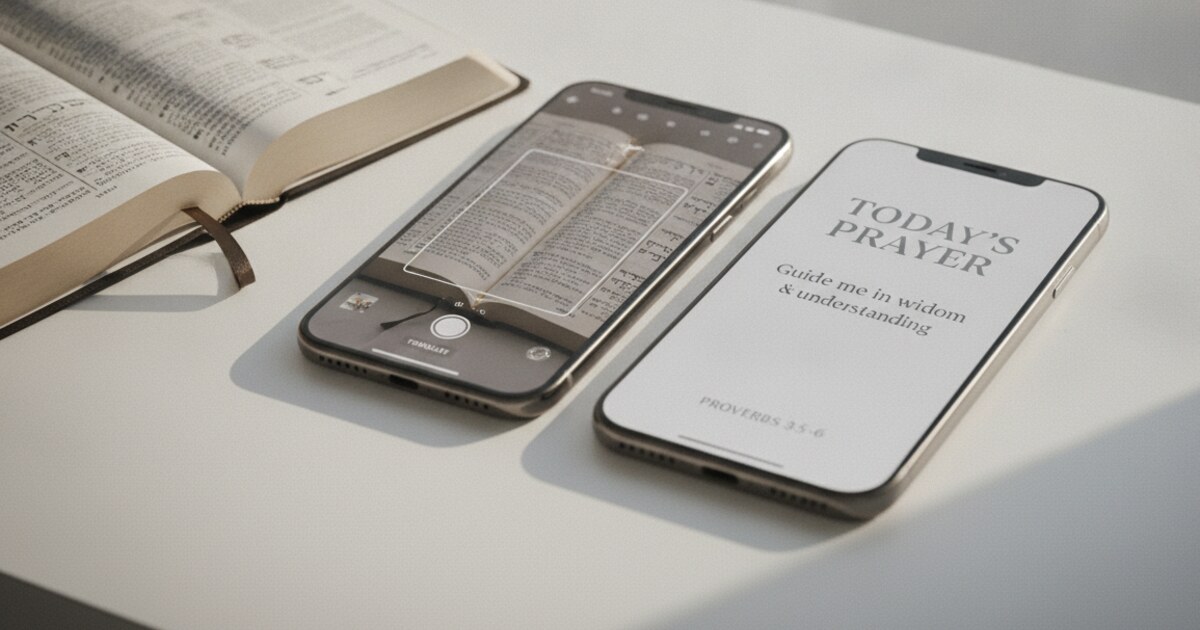

Want a verse on every screen? Psalmo is free.
Bible Mode vs Pray Screen Time: Which App Fits Your Faith?
You can now lock TikTok behind a Bible verse in several different ways. Two of the most searched: Bible Mode and Pray Screen Time. They share the same core idea, putting scripture between you and your apps, but they’ve built completely different systems around it.
One requires you to hold your physical Bible. The other asks you to pray. Both take the goal seriously. The question is which approach fits how you’re actually wired, what device you carry, and how you read scripture.
This comparison has no stake in either app. Here’s what each does, where each falls short, and how to pick.
Bible Mode is iOS-only and gates your apps with a camera scan of your physical Bible. Pray Screen Time works on iOS and Android and asks you to pray before unlocking. Bible Mode fits iPhone users who read a printed Bible daily. Pray Screen Time fits Android users who want simple prayer-first friction without the scan requirement.
What These Two Apps Are Actually Doing
The Christian app blocker category grew from 2 apps in 2022 to more than 7 by mid-2026, driven by Pew Research data showing 62% of U.S. adults read the Bible at least occasionally and DataReportal 2025 figures showing average daily phone use at 4 hours and 37 minutes. IDC reports that 79% of smartphone users reach for their device within 15 minutes of waking. Bible Mode (Friday Labs) requires iOS 17.6 or later and has earned 4.94 stars across 8,200 reviews on the App Store. Its gate uses camera-based text recognition: you open your physical Bible, hold your phone over a passage, and the app confirms you’ve engaged with the text before unlocking your apps. Pray Screen Time runs on iOS and Android. Its gate asks you to complete a prayer prompt and read today’s Bible verse before access resumes. Both apps are free to download. Bible Mode’s premium features cost between $4.99 and $59.99 as in-app purchases. Pray Screen Time’s full blocking and prayer functionality are free.
The distinction matters because the right app depends on your habits, your device, and what kind of friction you respond to. A gate built around a physical book creates a different moment than a gate built around prayer.
How Bible Mode Works
Open Instagram or TikTok and Bible Mode intercepts the launch. The prompt is direct: open your physical Bible to any page, hold your phone camera over the text. The app’s text recognition scans the passage and confirms you’ve engaged before the social app opens. The whole process takes 8-10 seconds under normal lighting.
The physical Bible requirement is the core differentiator. Bible Mode doesn’t show you a verse on your phone screen and ask you to tap “I’ve read it.” It requires you to put your phone down, pick up a printed Bible, and position yourself as a reader before Instagram loads. That tactile shift is different in kind from any other gate in the category.
The vulnerability is the scan itself. Low light, small print, reflective page coatings, and certain modern Bible designs can cause recognition failures. Some users report two or three attempts in dim rooms. It’s not a dealbreaker for most people, but it’s a friction point that prayer-prompt apps don’t have.
Beyond the gate, Bible Mode includes home-screen widgets with a rotating daily verse, quiet time timers, scripture engagement graphs, and a built-in Bible with KJV and ESV. Recent additions include Bible Chat (AI scripture commentary) and Quiet Time Mode for extended reading sessions. Both are behind the premium tier.
Our Bible Mode app review and alternatives covers the scan mechanics and premium tier in more detail.
How Pray Screen Time Works
Open a gated app and Pray Screen Time interrupts with a prayer prompt. A morning prayer appears, today’s Bible verse follows, and a short reflection prompt asks how you’re doing. Confirm you’ve prayed and the app opens.
The design is intentional in its simplicity. The developers stripped out the camera, the quiz, the gamification, and the streak tracking. The whole app runs on one conviction: prayer before scrolling. If the quiz-and-lock approach feels like a puzzle to beat, this framing lands differently. There’s no test to clear, just a moment to honor.
The Pray Screen Time app review covers the specific prayer categories and verse library in full. The short version: the iOS experience is clean. The free tier works without any subscription. Blocking and prayer are fully functional from the start. Premium adds aesthetic themes and AI tools, including a prayer generator, a verse finder for your situation, and a Bible passage explainer.
Android is where the honest picture gets complicated. Users on Android reported two recurring bugs through early 2026: blank paywall buttons that freeze on tap, and demo loops that replay the onboarding screens instead of activating the gate. These don’t affect the iOS version. If you’re on Android, check the most recent Play Store reviews before installing to see whether those issues have been resolved.
Bible Mode vs Pray Screen Time: Head-to-Head
| Bible Mode | Pray Screen Time | Psalmo | |
|---|---|---|---|
| Gate mechanic | Camera scan of physical Bible | Prayer prompt + verse | Daily verse (read once, apps unlock all day) |
| Platform | iOS only (iOS 17.6+) | iOS + Android | iOS + Android |
| Android reliability | Not available | Bugs reported early 2026 | Stable |
| Free tier | Core scan free; IAPs $4.99-$59.99 | Full blocking and prayer free | Yes (KJV, WEB, widgets) |
| Physical Bible required | Yes | No | No |
| App Store rating | 4.94 stars (8,200+ reviews) | 4.9 stars | 4.8+ stars |
| Home-screen widgets | Yes (rotating daily verse) | No | Yes (3 sizes, iOS and Android) |
| Lock-screen widgets | No | No | Yes (iOS 16+, 3 types) |
| Translations | KJV, ESV | Verse library included | KJV, WEB |
| AI features | Bible Chat (premium) | Prayer, verse, explainer (premium) | Prayer, verse finder, Q&A, reflection (premium) |
Which One Should You Choose?
Bible Mode is the stronger pick if you read a physical Bible daily and carry an iPhone running iOS 17.6 or later. The camera-scan gate is unique in the category. No other app ties social media access directly to a printed, touchable Bible. If that tactile habit already exists in your morning, Bible Mode builds on it. You’re already opening the book; the app makes it the condition for opening Instagram.
The limitation is firm: iPhone only, iOS 17.6 minimum. If you’re on Android, or an older iPhone, Bible Mode isn’t available to you. Full stop.
Pray Screen Time makes more sense for Android users who want prayer-first friction without the scan. It’s also the better fit if you don’t keep a physical Bible nearby, or if you read scripture from a digital app rather than a printed copy. The free tier is real: you don’t need to pay for the blocking features.
The Android reliability caveat stands. Check the Play Store reviews to see whether the early-2026 bugs have been addressed before committing.
Both apps share one gap worth naming: neither puts scripture on your home screen or lock screen between gate moments. You only see a verse when you’re fighting the urge to scroll. Scripture appears at your most vulnerable moment but nowhere else in your day.
A Third Option for Android Users and Widget Seekers
For users the two apps above don’t cover, Psalmo is the main cross-platform alternative in the category.
Psalmo gates Instagram, TikTok, X, YouTube, Snapchat, or any app you choose behind today’s Bible verse. Read it once and your apps open for the rest of the day. The gate runs on iOS and Android with the same mechanic on both platforms. No camera scan, no quiz, no streak pressure.
The widget layer is what separates it from both. Three home-screen sizes on iOS and Android. Lock-screen widgets in rectangular, circular, and inline shapes on iOS 16+. Fifteen-plus themes from Classic and Dark to Watercolor, Night Sky, and Rose Gold. Scripture stays visible throughout your day, not only when you’re fighting a scroll impulse.
The free tier covers KJV and WEB translations with the daily gate and basic widgets included. AI features (write a prayer, find a verse for your situation, explain a Bible passage, ask anything about the Bible) are premium. The core scripture exposure has no paywall.
The best Christian app blocker roundup covers all seven active apps in the category side by side if you want a fuller picture.
Frequently Asked Questions
Is Bible Mode or Pray Screen Time better for Android? Pray Screen Time supports Android; Bible Mode is iOS-only. However, Android users on Pray Screen Time encountered two recurring bugs through early 2026: blank paywall buttons and onboarding demo loops that prevented activating the gate. Check the most recent Play Store reviews before installing. Psalmo is the most stable cross-platform option currently in the category.
Does Bible Mode require a physical Bible? Yes. Bible Mode’s gate uses your phone camera to scan a page from a printed Bible via text recognition. A digital Bible app on your phone won’t satisfy the scan. If you don’t have a physical Bible nearby when you try to open a gated app, you can’t complete the gate.
Which app has a better free tier? Pray Screen Time’s free tier is more complete. Full app blocking and the prayer prompt work without paying anything. Bible Mode’s core scan gate is free, but additional content and features cost between $4.99 and $59.99 as in-app purchases.
Can Bible Mode or Pray Screen Time show scripture on my home screen? Bible Mode includes home-screen widgets with a rotating daily verse. Pray Screen Time has no widget feature at all. Psalmo includes home-screen widgets in three sizes on iOS and Android, plus lock-screen widgets (iOS 16+), so scripture is visible passively throughout the day.
Are these apps appropriate for family accountability setups? Both are designed for individual personal use. Neither includes a family dashboard or parental monitoring layer. If family accountability is the priority, Prayer Lock’s family-friendly tier is worth considering alongside the other options in the best Christian app blocker roundup.
Psalmo is free to download on iOS and Android. It blocks the apps that pull you away until today’s verse is read, and keeps scripture on your home screen and lock screen for the rest of the day. Download on the App Store or Google Play.




