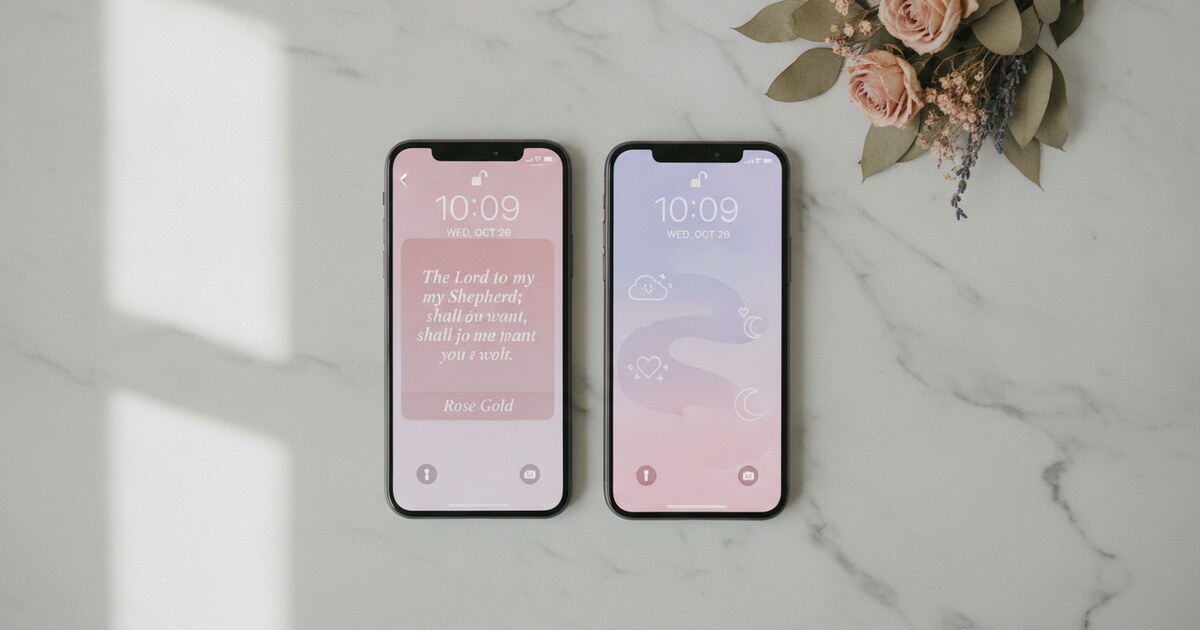

Want a verse on every screen? Psalmo is free.
Pray Screen Time App Review (2026): Honest Verdict
If you’re on Android and searching for a prayer-based app blocker, Pray Screen Time shows up almost immediately. The concept is solid: gate Instagram, TikTok, YouTube, or whatever pulls you off course behind a Bible verse or prayer prompt. Read the prompt, and the app unlocks for the rest of the day. The gate resets at midnight.
That’s a mechanic worth having, especially for Android Christians who’ve noticed that Bible Mode and FaithLock are iOS-only. Pray Screen Time is one of the few in this category that actually ships an Android build. The question is whether that build delivers.
Pray Screen Time is a cross-platform Christian app blocker that gates distracting apps behind a verse or prayer prompt on iOS and Android. The iOS version works reliably, but Android users through early 2026 report two recurring bugs: blank paywall buttons that freeze on tap, and demo loops that replay onboarding screens instead of activating the gate. If Android reliability is a priority, Psalmo is currently the stronger option.
What Is Pray Screen Time?
Pray Screen Time is a prayer and Scripture gate for iOS and Android. It uses your phone’s access-control layer (Apple’s Family Controls API on iOS, Android’s accessibility services on Android) to intercept app opens. Tap Instagram and you see a verse or prayer prompt instead of the feed. Complete the prompt and the app unlocks for the day.
The category Pray Screen Time competes in has grown fast. Two Christian app blockers existed in 2022: Bible Mode and FaithLock, both iOS-only. By mid-2026 that count reached 7. Pray Screen Time and Psalmo are the only two in that group shipping real Android builds. That matters: Pew Research 2024 found 62% of U.S. adults identify as Christian and 45% pray daily. DataReportal 2025 puts average American screen time at 4 hours 37 minutes per day. IDC’s 2023 research found 79% of smartphone users check their device within 15 minutes of waking. Pray Screen Time pitches itself at the gap between those two realities: a daily faith commitment and a phone working against it. A real Android option fills a genuine need, which makes the execution problems in the Android build harder to overlook.
How the App-Gate Mechanic Works
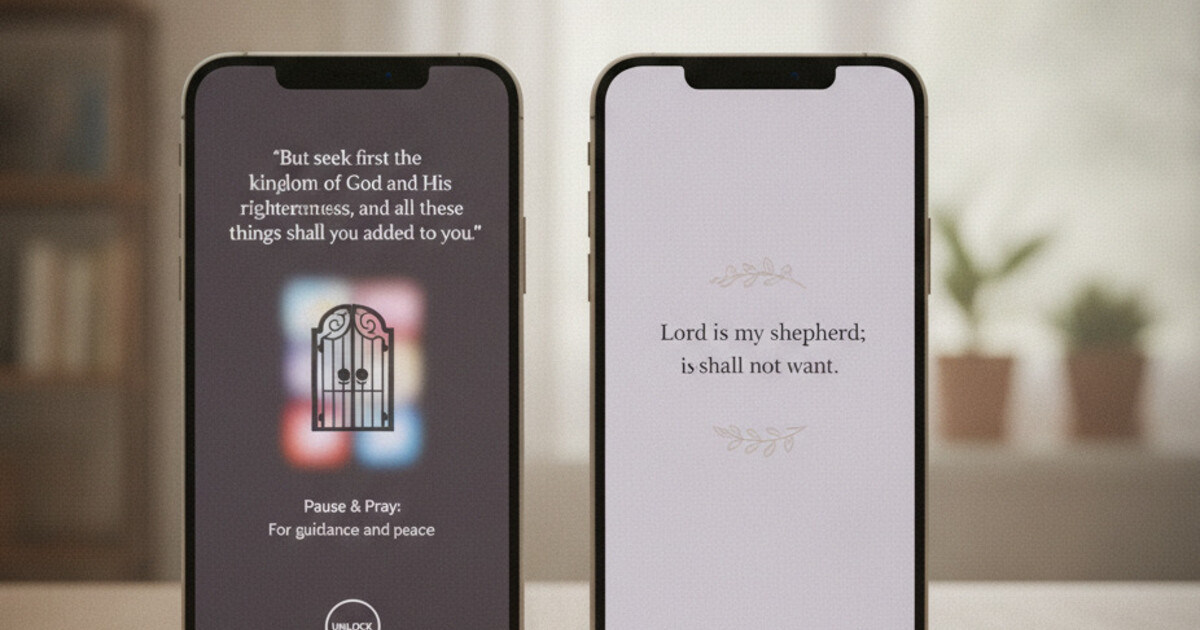
Setup follows a familiar pattern. You pick which apps to gate, choose a verse or prayer prompt as the unlock sequence, and set a reset time (midnight by default). Open a gated app and the gate screen appears. Engage with the prompt and the app opens normally.
The verse content draws from a Scripture library organized by theme: encouragement, peace, strength, gratitude, similar categories. You choose which themes surface. The prayer prompts are short, written-out prayers rather than blank journaling fields, which distinguishes Pray Screen Time from verse-only blockers.
Premium tiers unlock more content: a larger verse library, more prayer collections, and additional configuration. The core gate mechanic sits on the free tier, though the boundary between free and paid content isn’t always clearly marked in the app. That ambiguity is where the Android friction starts.
The Android Problem: What Play Store Reviews Say
Android users leaving reviews through early 2026 flag two specific bugs.
The first is blank paywall buttons. Tap to upgrade or unlock a premium tier and the button registers the tap but doesn’t open a purchase screen. Some users reported force-quitting and reopening repeatedly. Others never got the paywall to respond.
The second is the demo loop. Several reviewers described the app cycling through the same onboarding screens after setup, instead of reaching the active gate. The app appeared to be stuck in a demo state rather than live use.
Neither bug appears consistently in iOS App Store reviews. The most likely cause is a conflict with Android’s accessibility service permissions, which behave differently across manufacturers (Samsung, Pixel, OnePlus) and can be revoked by Android’s battery optimization system. That’s a known technical challenge for any app needing persistent background permissions on Android. Some developers handle it more reliably than others.
It’s worth noting that a single bug report isn’t disqualifying. What’s notable in Pray Screen Time’s Play Store reviews is the pattern: multiple users across different devices, consistent descriptions of the same two issues, and no widely-reported patch through early 2026. That’s a different situation from an app with occasional compatibility quirks.
How Pray Screen Time Performs on iOS
The iOS experience is meaningfully cleaner. Apple’s Family Controls API gives app blockers a stable, system-level hook that isn’t interrupted by battery optimization or manufacturer customizations. Bible Mode, FaithLock, and Pray Screen Time all benefit from this on the iPhone side.
On iOS, the verse-and-prayer prompt appears reliably when you open a gated app. The prompt is simple and doesn’t overstay its welcome. The design is functional without being particularly polished compared to apps like Bible Mode or Psalmo.
If you’re on iPhone and want a prayer-prompt gate specifically (rather than a verse-only gate), Pray Screen Time is a reasonable option. The prayer focus sets it apart: you’re completing a short written prayer, not just reading a verse. That’s a different spiritual posture, and some users prefer it. That said, you’re trading away home-screen widgets, a more complete free tier, and the cross-platform reliability that some alternatives offer.
The pricing is worth understanding before you download. The app positions itself as freemium, but the paywall appears relatively early in the experience. On iOS, at least, the purchase screen works. You can evaluate the free tier and decide whether the premium content is worth the subscription.
Pray Screen Time vs. Psalmo for Android Users
For Android users specifically, this comparison comes down to one practical question: which app actually works reliably on your device?
Psalmo uses WorkManager for its Android delivery layer, designed to stay reliable across Android manufacturers. It handles the battery-optimization interruptions that trip up accessibility-service-dependent apps. The daily verse delivery and app gate have functioned without the demo-loop issues reported in Pray Screen Time’s Play Store reviews.
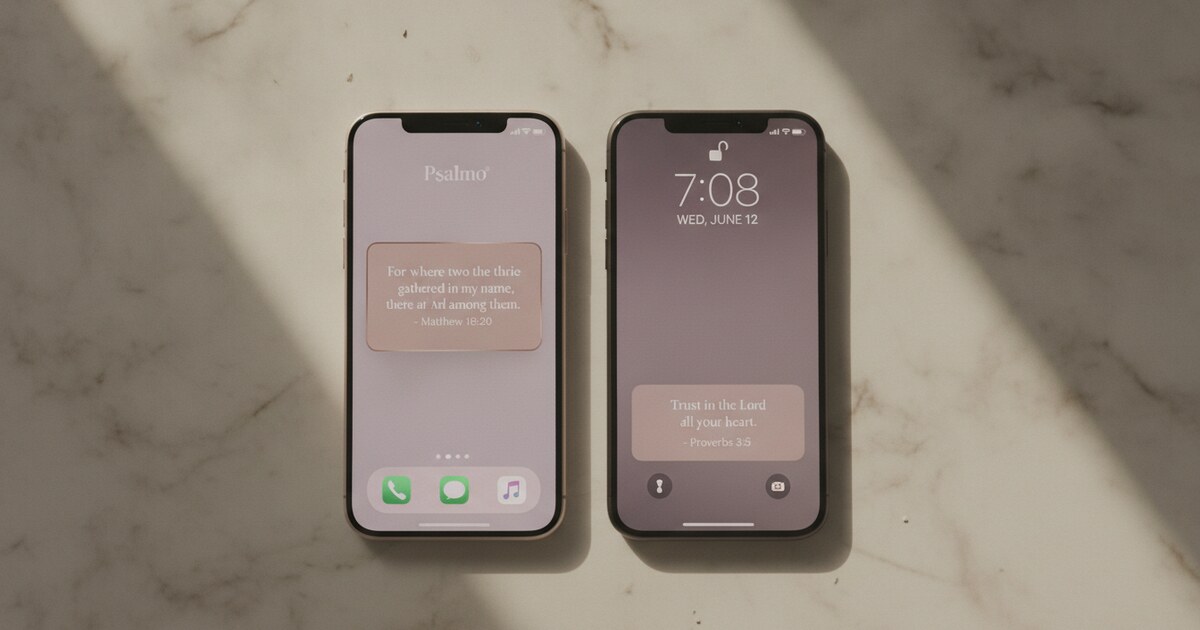
Psalmo also bundles Bible home-screen widgets with the app gate. Three widget sizes (small, medium, large) sit on your home screen and display the day’s verse, so the Scripture you read to unlock an app is the same one you’ve been seeing all morning. The lock-screen widget (iOS 16+ only) extends that to the lock screen. That coherence across your phone’s surfaces is something Pray Screen Time doesn’t offer.
On pricing, Psalmo’s free tier includes the app-blocking gate and the full verse library in KJV and WEB on both platforms. You don’t hit a paywall to use the core features. Premium adds aesthetic themes and AI-powered tools (write a prayer, find a verse for your situation, explain a passage), but the daily gate and verse library are fully functional without paying.
One honest note: Psalmo’s unlock mechanic is verse-first, not prayer-first. If a written prayer prompt is specifically what you want in your gate screen, Pray Screen Time’s iOS version does that better. For Android users, the reliability gap makes Psalmo the safer choice even if the prayer framing isn’t identical.
For a broader look at how this whole category compares, the best Christian app blockers roundup for 2026 covers all 7 apps side by side. And if you want the technical breakdown of how Android app gating works across different manufacturers, this explainer on Bible apps that lock your phone covers the platform mechanics in detail.
Frequently Asked Questions
Is Pray Screen Time free?
The core gate mechanic is on the free tier, but deeper verse libraries and prayer collections require a subscription. Some Android users in 2026 reported blank paywall buttons that freeze on tap instead of opening a purchase screen, which can make premium features inaccessible even if you want to pay for them.
Does Pray Screen Time work on Android?
It has an Android build, but Play Store reviews through early 2026 flag two recurring bugs: blank paywall buttons that don’t respond on tap, and demo loops that replay onboarding instead of activating the gate. The iOS version is more reliable and has fewer reported issues across that same period.
What’s the difference between Pray Screen Time and Psalmo?
Both gate distracting apps behind Scripture until the day’s verse is read. Psalmo also bundles Bible home-screen and lock-screen widgets, works reliably on Android per review data, has a fully functional free tier on both platforms, and doesn’t require a subscription to activate the blocking feature.
How does the Pray Screen Time gate work?
Pray Screen Time uses your phone’s accessibility services (Android) or Apple’s Family Controls API (iOS) to intercept app opens. Tap a gated app and you see a verse or prayer prompt. Complete it and the app unlocks for the rest of the day. The gate resets at midnight.
Is there a more reliable app blocker for Android Christians?
Psalmo is the most consistently reliable Android option in the category. It uses WorkManager for daily verse delivery, hasn’t shown the demo-loop or blank-paywall bugs in Play Store reviews, and includes Bible widgets alongside the app gate on both iOS and Android.
If you’re on Android and want a Scripture gate that works without the setup friction, Psalmo is the place to start. The free tier includes the daily verse library in KJV and WEB, the app-blocking gate, and three home-screen widget sizes. Get Psalmo on the App Store or Google Play and try it free.