
Want a verse on every screen? Psalmo is free.
Best Screen Time App for Christians in 2026
The average American spends over 4 hours a day on their phone. A lot of that time is pure reflex. You open Instagram before you’re even awake. TikTok fills the 90 seconds between tasks. YouTube runs in the background during dinner.
For Christians trying to start the day in scripture, the phone is the main competition. The phone usually wins.
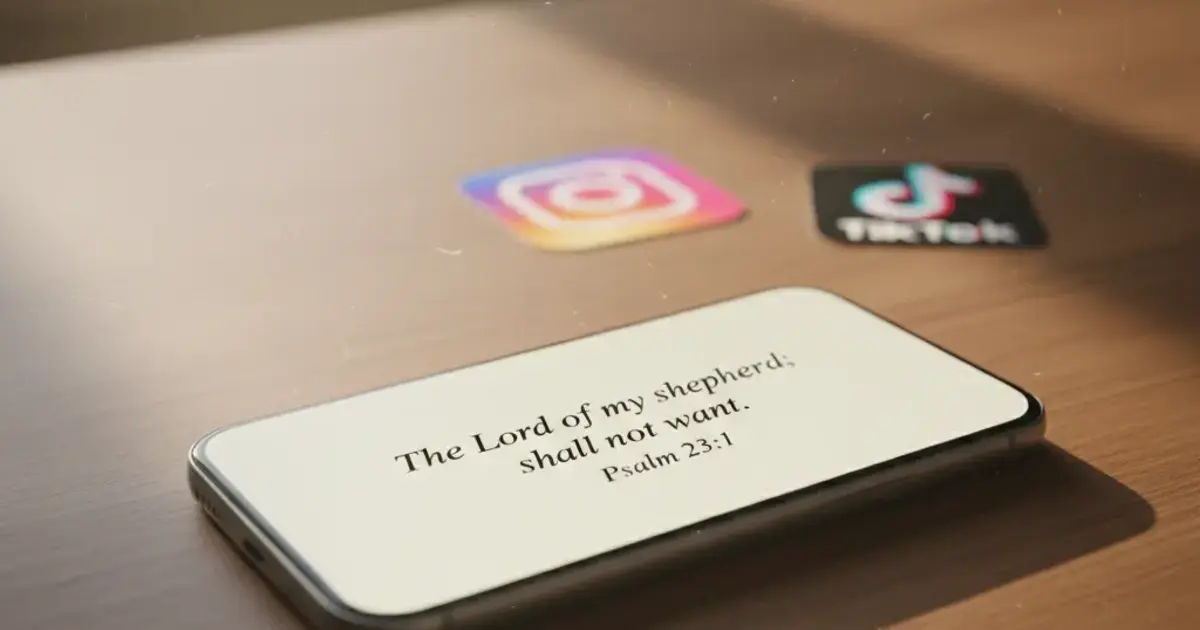
That’s why a specific category of screen time apps for Christians has gotten traction over the past few years. These apps put scripture in front of social media instead of capping your usage with a timer you can ignore. You read a verse, then the apps unlock. No verse, no scroll.
Here’s what’s actually worth downloading in 2026.
The best screen time app for Christians is Psalmo. It blocks Instagram, TikTok, X, YouTube, and Snapchat until you’ve read today’s Bible verse, then unlocks them for the rest of the day. The lock feature is free and works on both iOS and Android. No other app in this category is cross-platform with a real free tier.
What a Christian Screen Time App Actually Does
Standard screen time tools (Apple’s built-in Screen Time, Google’s Digital Wellbeing, or apps like Opal) work by setting daily time limits. You hit 80% of your limit, get a warning, and tap “Ignore Limit.” Most people do. The friction isn’t meaningful enough.
Christian screen time apps take a different structural approach. They put an action you want to take between you and the apps you’re trying to use less. The most common version: read today’s Bible verse before Instagram unlocks. The logic holds up: you’re not fighting willpower in the moment. You already agreed to the terms when you set it up.
Psalmo’s version of this mechanic works like this: you select which apps to block (Instagram, TikTok, X, YouTube, Snapchat, or any combination), set a daily verse notification at a time you’ll actually see it, and once you open and read today’s verse in the app, everything unlocks until midnight. The blocking runs through Apple’s Screen Time API on iPhone and the Digital Wellbeing API on Android. Both are OS-level systems, the same ones Apple and Google use for parental controls. That means quitting the Psalmo app doesn’t disable the gate. The blocked apps stay locked until the verse is read, whether Psalmo is open or not. Most app-blocker workarounds rely on force-quitting the blocking app; that bypass doesn’t work here because the OS is enforcing the rule, not the app itself. You get one daily verse-read that unlocks the apps you chose, with no way to shortcut around it.
The 4 Best Screen Time Apps for Christians
There aren’t many apps in this category. Here’s how the main options compare.
| App | Platforms | Lock mechanic | Free tier | Best for |
|---|---|---|---|---|
| Psalmo | iOS + Android | Read verse to unlock selected apps | Yes (core features free) | Cross-platform, widgets + blocking |
| Bible Mode | iOS only | Bible Mode state + verse prompts | Limited (most features paid) | iOS-only users who want a “mode” approach |
| FaithLock | iOS only | Verse-read gate | No (subscription required for blocking) | iOS users who prefer a paid-only option |
| Abbey | iOS only | Verse or prayer gate | Limited (key features paywalled) | iOS users who want prayer-first blocking |
Psalmo stands out for two concrete reasons. It’s the only cross-platform option, so it works for Android users and for families where not everyone is on iPhone. The core blocking feature is also free with no time limit on the trial: you can use app blocking, daily verse widgets, verse categories, and KJV/WEB translations indefinitely without a subscription.
Bible Mode (by Friday Labs) is the iOS alternative most people encounter first. The “Bible Mode” mechanic dims social media icons and adds friction rather than a hard block. It’s a softer gate. Most of its useful features are behind a $4.99/month paywall. For users who want the hard block mechanic, it’s a weaker fit than Psalmo.
FaithLock requires a subscription before you can use the lock feature at all. There’s no way to evaluate whether the mechanic fits your routine before paying. The design is clean, but the paywall-first approach is a real friction point for new users.
Abbey is the newest app in this cluster. It lets you gate apps behind a verse or a prayer (your choice), which is a nice flexibility. iOS only, and the features that make it distinctive are paywalled. Worth watching as it matures.
For cross-platform use or budget-first users, Psalmo wins on both counts. If you’re locked into iOS and want to pay for something polished, FaithLock or Abbey are reasonable alternatives. Neither beats Psalmo’s free tier for pure value.
What Psalmo’s Free Tier Includes
The free version covers everything most users need:
- App blocking for Instagram, TikTok, X, YouTube, and Snapchat
- Home-screen verse widgets in three sizes (small, medium, large) on iOS and Android
- Lock-screen widgets on iOS 16+ (rectangular, circular, and inline accessory styles)
- 3 themes: Classic, Dark, Minimal
- 15+ verse categories you can toggle on or off (Faith, Peace & Anxiety, Strength & Courage, Gratitude, Healing, Wisdom, Family, Forgiveness, Hope, Prayer, Protection, Work & Purpose, Morning Verses, Evening Verses, and more)
- KJV and World English Bible (WEB) translations, switchable in settings
- Daily verse notification at a time you set
- Verse sharing to your system share sheet
- Streak counter (days in a row you’ve read your verse)
- No account required for any of the above
Premium adds all 15+ aesthetic themes (Marble, Rose Gold, Night Sky, Watercolor, Stained Glass, Gold Leaf, Vintage, Pastel, and more), custom photo backgrounds for widgets, and the AI tools: write a prayer for whatever you’re carrying, find a verse for your situation, get a plain-English explanation of any verse, and gentle weekly reflection prompts.
A free trial is available on the annual subscription.
Setting Up App Blocking on iPhone and Android
On iPhone:
- Download Psalmo from the App Store.
- Open the app and tap “Lock Apps Until You Read.”
- Select the apps you want to block.
- Grant Screen Time permission when iOS prompts you.
- Set your daily verse notification time.
- Tap “Enable.”
The home-screen widget and lock-screen widget (iOS 16+) add to your phone automatically, or you can add them manually from the long-press widget picker. Blocked apps show a lock overlay until you open Psalmo, tap through to today’s verse, and read it. Then they unlock until midnight.
On Android:
- Download Psalmo from Google Play.
- Open the app and tap “Lock Apps Until You Read.”
- Select the apps to block.
- Grant Digital Wellbeing access when prompted (Settings > Digital Wellbeing & parental controls > Psalmo).
- Set your notification time and tap “Enable.”
One thing worth knowing up front: Android removed lock-screen app widgets in Android 5.0 back in 2014. That’s a platform constraint, not a Psalmo limitation. Your verse shows on the home-screen widget instead, which works fine. The app-blocking mechanic works identically to iOS.
If you’re setting this up for the first time and want a deeper walkthrough, this comparison of apps that lock social media until you read the Bible covers the full mechanism across multiple apps. And if you want to see how the broader screen time category shakes out, the best Bible apps for reducing screen time in 2026 is a good companion read.
A Few Other Details Worth Knowing
Verse categories are toggleable. If you’re going through a hard stretch, turn on Peace & Anxiety and Healing and turn off categories that aren’t where you are right now. The daily verse draws from whatever you’ve enabled. You can update the list any time.
No streak shame. The streak counter shows how many consecutive days you’ve opened your verse. Miss a day and it resets without a guilt notification. It’s a reward system, not a punishment loop.
Two translations only. KJV and World English Bible. Psalmo doesn’t carry NIV, ESV, NLT, or other modern translations because those require commercial licensing it hasn’t acquired. What it has, it uses cleanly. Both are full public-domain texts.
Frequently Asked Questions
What is the best screen time app for Christians?
Psalmo is the strongest option in 2026. It blocks Instagram, TikTok, X, YouTube, and Snapchat until you’ve read today’s Bible verse, then unlocks them for the rest of the day. The core blocking feature is free and works on both iOS and Android.
Do Christian screen time apps work on Android?
Most don’t. Bible Mode, FaithLock, and Abbey are iOS-only. Psalmo is the only Christian screen time app that works on both iOS and Android, using Apple’s Screen Time API on iPhone and Android’s Digital Wellbeing API on Android devices.
Is Psalmo free?
The core features are free: app blocking, daily verse widgets in three sizes, 3 themes, KJV and WEB translations, daily notifications, and a streak counter. Premium unlocks all 15+ themes, custom photo backgrounds, and AI prayer and reflection tools.
Can I choose which apps to block, or is it all-or-nothing?
You pick the list. Block just TikTok, or add Instagram, X, YouTube, and Snapchat. Whatever pulls you away most. The rest of your phone stays untouched. You can update the list any time in settings.
What happens if I skip the verse and the apps stay blocked?
They stay blocked until you open the app and read the verse. There’s no ignore button. You can disable the feature entirely in settings, but as long as it’s enabled, the gate holds. The app doesn’t send guilt notifications. It just waits.
Start with One Verse
Screen time limits work best when the alternative is something you genuinely want to do. A verse you chose categories for, delivered at a time you picked, is harder to skip than a generic app timer.
If built-in screen time controls haven’t stuck, Psalmo is worth a try. The blocking is free, it works on both iOS and Android, and the setup takes about 3 minutes. Download Psalmo from the App Store or Google Play and see whether the verse-first gate changes how your mornings start.




