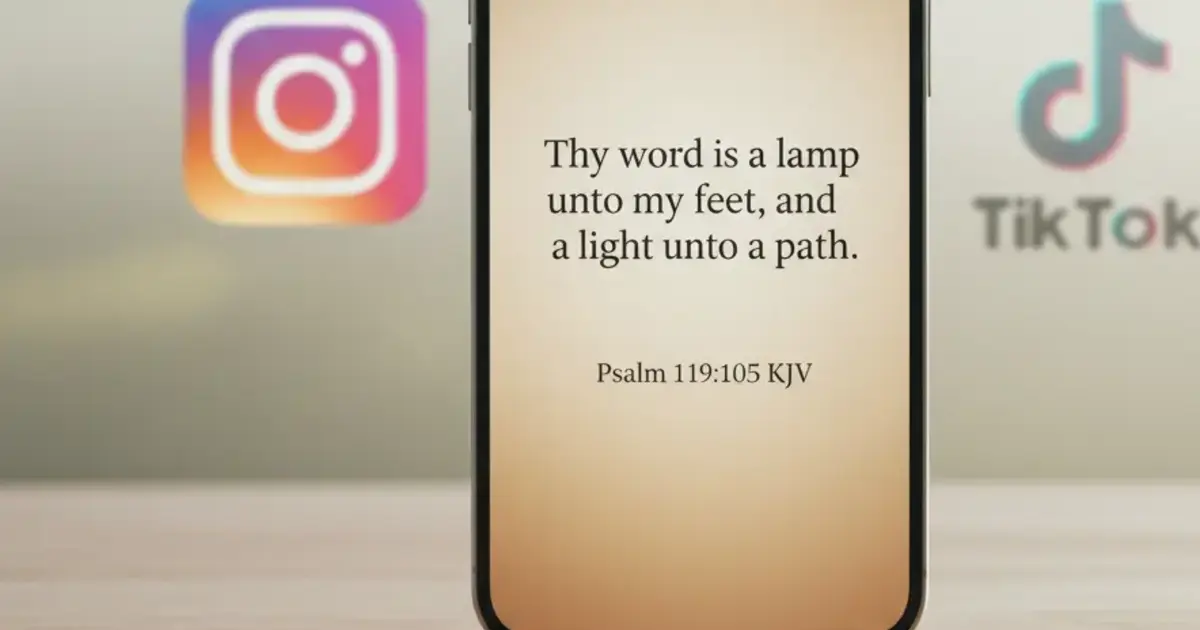

Want a verse on every screen? Psalmo is free.
Most mornings, Instagram or TikTok wins the first 10 minutes. The phone unlocks, the thumb goes to the same corner of the screen, and by the time you close the app you’ve already given the algorithm your best attention. A bible app that blocks Instagram and TikTok puts something else there first: a verse, a moment to read, and only then the feed.
The best Bible app to block Instagram and TikTok in 2026 is Psalmo. It gates Instagram, TikTok, X, YouTube, and Snapchat behind a daily scripture reading and works on both iPhone and Android. Once you read today’s verse, all blocked apps unlock for the rest of the day. The block can be turned off at any time. It’s free.
This article covers 4 apps that do this, how the blocking mechanic works on iPhone vs Android, and how to set one up in under 5 minutes.
Why Blocking Instagram and TikTok Together Works
TikTok and Instagram share the same infinite-scroll feed mechanic. Both are built to exploit variable-reward loops: you don’t know what the next post will be, so you keep scrolling. Most people who try to curb one platform find they migrate to the other. Block TikTok on a Tuesday and your Instagram usage goes up by Wednesday.
This is why Bible apps that only give you a one-tap unlock for a single app don’t stick: the second platform fills the gap. The most effective approach is gating both platforms behind a single behavior you want to strengthen. Apps like Psalmo use the iOS Screen Time API and Android’s Digital Wellbeing framework to pause both Instagram and TikTok (along with X, YouTube, and Snapchat if you add them) until you’ve read today’s verse. Once the verse is opened, all selected apps unlock simultaneously. That one gate replaces a dozen individual willpower decisions before 9 a.m.
The behavioral science here matters. Commitment devices (pre-commitments that make a desired behavior the path of least resistance) consistently outperform timer-based restrictions. A timer is a flat wall you can dismiss in two taps.
A gate links the new behavior you want to an existing cue you already act on. Habit stacking research consistently shows higher follow-through when a new behavior is anchored to something you’re already doing, compared to relying on motivation alone. Opening your phone in the morning is one of the strongest behavioral cues that exists.
4 Bible Apps That Block Instagram and TikTok
Not all apps in this category work the same way, and platform support matters if you’re on Android. Here’s how the main options compare.
| App | Platforms | Blocks Instagram + TikTok | Free Tier |
|---|---|---|---|
| Psalmo | iOS + Android | Yes (both + more) | Yes |
| Bible Mode | iOS only | Yes (app lockdown mode) | Limited |
| FaithLock | iOS only | Yes | Partial |
| Abbey | iOS only | Yes (prayer gate) | No |
Psalmo gates any app you select (Instagram, TikTok, X, YouTube, Snapchat) behind your daily verse. You pick which ones. Once the verse is opened, the lock drops for the day. The app-blocking feature is free, and it’s the only option on this list that runs on Android.
Bible Mode takes a different approach: it locks your entire phone into a curated Bible experience. You’re redirected into a stripped-down reading mode rather than just gated at the door. More immersive, more restrictive. iOS only, and the lock-apps feature requires a subscription.
FaithLock gates selected apps behind a verse or short prayer. The interface is simpler than Psalmo’s, with fewer verse categories, and it’s iOS only. Good pick if you want a minimal setup with no other features attached.
Abbey uses prayer as the gate rather than a Bible verse. You complete a 2-3 minute guided prayer and then apps unlock. More structured than the others, requires a subscription, no free tier, iOS only.
For a deeper look at how the broader category compares, Best Bible App to Reduce Screen Time runs through 5 apps across both the blocking and widget categories.
How the Blocking Works: iPhone vs Android
The mechanics are genuinely different between platforms, and knowing this helps you set expectations.
On iPhone (iOS 16+): Psalmo uses Apple’s Screen Time API. When you enable lock apps, iOS places Instagram and TikTok behind a Screen Time restriction. When you open today’s verse, Psalmo calls the Screen Time API to lift the restriction for the rest of the day. The gate resets at midnight. This is the same API parental control apps use, no jailbreak required.
On Android: Psalmo uses Android’s Digital Wellbeing framework (UsageStatsManager). Instagram and TikTok show a usage limit screen until the verse is confirmed as read. The mechanism works across most Android devices. Samsung One UI and stock Android (Pixel) both work. A handful of older budget phones with heavily modified Android versions may not fully support the API.
For more detail on how the Screen Time permission request works step by step, Bible App That Locks Your Phone covers the full iOS flow.
Neither platform makes the block truly unbypassable. A determined person can go into phone settings and turn it off. The feature works by creating friction and intention, not by installing a lock you can’t pick. That’s by design: the goal is a morning rhythm, not a cage.
How to Block Instagram and TikTok with Psalmo
Takes about 3 minutes on either platform.
- Download Psalmo from the App Store (iPhone) or Google Play (Android). It’s free.
- Complete initial setup and choose at least one verse category. Peace & Anxiety, Strength & Courage, and Morning Verses are good starting points.
- Go to Lock Apps in the main menu. You’ll see a list of supported apps.
- Toggle on Instagram and TikTok. Add X, YouTube, or Snapchat if you want those gated too.
- Grant permissions. On iPhone, tap Allow when iOS asks for Screen Time access. On Android, tap through to Usage Access in settings.
- Set your verse notification time if you want a morning prompt. The default verse refreshes at midnight; the notification tells you to read before you open anything else.
The lock activates the following morning. Each day resets at midnight, so yesterday’s reading doesn’t carry over.
How Psalmo Handles Instagram and TikTok Blocking
Psalmo was built to put scripture where social media usually sits. The lock-apps feature is the primary tool: you pick which apps to gate, and they stay paused until today’s verse is read.
The verse content covers 15+ categories (Faith, Peace & Anxiety, Strength & Courage, Gratitude, Healing, and more). You toggle on the ones you want, and the daily verse draws from that pool. Both KJV and WEB translations are available and switchable in settings. (Psalmo doesn’t carry NIV or ESV — those require commercial licensing.)
Beyond the blocking, Psalmo adds home-screen and lock-screen widgets so the verse stays visible all day. You’ve already read it; the widget keeps it in front of you during whatever comes next.
The free tier covers app blocking and daily verses. Premium unlocks all 15+ themes, custom photo backgrounds, and the AI prayer features (write a prayer, find a verse for your situation, ask anything about the Bible). The core lock-apps function doesn’t need a subscription.
If Instagram is your main concern specifically, Apps That Lock Instagram Until You Read the Bible covers that angle with a 5-app comparison.
Frequently Asked Questions
Can a Bible app actually block Instagram and TikTok?
Yes. Apps like Psalmo use the iOS Screen Time API and Android’s Digital Wellbeing framework to pause Instagram and TikTok until you’ve read today’s verse. Once you open the verse, all blocked apps unlock for the rest of the day. You can disable the block at any time in settings.
Which Bible app blocks Instagram and TikTok on Android?
Psalmo is the only Bible app that blocks Instagram and TikTok on both iPhone and Android. Most competitors (Bible Mode, FaithLock) are iOS-only. On Android, Psalmo uses the Digital Wellbeing API to gate selected apps until today’s scripture is read.
Does blocking Instagram and TikTok with a Bible app actually help?
Research on commitment devices shows that linking a habitual behavior (checking social media) to a desired one (reading scripture) increases follow-through. A behavioral gate is more durable than a timer because it replaces the friction with something meaningful rather than a flat wall.
What apps can Psalmo block besides Instagram and TikTok?
Psalmo lets you gate Instagram, TikTok, X (Twitter), YouTube, and Snapchat. You pick which ones to include. Any app you don’t select stays unrestricted. You can change the list in settings at any time.
Is Psalmo free to use for app blocking?
The app-blocking feature is available on Psalmo’s free tier. You don’t need a subscription to gate Instagram and TikTok behind daily scripture. Premium unlocks additional themes and AI prayer features, but the core lock-apps function is free.
If you want to put scripture before Instagram and TikTok starting tomorrow morning, download Psalmo — the lock-apps feature is free and takes 3 minutes to set up on iPhone or Android.




