
Want a verse on every screen? Psalmo is free.
FaithLock App Review: Honest Verdict for 2026
FaithLock is the loudest name in Christian app blocking. Search for a Bible-based way to cut your screen time and FaithLock’s own content fills the results: comparison guides, alternatives roundups, app-by-app takedowns, all published at getfaithlock.com/resources. That content machine creates an obvious gap: there’s almost no independent review of FaithLock itself. This one is.
I tested FaithLock on an iPhone running iOS 17 alongside six other Christian app blockers in the category. Here’s what the quiz-unlock mechanic actually does in daily use, where it earns the reputation, and three limitations that matter before you subscribe.
FaithLock is an iOS-only Christian app blocker that gates Instagram, TikTok, YouTube, and other apps behind a Bible verse quiz rather than a simple verse display. You read a verse and answer comprehension questions about it before your chosen apps unlock. The mechanic creates more active engagement than a passive verse-read. iOS only, no Android, no home-screen widgets, and most features require a paid subscription.
What FaithLock Does
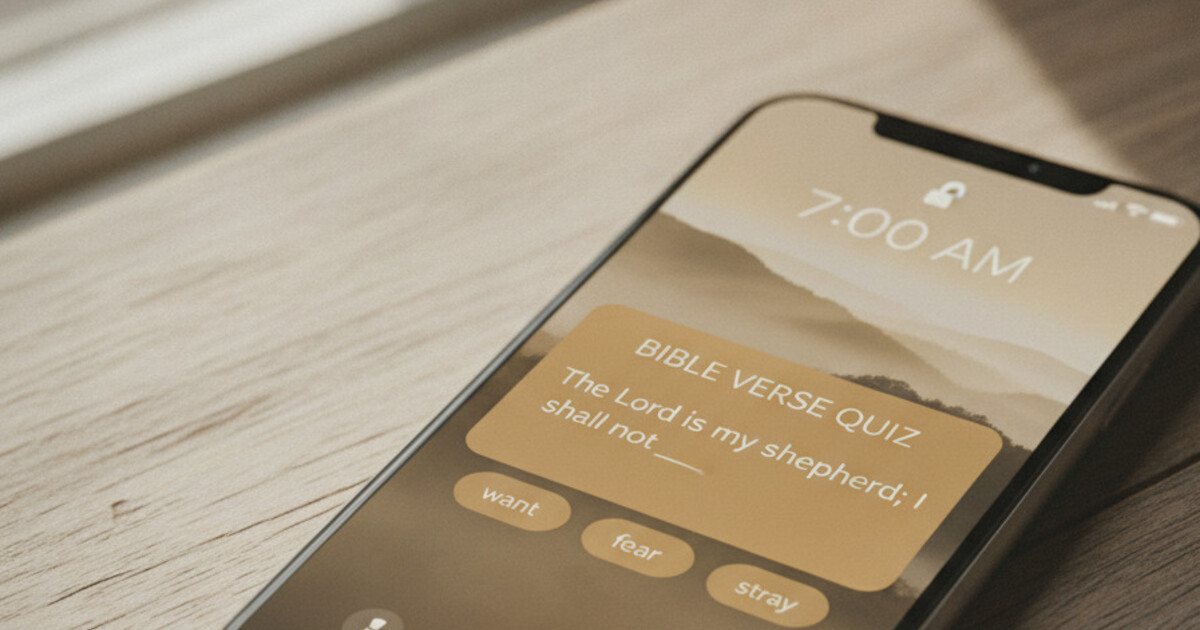
FaithLock sits on top of Apple’s Screen Time API and intercepts blocked app launches with a scripture gate. Reach for TikTok and instead of your For You page, you see a Bible verse paired with comprehension questions: multiple choice, fill-in-the-blank, or short reflection prompts tied to the verse text. Answer correctly and the app opens. The gate resets at midnight.
The exchange takes roughly 30-45 seconds, compared to the 8-10 seconds a typical verse-display gate requires and the 30-60 seconds Holy Focus’s prayer-text gate takes. FaithLock’s quiz sits in the middle, with a meaningful difference: the questions require active processing, not just passive reading.
The Christian app-blocker category grew from 2 dedicated apps in 2022 to at least 7 by mid-2026: Bible Mode, Holy Focus, Sanctum, Pray Screen Time, Bible Pause, Psalmo, and FaithLock. That growth reflects measurable demand. DataReportal’s 2025 Global Digital Report puts average daily phone screen time at 4 hours 37 minutes globally. Pew Research’s 2024 data shows 62% of U.S. Christians own smartphones, with 45% using social media daily. IDC’s 2023 Smartphone Habits study found 79% of users check their devices within 15 minutes of waking. Among these apps, FaithLock is the only one that combines a scripture gate with embedded comprehension questions. The gate runs through Apple Family Controls: disabling it requires your Screen Time passcode, not just deleting the app from your home screen. Android support: none. That’s a structural constraint, not a future roadmap item.
The Quiz-Unlock Mechanic
This is the design decision that separates FaithLock from every other app in the category. Other apps ask you to read a verse. FaithLock asks you to show you’ve engaged with it.
A typical session shows a verse, then presents 2-3 questions. “What does this verse say about trust?” or “Fill in the blank: ‘Be still and know that I am ___’” (Psalm 46:10, KJV). You respond, the app scores your answer, and your chosen apps unlock for the rest of the day.
The cognitive difference matters in practice. A verse you’ve read 30 times is easy to skim past in 3 seconds. A question tied to that verse takes 15-20 seconds of actual thinking. If you’ve tried a verse-gate app and found yourself mentally checking out after a few weeks because the friction had become a habit instead of a pause, FaithLock’s added layer keeps the interaction fresher for longer.
FaithLock also runs a content platform at getfaithlock.com/resources covering Bible study topics, app comparisons, and devotional guides. That platform is part of how FaithLock built category name recognition. It’s also worth noting that every app-comparison article on that domain names FaithLock as the top choice.
The verse library rotates through themes: faith, peace, strength, gratitude, family. You can filter by category in the premium tier. Verses come from multiple translations including NIV and ESV, which is an advantage FaithLock holds over public-domain-only competitors.
What FaithLock Gets Right
The quiz mechanic holds attention over time. This is the strongest argument for FaithLock over any other app in the category. Passive reading fades into routine. Active recall doesn’t. If you want scripture engagement that stays cognitively present rather than becoming a two-second box to tick before Instagram loads, FaithLock’s design earns that.
Translation range. FaithLock includes NIV, ESV, and other modern translations alongside KJV. If your daily practice runs through ESV, you won’t need to adapt to a public-domain translation. That’s a practical advantage.
The gate is hard to bypass. You can’t dismiss the quiz prompt without actually answering. The Screen Time API enforcement means the gate applies at the OS level, so deleting and reinstalling a gated app doesn’t work around it.
Clean design at the gate itself. The quiz screen is minimal: verse, questions, answer fields, submit. No ads appear mid-session. The paywall shows up in settings, not during the daily interaction.
Honest content volume. FaithLock has built a substantial library of Bible verses and quiz questions across themes. After months of daily use, repetition doesn’t dominate the way it can in smaller apps.
Honest Limitations
iOS-only, full stop. FaithLock runs on iPhone and iPad only. Android support doesn’t exist. This matters more than it might seem: Android holds roughly 44% of the U.S. smartphone market, and Christian app-blocking tools often get set up by families or accountability partners where device consistency across both platforms matters. If one person in your household uses an Android phone, FaithLock covers them on nothing. The best Christian app blocker guide for 2026 maps which apps cover which platforms.
Subscription pressure on core features. The free tier lets you evaluate the quiz mechanic, but it restricts which apps you can gate and which verse categories cycle through. Daily driver use (the full category library and the ability to gate as many apps as you need) sits behind a subscription. The App Store lists monthly and annual options; the annual plan works out cheaper per month, but you’re committing to a year on an app you may be evaluating for the first time.
No home-screen or lock-screen widgets. FaithLock puts scripture in front of you when you try to open a blocked app and nowhere else. Between gate activations, your home screen carries no verse, no visual anchor, no reminder that the daily pattern exists. If you want scripture visible on your phone’s face throughout the day, not only at the moment you reach for a distracting app, FaithLock has no answer for that.
The content platform creates a conflict of interest. FaithLock’s comparison articles consistently rank FaithLock first. That’s expected, but worth knowing when you read their category coverage. This review exists partly because independent takes on FaithLock are hard to find.
FaithLock vs Psalmo
Both apps gate social media behind daily scripture. The gate mechanics, platform support, and everything outside the gate differ meaningfully.
| FaithLock | Psalmo | |
|---|---|---|
| Platform | iOS only | iOS + Android |
| Gate mechanic | Verse quiz (30-45 sec, active recall) | Verse read-to-unlock (10-15 sec) |
| Home-screen widgets | None | 3 sizes (small, medium, large) |
| Lock-screen widgets | None | iOS 16+, 3 accessory shapes |
| Verse categories | Yes (filter by theme, premium) | 15+ user-selectable categories |
| Daily verse notification | Yes | Yes, user-set time |
| Aesthetic themes | None | 15+ themes (3 free, rest premium) |
| Bible translations | NIV, ESV, KJV, others | KJV + WEB (public domain only) |
| AI prayer assistant | No | Premium (prayer generator, verse finder, explanation) |
| Verse sharing | No | Yes, themed share image |
| Free tier app gating | Limited (app count capped) | Full gating, no cap |
FaithLock’s translation range is a genuine advantage: NIV and ESV work for more readers than public-domain-only options. If translation matters to you, that’s a real difference.
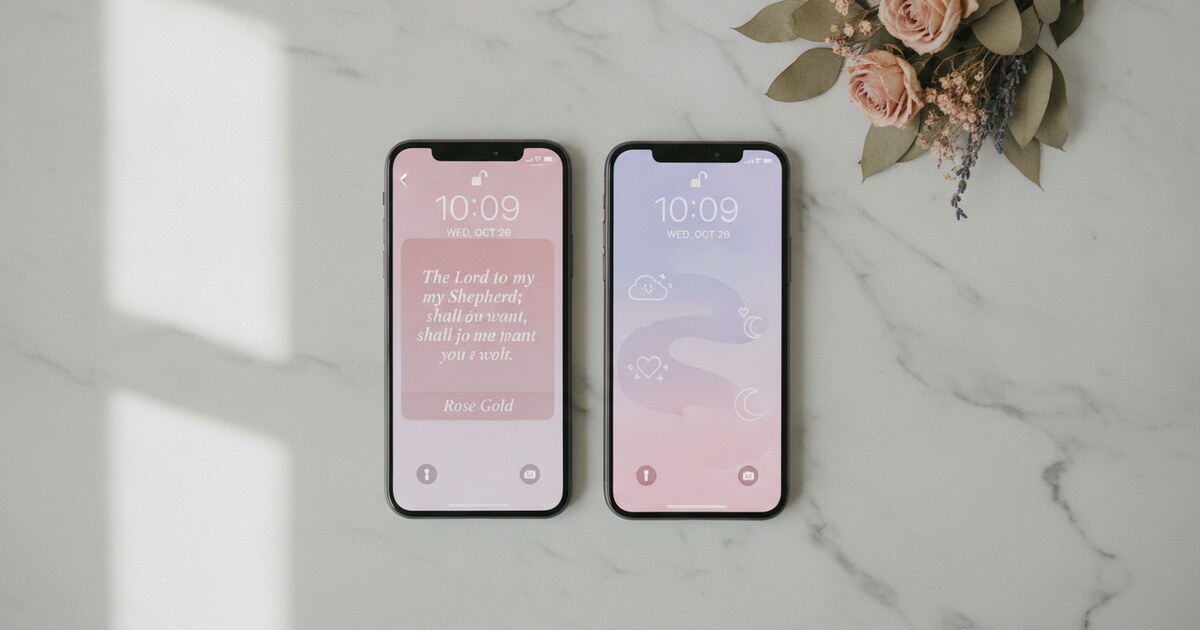
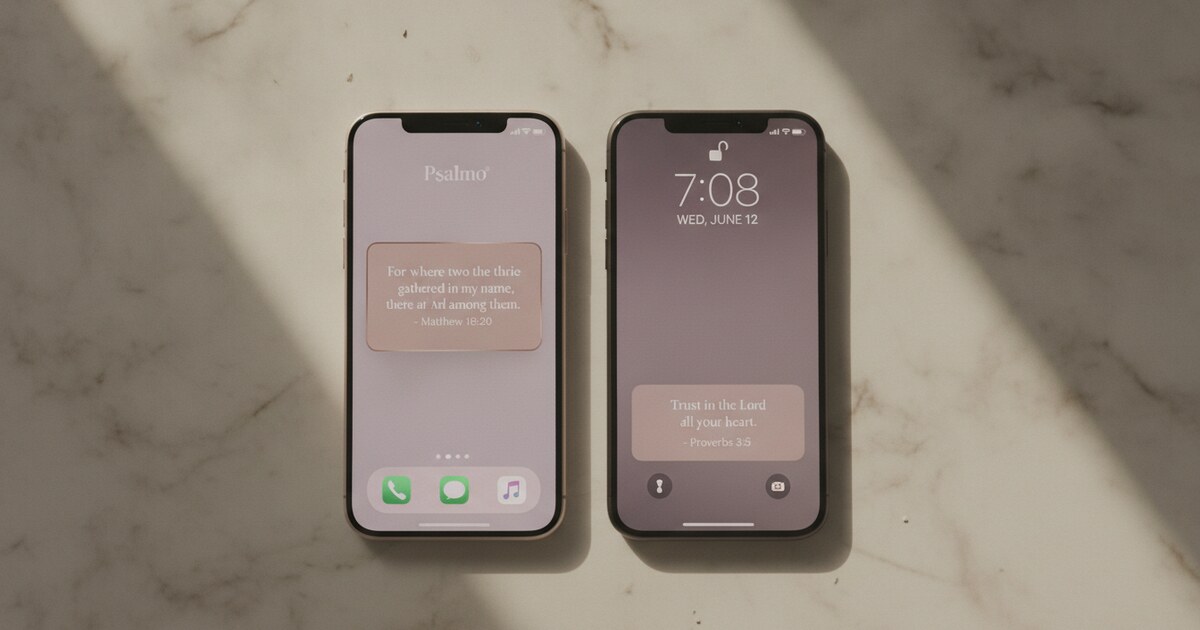
Psalmo’s scope is wider. The same verse appears on your lock screen before you swipe, on your home-screen widget throughout the day, and at the gate when you reach for Instagram. The system runs on Android as well as iOS. The full KJV and WEB library, the verse-gate mechanic, and three home-screen widget sizes are all on the free tier. For a head-to-head breakdown on the specific features that overlap between them, the Psalmo vs FaithLock comparison goes into full detail.
For iOS-only context on how FaithLock’s gate approach compares to its closest competitor, the Bible Mode vs FaithLock breakdown is the clearest look at where the two differ.
Who FaithLock Is For
FaithLock fits a specific profile: an iPhone user who wants more than a verse to glance at, who has found passive-reading gates too easy to tune out, and who is willing to pay a subscription for the quiz layer and broader translation access.
The iOS-only constraint and subscription requirement both narrow that group. If you’re on Android, the list of options is short: Psalmo and Sanctum cover the cross-platform case. If the free tier matters, Psalmo’s covers full app-gating without a cap. If the quiz mechanic is specifically what you’re after, FaithLock is the only app in the category that does it.
Frequently Asked Questions
Is FaithLock free?
FaithLock has a free tier that lets you test the quiz-unlock mechanic. The free plan restricts how many apps you can gate and limits verse category access. Full functionality (unlimited app gating, complete verse and quiz library, theme filtering) requires a paid subscription. Both monthly and annual plans are available on the App Store.
Does FaithLock work on Android?
FaithLock is iOS-only. There’s no Android version. Android users looking for a Christian app blocker with a verse-gate mechanic have two cross-platform options in the category: Psalmo and Sanctum. Psalmo includes app-gating, home-screen widgets in three sizes, and the full KJV and WEB verse library on the free tier on both platforms.
What makes FaithLock different from Bible Mode?
FaithLock uses a Bible verse quiz (answer comprehension questions, 30-45 seconds) while Bible Mode replaces the app experience with a full Bible reading session inside its own reader. FaithLock involves active recall; Bible Mode involves sustained reading. Both are iOS-only with a thin free tier.
Can FaithLock block any app?
FaithLock uses Apple’s Screen Time API, so you can gate any app on your device: Instagram, TikTok, X, YouTube, Snapchat, games, browsers, streaming services. The blocked-app list is fully user-controlled. The free tier may cap how many apps can be gated simultaneously; premium removes that restriction.
Does FaithLock have Bible verse widgets?
FaithLock doesn’t include home-screen or lock-screen widgets. Scripture appears only at the gate when you try to open a blocked app, not on your phone’s face between sessions. For verse widgets alongside app-blocking on both iOS and Android, Psalmo combines both in one app with three widget sizes and three lock-screen shapes on iOS 16+.
FaithLock does what almost nothing else in the category does: makes you answer questions about scripture before your apps open. For iPhone users who’ve found simpler verse gates too easy to tune out, that extra layer is worth testing.
If the iOS-only constraint or subscription requirement is a problem, download Psalmo free: it gates your chosen apps behind today’s verse on both iOS and Android, keeps the full KJV and WEB library free, and puts scripture on your home screen and lock screen between sessions, not only at the gate.