Want a verse on every screen? Psalmo is free.
KJV Bible Widget for iPhone: Setup + Best Apps (2026)
Most Bible apps advertise KJV support, then bury it in the in-app reader. The widget defaults to whatever translation the developer chose, and the King James text never shows up on your home screen. If you’ve downloaded three apps expecting a KJV Bible widget for iPhone and found modern translations staring back at you, you haven’t missed a setting. Most apps simply don’t carry the translation choice through to the widget layer.
This guide covers which apps actually deliver KJV text to an iPhone widget, how to set one up in 5 minutes, and what to do when the translation still isn’t coming through after you’ve changed the setting.
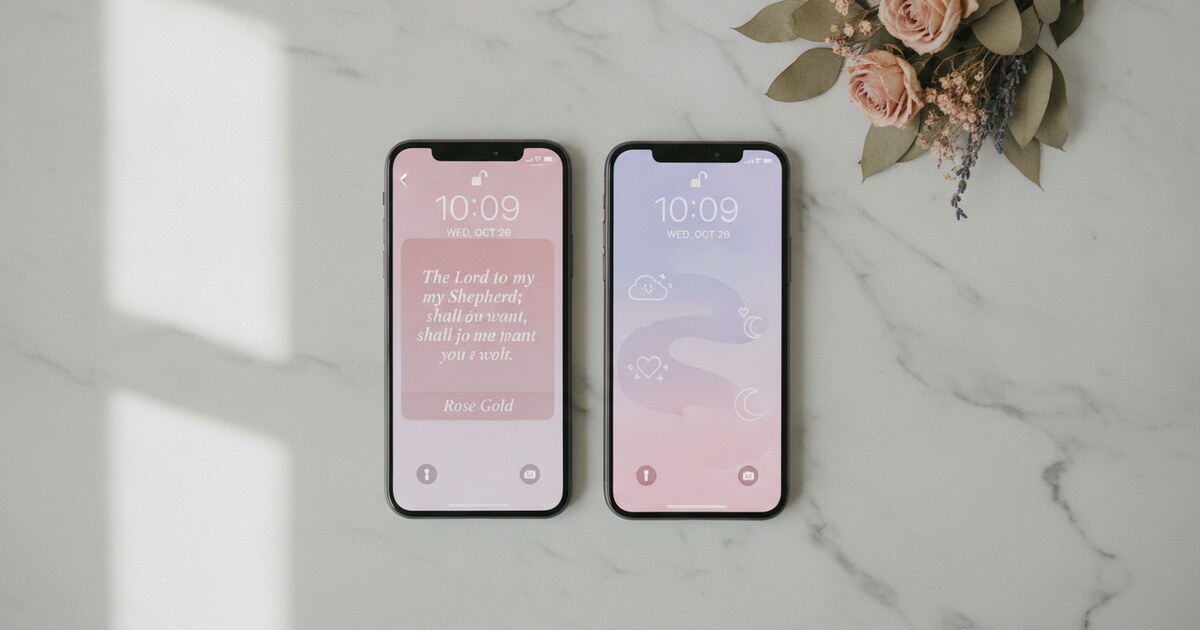
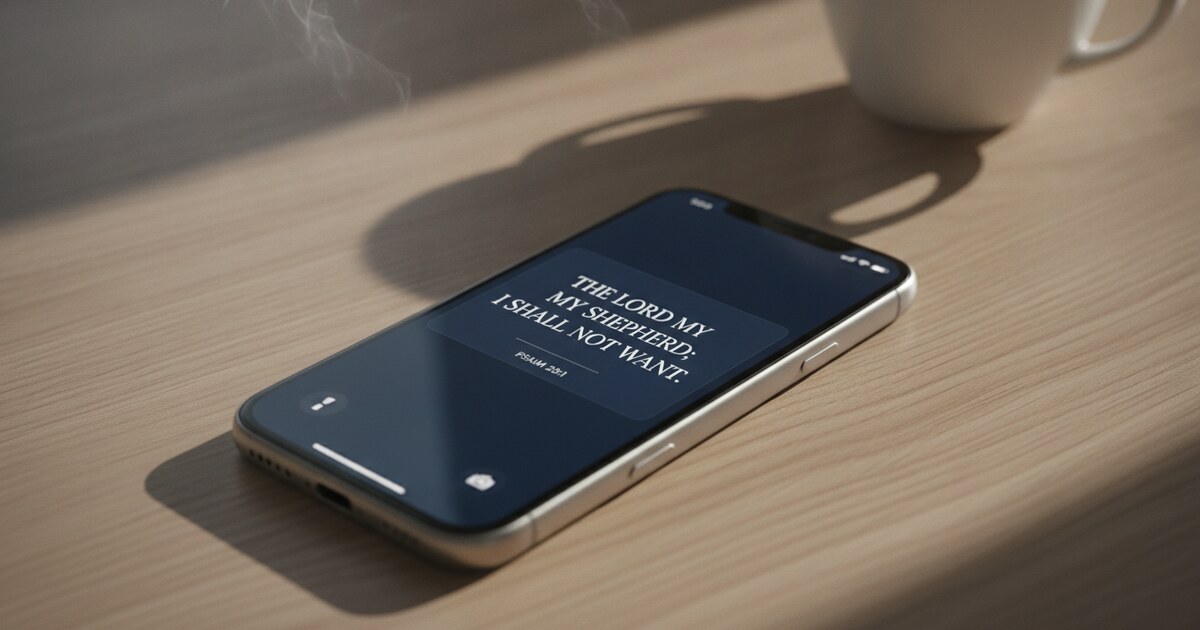
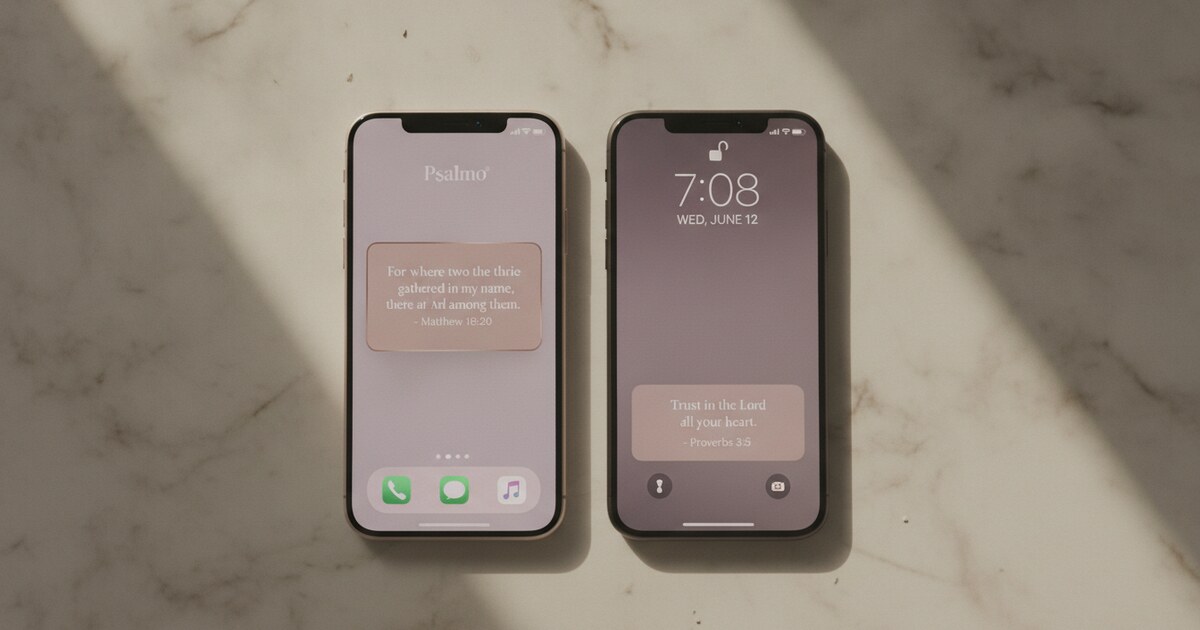
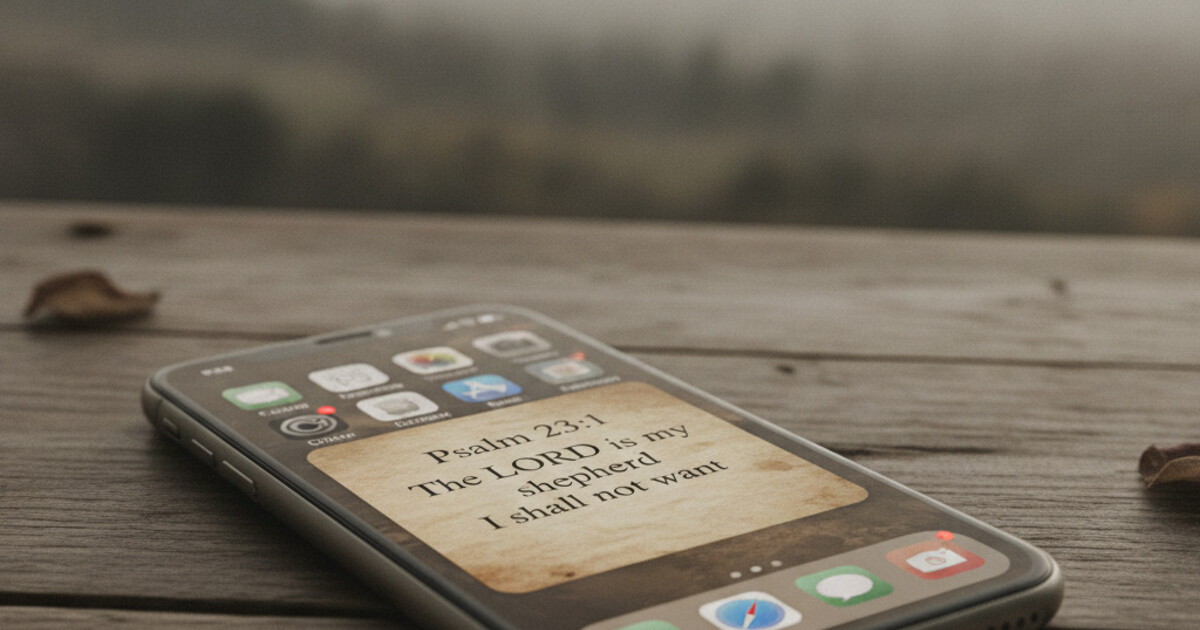
Psalmo shows KJV Bible verses on iPhone home-screen widgets in three sizes (small, medium, large) and on lock-screen widgets for iOS 16+. Download the app, open Settings, switch the translation to KJV, and add the widget. The verse updates daily at midnight. No account required. Both home-screen and lock-screen widgets reflect your translation choice automatically.
Why KJV Bible Widgets on iPhone Often Don’t Work
A KJV Bible widget on iPhone fails for one reason: the app’s translation setting and the widget timeline are separate systems. Apple’s WidgetKit framework delivers widget content through a Timeline, a preloaded sequence of entries that iOS renders passively on the home screen without waking the app. When a developer builds the widget extension, they have to explicitly wire the user’s translation choice into that Timeline builder. If they don’t, the widget shows the developer’s default translation regardless of what you’ve selected in the app. The gap is invisible until you test it: change the translation to KJV in settings, remove and re-add the widget, and read the next verse. Psalmo wires KJV directly into the Timeline builder. Switching the translation in Psalmo’s Settings regenerates the scheduled entries, so the next daily update delivers KJV text. Home-screen widgets (small, medium, large) and lock-screen widgets on iOS 16+ both pull from the same KJV Timeline. Nothing extra to configure.
The King James Version has been public domain since its copyright expired centuries ago. Psalmo takes advantage of that by shipping KJV and the World English Bible (WEB) without any translation licensing fees. Modern translations like NIV, ESV, and NLT require commercial licenses that Psalmo doesn’t hold. For KJV users, this trades translation breadth for free and unrestricted access to the translation they actually want.
KJV is the most searched English Bible translation in the United States by search volume, particularly in Southern and Midwestern states where the King James phrasing is traditional. Searches for “KJV Bible” consistently outpace NIV and ESV on Google Trends. People who grew up reading “For God so loved the world, that he gave his only begotten Son” (John 3:16, KJV) want that language on their home screen, not a modern paraphrase.
Best KJV Bible Widget Apps for iPhone in 2026
Four apps actually deliver KJV text through to an iPhone widget rather than just showing it in the in-app reader.
| App | KJV in Widget | Lock Screen | Free Tier | Platforms | App Blocking |
|---|---|---|---|---|---|
| Psalmo | Yes | Yes (iOS 16+) | Yes (3 themes) | iOS + Android | Yes |
| YouVersion | Yes | No | Yes | iOS + Android | No |
| Daily Verses | Yes | No | Yes | iOS only | No |
| Bible Widgets (Monkey Taps) | Yes | No | Limited | iOS only | No |
Psalmo shows KJV across all 3 home-screen widget sizes and 3 lock-screen accessory shapes on iOS 16+. You can filter verses by category (15+ options including Faith, Peace & Anxiety, Morning Verses, Strength & Courage). The free tier includes Classic, Dark, and Minimal themes. Premium adds 12+ themes and custom photo backgrounds. Psalmo also gates your chosen apps (Instagram, TikTok, YouTube, and others) until today’s verse is read.
YouVersion (Bible App) supports KJV along with hundreds of other translations. The widget carries the translation setting through, so KJV text does appear in the widget. Verse selection comes from YouVersion’s curated daily selection, with no category filtering. Free and widely used.
Daily Verses supports KJV and shows it in home-screen widgets. No lock-screen widget support. iOS-only. Solid for simple KJV verse display without extra features.
Bible Widgets by Monkey Taps leans heavily on aesthetics with KJV support. iOS-only, no Android version. More premium theme variety, but no category filtering and no app-blocking feature.
If you want KJV on both home screen and lock screen, with category filtering, Psalmo is the only free cross-platform option. YouVersion covers KJV but offers no category control over verse selection.
For a broader comparison of Bible widget apps, the best Bible widget app guide covers 5 apps across reliability, free-tier depth, and visual quality.
How to Set Up a KJV Bible Widget on iPhone
Setup takes about 5 minutes. Here’s the exact flow using Psalmo.
Step 1: Download Psalmo from the App Store. It’s free. Open the app at least once to seed the widget timeline. No account required.
Step 2: Set the translation to KJV. Tap the gear icon in the bottom-right corner to open Settings. Under “Bible Translation,” tap KJV. Daily verses will now draw from the King James Version.
Step 3: Choose your verse categories. Still in Settings, open “Verse Categories.” Toggle on whichever topics you want the widget to draw from. Pick one category like Morning Verses, or enable several and let Psalmo rotate through them. All verse output stays in KJV.
Step 4: Add the widget to your home screen. Long-press any blank area on your home screen until the icons jiggle. Tap the ”+” in the top-left corner. Search “Psalmo” in the widget picker. Choose small, medium, or large. Tap “Add Widget,” drag it to your preferred location, and tap “Done.”
Step 5: Confirm the verse is in KJV. The widget shows the current day’s verse. KJV phrasing is distinctive: look for “thee,” “thy,” and archaisms like “saith” or “hath.” If the text looks like a modern translation, open Psalmo, confirm the translation setting, then remove and re-add the widget.
The widget refreshes daily at midnight by default. To switch to hourly updates, go to Settings in Psalmo and change “Widget Refresh” to Hourly. iOS schedules widget refreshes and may delay them slightly based on battery state. Removing and re-adding the widget forces the next scheduled entry to load immediately.
For more on Smart Stack integration and layout options, the complete iPhone widget setup guide covers every configuration in detail.
How to Add a KJV Bible Widget to Your iPhone Lock Screen
Lock-screen widgets require iOS 16 or later. If you’re on iOS 15 or earlier, this feature isn’t available.
Step 1: Press and hold your lock screen until the “Customize” button appears at the bottom. Tap “Customize.”
Step 2: Tap “Lock Screen” (not Home Screen) to edit the lock-screen layout.
Step 3: Tap the widget row below the clock. A drawer opens showing available widgets.
Step 4: Tap the ”+” button and scroll to find Psalmo. Choose the accessory shape: rectangular (shows a truncated verse), circular (shows a short reference), or inline (shows a verse snippet above the clock). Rectangular gives the most readable scripture text.
Step 5: Tap “Done” in the top-right corner, then “Done” again to save the lock screen.
The lock-screen KJV widget updates daily at midnight, same as the home-screen version. The translation setting carries through automatically. If the lock-screen widget shows a different translation, open Psalmo, re-confirm the KJV setting, and remove and re-add the lock-screen widget.
One platform note: Android removed lock-screen app widgets in Android 5.0 (2014). On Android, Psalmo’s home-screen widget is the only widget option. It delivers KJV with full category filtering, same as iOS.
KJV Widget Troubleshooting
A few issues show up repeatedly.
The widget shows modern English. Open Psalmo and check that the translation is set to KJV, not WEB. The World English Bible is contemporary English and can look like a modern translation. If the setting is already KJV, remove the widget and re-add it. iOS sometimes serves stale cached widget data after a translation change.
The verse hasn’t changed today. Widgets update at midnight by default. If you’re checking mid-day, the current verse is correct. To force a refresh, switch Widget Refresh to Hourly in Settings, wait a few minutes, then switch back to Daily if you prefer.
The widget disappeared after an iOS update. iOS removes some widgets after a major system update. Re-add Psalmo from the widget picker. Your translation and category settings survive in the app.
Frequently Asked Questions
Does Psalmo actually show KJV text in the widget, or just in the app?
Yes, KJV carries through to both home-screen and lock-screen widgets. Psalmo builds the translation setting into the WidgetKit Timeline directly, so the widget text reflects your choice. Switching the translation in Settings regenerates the Timeline entries, and the next update delivers KJV verse text. Remove and re-add the widget after changing the translation to force an immediate reload.
Can I get a KJV Bible verse widget for iPhone for free?
Yes. Psalmo’s free tier includes KJV support and 3 widget themes (Classic, Dark, Minimal) with no subscription. YouVersion also offers a free KJV widget. The free bible widget roundup breaks down what’s free vs. paywalled across 4 apps.
Does the KJV Bible widget work on the iPhone lock screen?
Yes, with iOS 16 or later. Psalmo supports 3 lock-screen accessory shapes: rectangular, circular, and inline. Rectangular shows the most scripture text. The KJV setting carries through from the app to the lock-screen widget automatically.
Which KJV verse categories does Psalmo offer for the widget?
15+ categories: Faith, Peace & Anxiety, Love, Strength & Courage, Gratitude, Healing, Wisdom, Family, Forgiveness, Hope, Prayer, Protection, Work & Purpose, Morning Verses, and Evening Verses. Toggle any combination on and the widget rotates through verses from your active categories, all in KJV.
Does Psalmo support NIV or ESV on the widget?
Psalmo offers KJV and WEB only. NIV, ESV, NLT, and other modern translations require commercial licenses that Psalmo doesn’t hold. Both KJV and WEB are public domain and available at no cost on the free tier.
If you want King James Version Bible verses on your iPhone home screen or lock screen, download Psalmo free and have it set up in under 5 minutes.