
Want a verse on every screen? Psalmo is free.
5 Best Bible Verse Image Makers for 2026
Christians share scripture more than ever. You’ll find Bible verse images on Instagram stories, WhatsApp groups, church slide decks, and Pinterest boards. But turning a verse you love into something worth posting takes more than copy-pasting text onto a plain background.
The right bible verse image maker goes from a reference to a downloadable graphic in under a minute. These five tools cover every workflow: one-tap mobile shares, instant web cards, AI-illustrated art, and fully custom graphics built from scratch. Most are free.
The best bible verse image maker depends on your workflow. Psalmo generates a themed share image from your daily verse in one tap, free on iOS and Android. For typed-in verse references with no account needed, ClearBible.ai outputs square, portrait, and landscape formats. For AI-illustrated backgrounds, the ChatGPT Bible Verse Image Generator is free with any ChatGPT account.
What Makes a Good Bible Verse Image
Not every verse image tool is worth using. The ones that survive regular use share four traits.
Readable typography. A verse that can’t be read in two seconds on a phone screen won’t get saved or shared. Font contrast, size, and line breaks matter more than any background choice.
Fast output. If creating one image takes ten minutes, you won’t do it consistently. The best tools go from verse reference to downloadable image in under 60 seconds.
Format flexibility. Instagram square (1080×1080 pixels), Instagram portrait (1080×1350), and Facebook/X landscape (1200×630) are different crops. A tool that exports only one size causes headaches when you switch platforms.
Translation accuracy. KJV is the most widely recognized, but some audiences prefer modern language. Check that the tool uses the text you want rather than a paraphrase or approximate rendering.
Bible verse image tools have multiplied since 2020. As of 2026, at least 15 dedicated apps and web tools serve this category, up from 3 or 4 five years ago. They fall into three types: mobile apps that generate images from a verse you’re already reading, web-based card creators where you enter a reference and download, and full design tools where you assemble the graphic yourself.
Standard social media image sizes differ by platform: Instagram square is 1080×1080 pixels, Instagram portrait is 1080×1350, and Facebook or X landscape is 1200×630. Web-based tools like ClearBible.ai support five Bible translations (KJV, WEB, BSB, AKJV, and the Clear Bible Translation) and 20 or more background styles.
Mobile apps tie image generation to your reading workflow, so the verse is pre-filled from what you’re already engaging with that day. Most dedicated tools export at least two of these formats, and the best free options require no account to create or download.
The 5 Best Bible Verse Image Makers for 2026
1. Psalmo: Best for Daily Verse Sharing
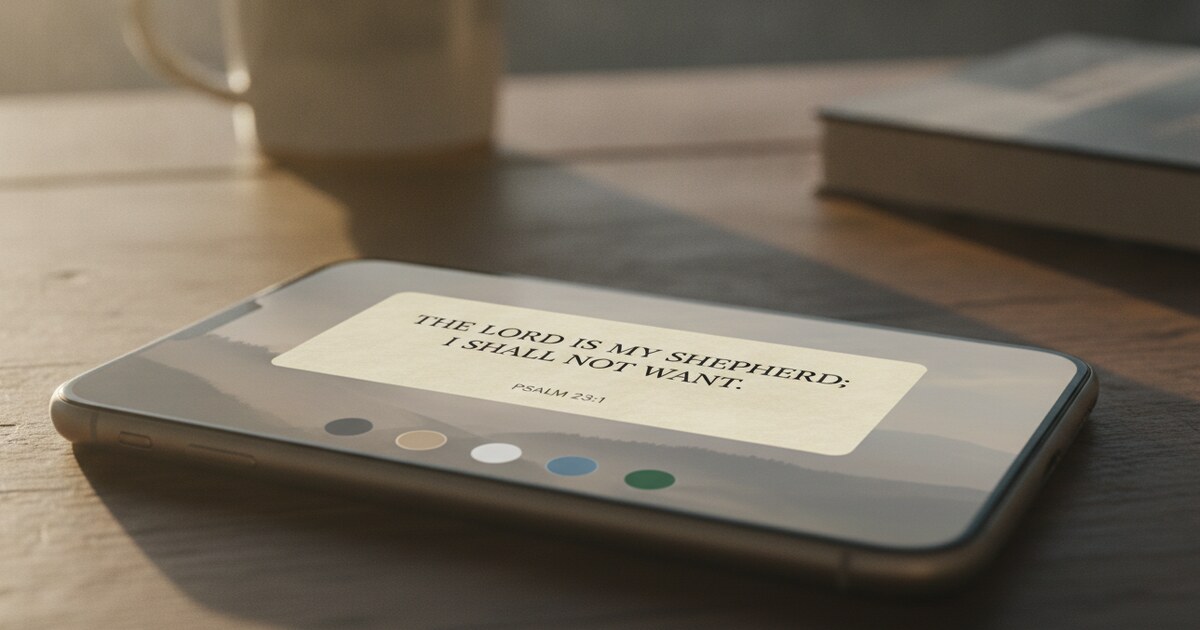
If you already read a daily Bible verse every morning, Psalmo turns that verse into a shareable image with one tap. There’s no verse to look up and no background to select. The image is built from whichever verse your app showed you that day.
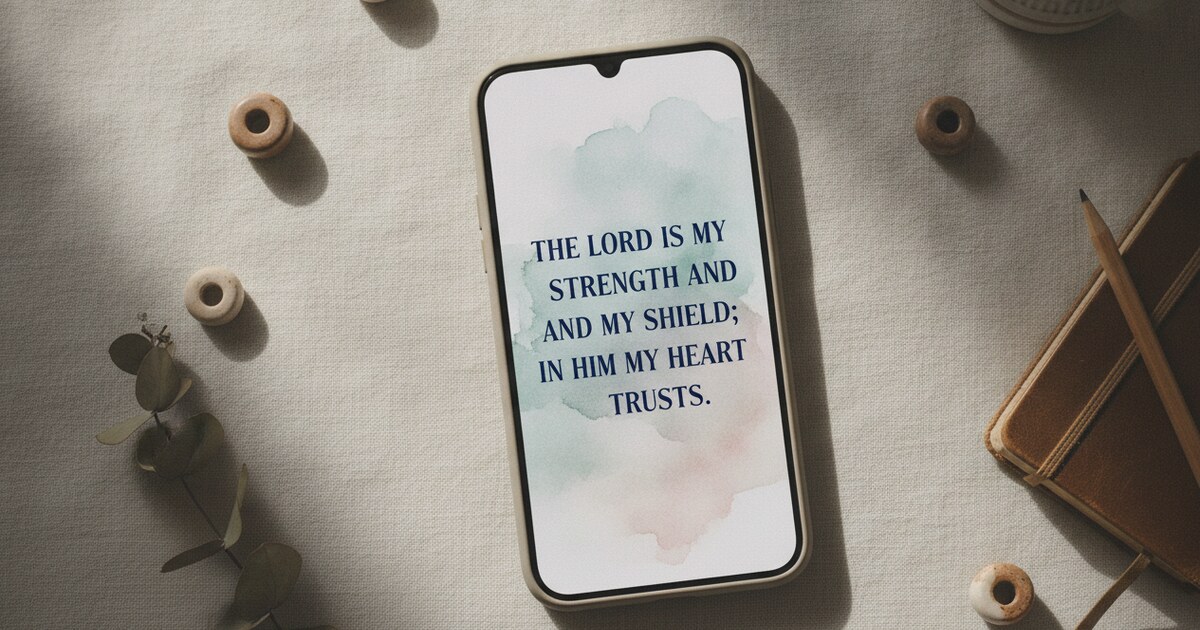
Psalmo has 15 or more aesthetic themes, from Classic and Minimal to Watercolor, Rose Gold, and Night Sky. The share image matches whichever theme is active. Free accounts get Classic, Dark, and Minimal. (For the full breakdown of available aesthetics, the aesthetic Bible widget guide covers each theme in detail.)
Premium unlocks every theme plus custom photo backgrounds. Verse text uses KJV or World English Bible (WEB), both public domain. The share goes to your phone’s system share sheet: Instagram, WhatsApp, iMessage, Facebook, or any app that accepts images.
The constraint is clear: you’re sharing today’s verse, not a manually typed reference. For a specific passage you want to post on its own schedule, a web-based tool gives you that control.
Platform: iOS and Android Cost: Free (Classic, Dark, Minimal themes); premium for all 15+ themes and custom backgrounds Best for: Daily devotional sharing with a consistent visual aesthetic
2. ClearBible.ai: Best Free Web Tool
ClearBible.ai’s verse image creator does one thing cleanly. You type a reference (John 3:16, Philippians 4:13, or any passage), and it generates a formatted card with no account required.
Output formats: 1080×1080 square for Instagram and Facebook, 1080×1350 portrait for the Instagram grid, and 1200×630 landscape for Facebook posts and X. You pick the size before downloading.
Background options include 20 or more solid colors and textures, plus a transparent option for layering in Canva or Keynote. Five translations are supported: King James Version, World English Bible, Berean Standard Bible, American King James Version, and the Clear Bible Translation.
Free downloads carry a small ClearBible.ai attribution in the corner. A premium tier removes it for watermark-free images. For personal posts and church slides, the free attribution barely registers at feed scale.
Platform: Web (no download, no account needed) Cost: Free with attribution; premium for watermark-free Best for: Quick polished verse cards in any format
3. Bible Verse Image Generator (ChatGPT): Best for AI Art Backgrounds
This is a custom GPT built by Rob Laughter, a creative director with over 20 years in design and video. It runs inside ChatGPT on the free tier.
Open ChatGPT, search for “Bible Verse Graphics” in the GPT store, then type your verse or theme. The tool generates a designed image with AI-created background art and the verse text overlaid, ready to download. Backgrounds can look painterly, photographic, or illustrated depending on how you phrase the request.
The images suit sermon opener slides, encouragement posts, and ministry social accounts. Content filters occasionally block a generation. Rephrasing the prompt or adding “painted landscape background” usually resolves it in one retry.
Platform: ChatGPT (web and mobile) Cost: Free with any ChatGPT account Best for: Unique illustrated backgrounds for social media and ministry use
4. bible-verses-ai.com: Best for Instant Free Sharing
This tool removes almost every friction point. Go to the site, enter a verse, and download. There’s no account, no limit on generations, and no watermark.
Backgrounds are curated nature photography: landscapes, skies, forests, water. The verse text is overlaid automatically. There’s less control than ClearBible.ai (no format selection, no color options), but for a verse card in 20 seconds the process is hard to beat.
The main limitation: backgrounds are selected automatically, not user-chosen. If you want a specific backdrop or color palette, a different tool gives you that.
Platform: Web Cost: Free, no account Best for: Instant verse images with zero setup
5. MightyCross: Best for Full Design Control
MightyCross is the right pick when you have a specific image in mind and need the verse to fit it precisely. Upload your own photo, add text boxes with customizable fonts and colors, apply filters (grayscale, sepia, vintage), resize the canvas for Instagram, X, Pinterest, or LinkedIn, then export as a PNG.
It’s the closest thing to a lightweight Canva in this category, purpose-built for Christian content. Church bulletin covers, event graphics, and ministry materials all benefit from this level of control. Building a graphic from scratch takes 5-10 minutes compared to 30 seconds for a card generator, so save it for when the visual identity really matters.
Platform: Web Cost: Free (no account needed for basic use) Best for: Custom designs where you control every element
How to Pick the Right Tool
| Your situation | Best tool |
|---|---|
| Sharing today’s daily devotional verse | Psalmo |
| Quick formatted card for Instagram or Facebook | ClearBible.ai |
| Unique illustrated background for a sermon | Bible Verse Image Generator (ChatGPT) |
| Free image in under 20 seconds, no account | bible-verses-ai.com |
| Custom photo with verse text overlaid | MightyCross |
Three Tips for Shareable Verse Images
Match font contrast to your background. Light text on a dark photo reads cleanly. Light text on a light background doesn’t. Before saving, preview the image on your phone at normal feed size. If you have to squint to read the verse, viewers won’t save it either.
Use square format as your default. A 1080×1080 image posts without cropping to Instagram feed, stories, Facebook, and X. Switch to portrait or landscape only when the platform specifically benefits from it.
Keep the reference visible. The verse encourages. The book and chapter help people find it themselves. An image that shows “Philippians 4:13” alongside the text gives people a starting point for reading further.
For how verse images fit into a wider phone aesthetic, the Christian home screen aesthetic guide covers home screen, lock screen, and widget setup together. And if you want your verse visual to extend to your wallpaper, the Bible verse wallpaper guide covers static and dynamic options for both iPhone and Android.
Frequently Asked Questions
Can I use these images for church services or ministry materials?
ClearBible.ai, bible-verses-ai.com, and MightyCross are all free for personal, church, and ministry use. The ChatGPT generator’s output follows OpenAI’s usage policy, which permits ministry use. KJV and WEB are public-domain translations, so there are no licensing issues with the verse text itself.
What’s the best image format for Instagram?
Square (1080×1080) works for both feed posts and stories with minimal cropping. Portrait (1080×1350) fills more of a phone screen in the feed. ClearBible.ai exports in both; most other tools default to square.
Does Psalmo let me share any verse or only today’s?
Psalmo’s share feature generates an image from your current daily verse. For a specific passage outside of today’s rotation, use ClearBible.ai for direct reference lookup. Psalmo’s verse rotation pulls from whichever scripture categories you’ve turned on in settings.
Are the verses accurate to the translation?
Tools that pull from Bible text databases (ClearBible.ai, Psalmo, bible-verses-ai.com) are accurate to the translation they use. The ChatGPT tool overlays the verse text you type in, so verify the wording against your preferred translation before posting.
Do I need design experience to use any of these tools?
No. Psalmo and bible-verses-ai.com require no creative decisions at all. ClearBible.ai and the ChatGPT tool ask you to pick a background or style. MightyCross has the steepest learning curve but is still simpler than Photoshop or Illustrator.
Psalmo is free on iOS and Android. Your daily verse becomes a share-ready image the moment you open the app: no reference to type, no background to pick, and 15 or more themes to match the visual style you’ve built for your phone.