
Want a verse on every screen? Psalmo is free.
Bible Verse Wallpaper: Ideas by Style and Setup
Most people searching for a bible verse wallpaper want two things: something that looks right on their lock screen and a verse that actually speaks to them. The challenge with static downloads is that your eye adjusts fast. You set Philippians 4:13 in October, and by November you’re skimming those same words the same way you read the date: automatically, without absorbing them. This guide covers the main visual styles worth considering, how to set a bible verse wallpaper on iPhone or Android, and one option most wallpaper articles skip: a lock-screen widget that shows a fresh verse every morning without any extra effort on your part.
A bible verse wallpaper is a scripture-formatted image set as a phone background on the home screen, lock screen, or both. To set one, choose a visual style (minimal, watercolor, dark, or vintage), download a free image from a site like Wallpapers.com or CrossCards, then go to Settings > Wallpaper on iPhone or Settings > Wallpaper & Style on Android. The process takes under two minutes on either device.
Why Bible Verse Wallpapers Work
The average person checks their phone 96 times a day (Asurion, 2023). That’s 96 chances for a verse to register on the lock screen before they ever open an app.
Robert Zajonc’s 1968 Psychological Review paper established what researchers now call the mere exposure effect: repeated low-effort contact with a stimulus builds positive association, even without active attention. The finding held across 200+ subsequent replications in visual, auditory, and textual contexts.
Applied to scripture, a verse on your lock screen accumulates 50 to 90 incidental reads per day, each building familiarity in a way a single morning reading can’t match on its own. Phillippa Lally’s 2010 UCL study (European Journal of Social Psychology) found that behaviors anchored to an existing cue (like unlocking a phone) form into habits in 18 to 254 days, with a median of 66. The phone unlock is already happening dozens of times each day, which means a verse placed there piggybacks on an existing behavior rather than demanding a new one.
DataReportal’s 2025 Global Digital Report clocked the average person at 4 hours 37 minutes of mobile use daily. Across that window, a lock-screen scripture accumulates more passive reads than a deliberate morning devotional typically delivers in a single sitting.
The same research reveals the limitation, though. Habituation is the flip side of mere exposure: once something becomes fully familiar, the brain deprioritizes it. A static wallpaper that never changes stops registering after two to three weeks, which is why the most effective use of a bible verse wallpaper is one that rotates regularly.
Bible Verse Wallpaper Styles: What to Look For
The style you pick matters more than most people expect. A busy background trains you to ignore the image faster than a clean one.
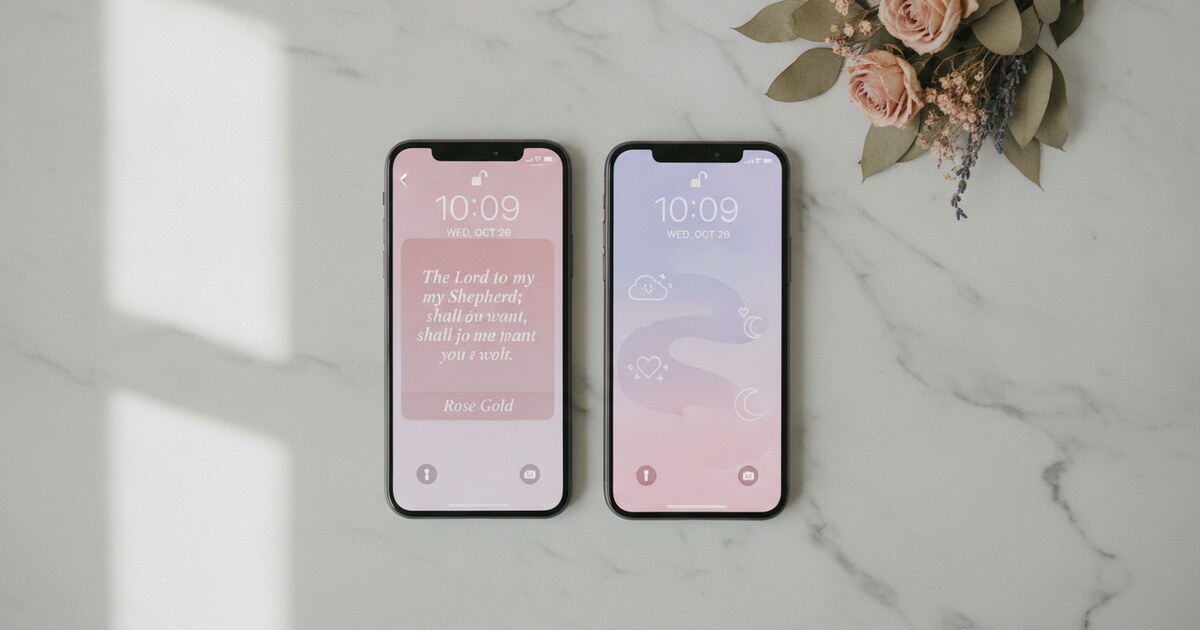
Minimal. White or off-white background, one verse, clean sans-serif or Roman serif font. Easy to read in any lighting. The top third of the screen stays clear, so it doesn’t compete with notification badges. Most free wallpaper libraries skew toward minimal because it works universally across phone models and OS themes.
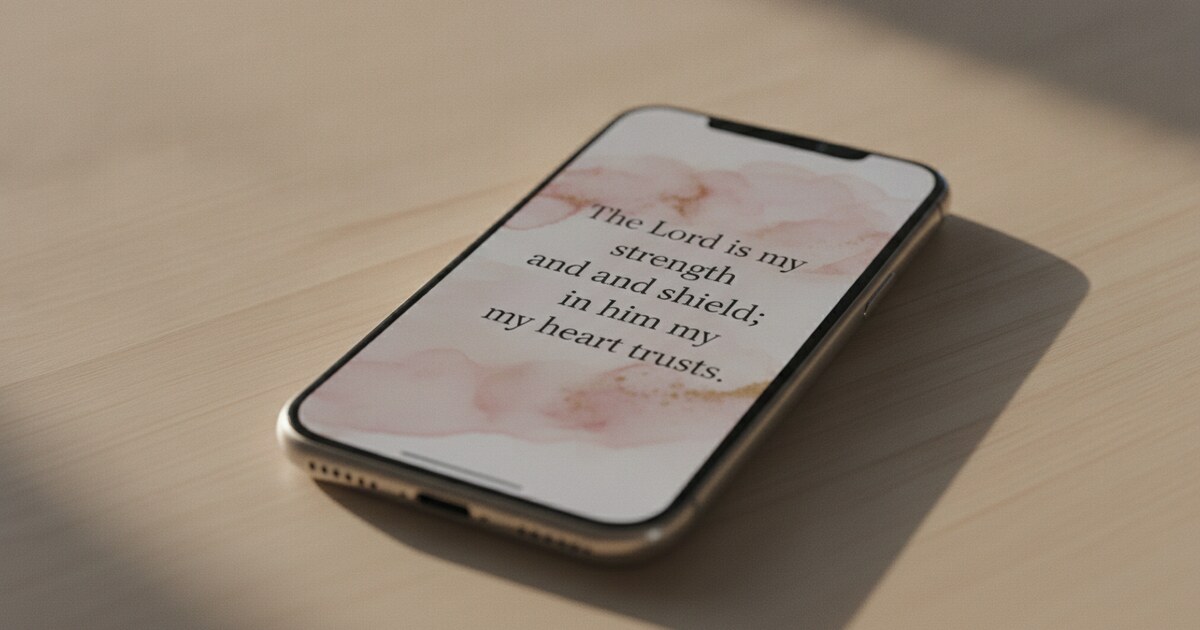
Watercolor. Soft washes of blush, sage, or cerulean behind hand-lettered or printed scripture. This is the dominant style on Pinterest and Christian TikTok. Caveat: a busy wash can make the verse hard to read in direct sunlight. Look for versions where the text sits over the lighter part of the gradient, not a dark edge.
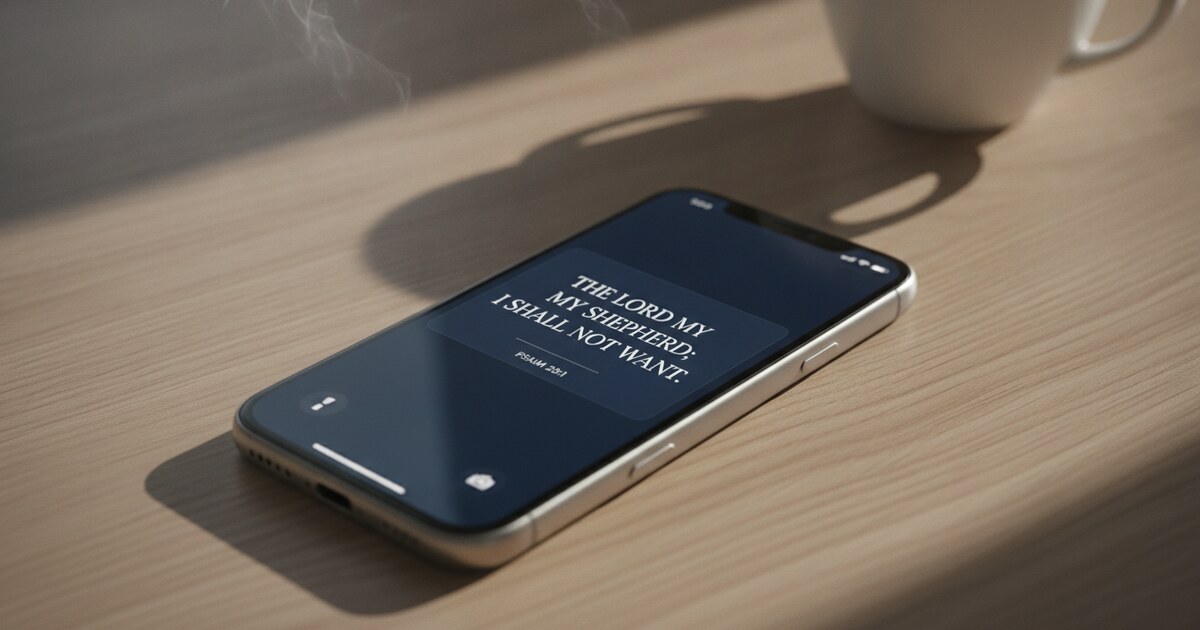
Dark photography. A dimly lit landscape, forest, or macro image with a white verse overlaid. OLED screens (found on most recent iPhones and premium Android phones) draw zero power on true black pixels, so a dark background also saves battery. These hold up well at night and don’t look harsh.
Vintage and illustrated. Sketched botanicals, pen-and-ink florals, parchment textures. Popular for KJV verses where the older typography fits the look. This style tends to be detailed, so check that the verse stays legible at 40 to 50 percent screen brightness.
For free options covering all four styles, Wallpapers.com has 994+ Bible verse wallpapers sorted by resolution. ActiveChristianity has a filterable archive organized by topic and color palette. If you’re putting together a full phone aesthetic around your scripture wallpaper, the aesthetic bible verse widget guide covers how the visual style of a lock-screen widget can match your chosen wallpaper theme.
How to Set a Bible Wallpaper on iPhone
The steps below work on iOS 15 through iOS 18:
- Find the image you want and save it to Photos. On most sites, tap and hold the image, then choose “Add to Photos.”
- Open the Settings app and tap Wallpaper.
- Tap Add New Wallpaper.
- Select Photos and choose the saved image.
- Pinch to zoom and drag to position the verse in the center or lower third of the screen.
- Tap Add, then choose Lock Screen, Home Screen, or both.
iOS 16 added one useful option: different wallpapers for different Focus modes. Set a Psalm for your Morning Focus and a Proverb for your Work Focus, and the scripture shifts automatically when your routine changes. It adds variety to a static image without needing a separate app.
For a full walkthrough of setting up both static wallpapers and live lock-screen widgets (including the three lock-screen widget sizes), see how to add a bible verse widget to your iPhone home screen.
How to Set a Scripture Wallpaper on Android
Android’s exact path varies by manufacturer, but the core sequence is the same:
- Save the scripture wallpaper image to your gallery.
- Navigate to the wallpaper settings. On Pixel: Settings > Wallpaper & Style > Change Wallpaper. On Samsung: Settings > Wallpaper & Style, or long-press the home screen and tap Wallpapers. On most other Android phones: Settings > Display > Wallpaper.
- Choose My Photos or Gallery and select your image.
- Crop and position the verse on screen, then tap Apply or Set Wallpaper.
- Choose home screen, lock screen, or both.
One thing to know: Android removed lock-screen widgets at the OS level with Android 5.0 in 2014. This is a platform constraint, not an app limitation. If you want daily scripture rotation on your Android lock screen, a home-screen widget is the closest equivalent. Android home-screen widgets with daily Bible verse refresh work on most devices, and Psalmo’s home-screen widget supports all three sizes (small, medium, large) on Android.
The Bible Verse Wallpaper That Updates Itself
Static images are a reasonable starting point. The limitation is habituation: your eye learns the image within a week or two and begins filtering it out, the same way you stop noticing a poster that’s been on your own wall for months.
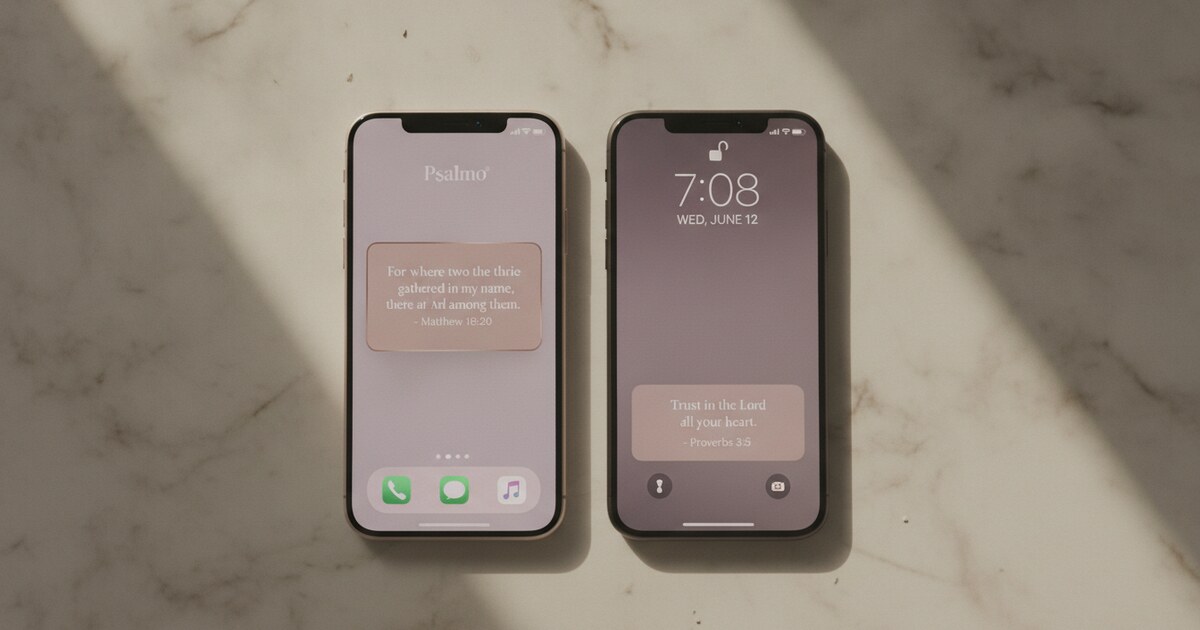
A Bible verse lock-screen widget solves this. Instead of a fixed image, it displays a new verse each day in the same position a wallpaper occupies. You get the visibility of a wallpaper and the freshness of a daily devotional without doing anything between setup and the daily reads.
Psalmo’s lock-screen widget (requires iOS 16+) cycles through a new verse every day at midnight from whichever verse categories you’ve switched on. The 15+ categories include Faith, Peace & Anxiety, Morning Verses, Evening Verses, Strength & Courage, Gratitude, Healing, Prayer, and more. The visual design gets the same care as any curated wallpaper: Psalmo ships 15+ themes including Minimal, Watercolor, Dark, Night Sky, and Stained Glass. The free tier includes 3 themes (Classic, Dark, Minimal); premium unlocks all themes plus custom photo backgrounds.
If you want a specific verse locked in rather than the daily rotation, Psalmo’s verse sharing feature lets you generate a themed image of any verse. Tap the share icon on today’s verse, save the image to your camera roll, and set it as your wallpaper manually. You get the visual quality of a designed scripture wallpaper with your own chosen text.
For a comparison of how the lock-screen widget differs from a static iPhone bible verse wallpaper, including setup steps and a side-by-side of the three iOS accessory shapes, see the bible verse wallpaper iPhone guide.
Psalmo is free to download on iOS and Android.
Frequently Asked Questions
What’s the right image size for a Bible verse wallpaper on iPhone? For iPhone 15 and 16 series, the native resolution is 1290 x 2796 pixels. For iPhone 12 through 14, it’s 1170 x 2532 pixels. Most wallpaper sites offer multiple sizes. If only one is available, iOS scales it automatically without noticeable quality loss at a normal viewing distance.
Can I get a new Bible verse wallpaper every day automatically? Static downloaded images don’t update on their own. On iOS 16 and later, a lock-screen widget like Psalmo’s refreshes at midnight with a new verse from your chosen categories, so the scripture changes each morning without any input from you. On Android, a home-screen widget with daily refresh is the closest equivalent, since Android doesn’t support lock-screen widgets at the OS level.
Where can I find free scripture wallpapers to download? Wallpapers.com has 994+ Bible verse wallpapers in HD and 4K, free without an account. CrossCards offers free scripture backgrounds organized by verse theme. ActiveChristianity has a filterable archive sorted by topic and color palette. All three let you download in multiple resolutions.
Do Bible verse wallpapers work the same on dark mode? A static wallpaper is a fixed image, so it looks identical in light or dark mode. If you want the wallpaper to feel native to dark mode, choose a dark photography or near-black-background design. These also work better on OLED screens at night and don’t look out of place with a dark notification shade.
What’s a good Bible verse for a phone wallpaper? Short verses read better at lock-screen glance speed. Philippians 4:6 (“Be careful for nothing”), Psalm 46:10 (“Be still, and know that I am God”), Joshua 1:9, and Isaiah 41:10 are popular choices because each is under 20 words in KJV and carries a complete thought in one line. A single sentence tends to land faster in the two seconds a lock screen typically gets.
For a verse that changes every morning without lifting a finger, Psalmo’s lock-screen widget handles the rotation. Pick your verse categories, choose a visual theme, and a fresh scripture will be waiting on your lock screen each day. Download Psalmo free on iOS and Android at psalmo.app.