
Want a verse on every screen? Psalmo is free.
Bible Verse Wallpaper for iPhone: Static and Live Options
Most people searching for a bible verse wallpaper for iPhone want the same thing: scripture visible every time they unlock their phone. A verse on the lock screen is an ambient reminder. You unlock your phone roughly 100 times a day, and each glance at a verse takes three seconds. That compounds over months in ways that are hard to predict.
There are two paths. The first is saving a verse image to your camera roll and setting it as your traditional wallpaper, simple, free, and works on any iPhone. The second is a lock-screen widget that updates daily, occupying the same visual space as a wallpaper but cycling through different verses automatically. The right choice depends on how much manual upkeep you actually want.
There are two ways to put a Bible verse on your iPhone screen. For a static background, save any verse image to your camera roll and apply it in Settings > Wallpaper. For a verse that updates daily, a lock-screen widget from an app like Psalmo fills the same visual space and refreshes at midnight automatically. You configure it once and it runs itself from there.
Static Bible Verse Wallpapers: Finding and Setting Them
A static verse wallpaper is any image you save to your phone and apply as a background in Settings. Three sources that work well:
Pinterest and Google Images. Search “bible verse wallpaper iphone” plus your preferred aesthetic: minimalist, floral, dark mode, watercolor. You’ll find thousands of free options. Download the image to your camera roll, open Settings > Wallpaper > Add New Wallpaper > Photos, select it, and save. The whole process takes about two minutes.
Canva. The free tier has phone wallpaper templates at 1179 × 2556 pixels for modern iPhones. Type your verse, pick a background, export as PNG. Takes about five minutes and gives you something that fits your specific taste.
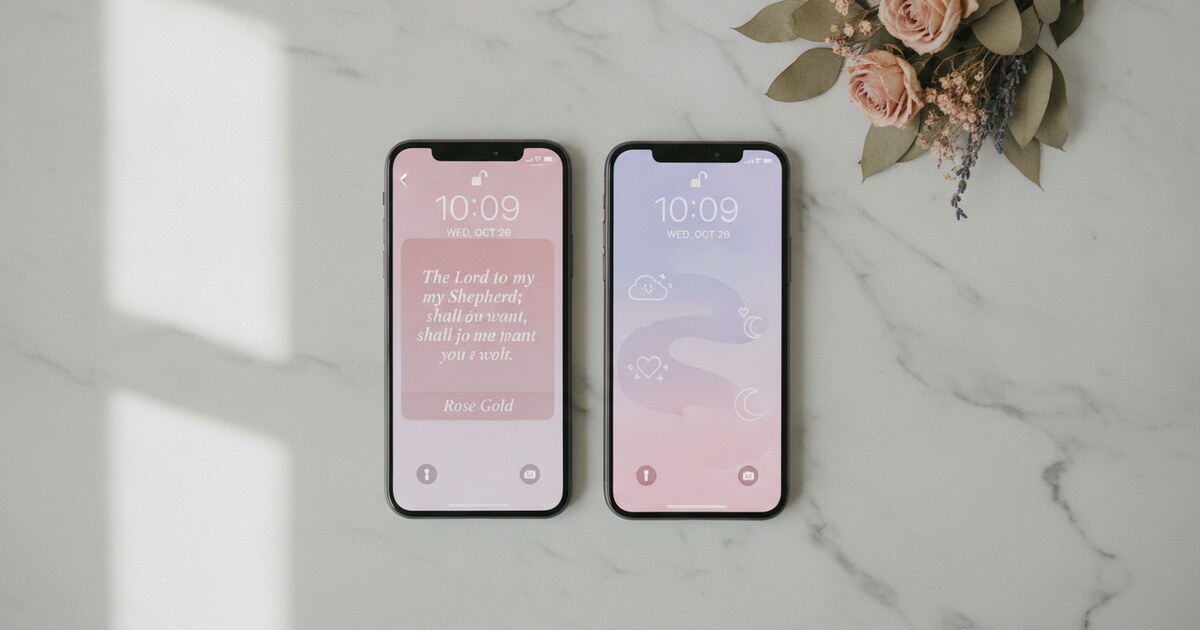
Psalmo’s verse-sharing feature. Inside the app, tap the share button on any verse and Psalmo generates a styled card image with your active theme applied (Marble, Sunrise, Ocean, Rose Gold, or whichever you’ve selected in settings). Save that card to your camera roll, then go through Settings > Wallpaper to apply it. The result matches your widget’s visual style, so the phone looks intentional rather than assembled from unrelated sources.
The limitation with static wallpapers shows up around week two or three. Once a verse becomes deeply familiar, it fades into background noise. You stop reading it the same way you stop seeing the furniture in a room you know well. Refreshing means finding a new image, downloading it, and navigating back through Settings each time. That’s a low bar, but it’s one most people don’t clear consistently over the long run.
Live Lock-Screen Widgets: A Bible Verse That Refreshes Daily
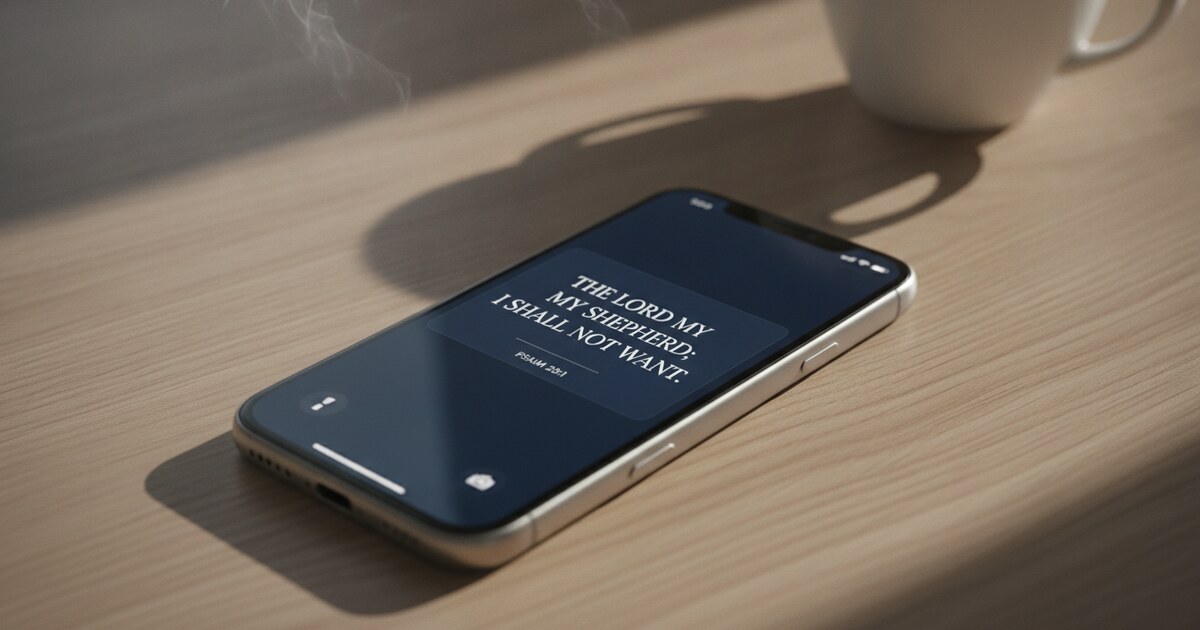
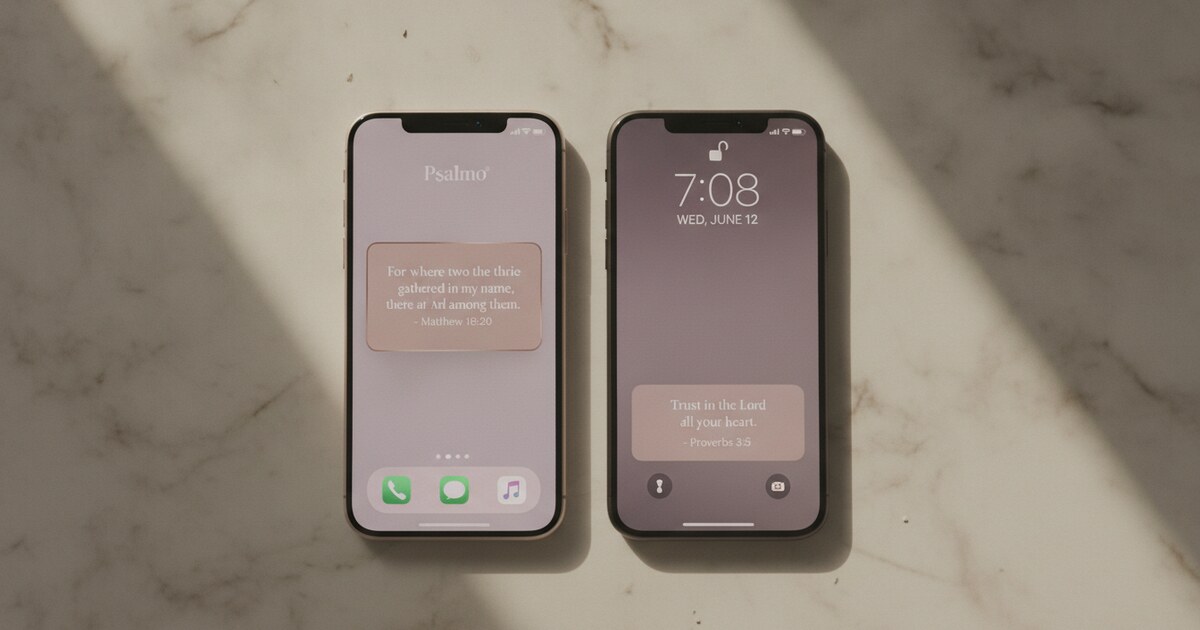
Apple introduced lock-screen widget support with iOS 16 in September 2022 through the WidgetKit framework. On iPhone, the lock screen divides into three zones: the wallpaper background (a static image), the clock layer, and the widget row beneath the clock. Apps with WidgetKit integration populate that bottom row in three accessory shapes: rectangular (a banner spanning most of the lock screen width, displaying up to roughly 140 characters of verse text with the scripture reference below), circular (shorter references or single phrases), and inline (positioned in the clock row itself, above the main time display). Psalmo’s widget timeline refreshes at midnight by default. Each morning you unlock to a different verse from your active categories across Faith, Peace & Anxiety, Gratitude, Healing, Wisdom, Hope, Prayer, Strength & Courage, Love, Forgiveness, Family, Protection, Work & Purpose, Morning Verses, and Evening Verses. The full KJV and WEB verse library is included in the free tier, so the whole verse pool costs nothing on the base plan.
An hourly rotation option is also available in settings if you’d rather see a different verse throughout the day.
This solves the staleness problem that static wallpapers run into. The verse changes overnight. You get a fresh line of scripture on every morning unlock, without touching the wallpaper settings again.
Setting it up takes about 90 seconds. Hold your lock screen until the Edit button appears, tap Customize, select Lock Screen, tap the widget row below the clock, choose Psalmo from the widget picker, and select the rectangular option for the most verse text. Tap Done. For a detailed walkthrough with screenshots of each screen, see How to Add a Bible Verse Widget to Your iPhone Home Screen.
Themes: Getting the Visual Style Right
The visual gap between a designed wallpaper and a widget card closes fast when you choose the right theme. Psalmo’s free tier includes 3 themes: Classic (white card, black serif font), Dark (near-black background, light text), and Minimal (clean sans-serif, muted gray). The premium tier adds 13 more: Sunrise, Ocean, Forest, Marble, Rose Gold, Night Sky, Watercolor, Vintage, Pastel, Gold Leaf, Modern, Chalkboard, and Stained Glass. Premium also unlocks a custom photo background option, where any image from your camera roll becomes the widget texture with the verse text laid on top.
Night Sky on a dark lock screen photograph blends close to seamless. Marble on a light floral photo background carries a softness similar to the gallery wallpapers circulating on Christian TikTok and Pinterest. The custom photo background in premium is the closest Psalmo gets to a traditional wallpaper: your photo, your verse, a different scripture each morning.
The free tier works fine for most setups. Classic or Minimal on a neutral-toned lock screen wallpaper reads cleanly and doesn’t fight the background for attention.
For a full breakdown of which themes suit which home-screen aesthetic, see the Aesthetic Bible Widget guide.
Home Screen Widgets
The lock screen placement gets the most visibility, but Psalmo’s home-screen widgets put scripture in a different moment: when you’re on your main app grid deciding what to open next. Three sizes are available: small (a 2x2 slot showing the verse reference and opening line), medium (a 4x2 row with a longer excerpt), and large (a 4x4 panel with the full verse, category label, and theme background filling the block).
If you’re building a Christian home screen with grouped apps, a muted wallpaper photo, and intentional layout, the medium or large widget gives you a scripture anchor that refreshes daily without opening the app at all.
Static Wallpaper vs. Live Widget: Which to Use
Static wallpapers suit a specific use case: you want to sit with one verse for a defined season. Psalm 23 through a hard month. Romans 8:28 through a stretch of uncertainty. Design it once, set it, and live with it until you’re ready to move on. There’s real value in staying with a single verse long enough to absorb it fully.
Live widgets work better for the daily rhythm. The verse rotates through the categories you’ve turned on, so over a month you’ll encounter 30 different scriptures across the themes that feel most relevant to your life right now. That range tends to keep the habit more durable than any single static verse held indefinitely.
Most people who start with a static verse image end up switching to the widget within the first few weeks. The daily change is what keeps them actually looking.
For the lock-screen widget setup specifically, the step-by-step guide is at How to Put a Bible Verse on Your iPhone Lock Screen.
Frequently Asked Questions
Can I use a Bible verse as my iPhone wallpaper?
Yes. Save any verse image to your camera roll, open Settings > Wallpaper > Add New Wallpaper > Photos, and select it. You can also use Psalmo’s verse-sharing feature to generate a styled card and save that. For a verse that changes daily without manual effort, set up a lock-screen widget instead. It covers the same visual space on your lock screen and refreshes automatically at midnight.
Does Psalmo create Bible verse wallpaper images?
Psalmo doesn’t include a wallpaper library. It has a verse-sharing feature that generates a themed card image of the current verse, which you can save to your camera roll and apply as wallpaper through Settings. The app’s primary display is the widget row on the lock screen and home screen: live, daily-updating displays that occupy the same screen position as a wallpaper without requiring manual changes.
What iPhone version supports lock-screen Bible verse widgets?
Lock-screen widget support requires iOS 16 or later, which runs on iPhone 8 and newer. If your phone can run iOS 16, you can place a Psalmo widget directly in the lock-screen widget row below the clock. Older iPhones can still use home-screen widgets, but the lock-screen placement isn’t available on iOS 15 or earlier.
How do I get a new Bible verse on my lock screen every morning?
Install Psalmo, add the rectangular lock-screen widget, and choose your verse categories in the app’s settings. Psalmo uses Apple’s WidgetKit timeline to refresh the verse at midnight by default. Each morning you unlock to a different scripture from your active categories, with no manual refresh required. The hourly rotation option is also available in settings.
Are Bible verse wallpapers free?
Static images from Pinterest and Google Images are free to download. Canva’s free tier lets you design your own verse wallpaper. Psalmo’s lock-screen widgets include a free tier with the full KJV and WEB verse library plus 3 themes (Classic, Dark, Minimal). Premium unlocks 13 additional themes, a custom photo background option, and a free trial on the annual plan.
Download Psalmo free on iOS and Android. Add the lock-screen widget, pick your verse categories, choose a theme, and your iPhone lock screen shows a different Bible verse each morning without any finding, designing, or refreshing on your part.