
Want a verse on every screen? Psalmo is free.
Christian Lock Screen Ideas: Wallpaper, Widget & Focus Setup
The lock screen is the most-seen display on your phone. It’s there when you pick it up in the morning, every time you check the time, and at the last tap before bed. Most people leave it on a generic photo or the default wallpaper that shipped with their device. Designing a Christian lock screen takes about five minutes and puts something worth seeing in the most-glanced spot you own. This guide covers four wallpaper styles that read well at lock-screen scale, how to add a live verse widget on iPhone, why Android works differently, and how iOS Focus modes let you shift your lock screen scripture as your day changes.
A Christian lock screen puts scripture on the most-seen display on your phone. The fastest setup: install Psalmo, add its lock-screen widget to one of the four slots around your clock (iOS 16+ required), and pick your verse categories. Fresh scripture appears every morning without lifting a finger. On Android, a daily home screen widget is the closest equivalent.
What Makes a Great Christian Lock Screen
The average person unlocks their phone 96 times per day (Asurion, 2023), and the lock screen is the first thing visible each time. Phillippa Lally’s 2010 UCL study found that behaviors anchored to an existing cue form into habits in 18 to 254 days, with a median of 66. The phone unlock already happens dozens of times daily, making it one of the most reliable cue-anchors for scripture exposure. DataReportal’s 2025 Global Digital Report clocked average daily mobile use at 4 hours 37 minutes across those 96 unlock events. iOS 16 (September 2022) introduced the lock-screen widget layer: four usable positions around the clock face in three accessory shapes (rectangular, circular, inline). Pew Research 2024 found that 62% of US adults say digital tools have been somewhat or very important to their faith practice, placing roughly 280 million people at the intersection of daily phone habits and active faith. The lock screen is the one display you can’t route around.
A well-designed Christian lock screen has three elements working together. The wallpaper or background sets the visual tone. A scripture widget ensures fresh content rather than the same static image your eye adjusts to within two weeks. Optional Focus modes let the lock screen shift depending on whether it’s quiet time, work, or wind-down.
Getting all three right means your lock screen stays genuinely visible rather than turning into invisible wallpaper.
Christian Lock Screen Wallpaper Ideas
Your wallpaper sets the palette everything else builds from. Four styles work particularly well for Christian lock screens.
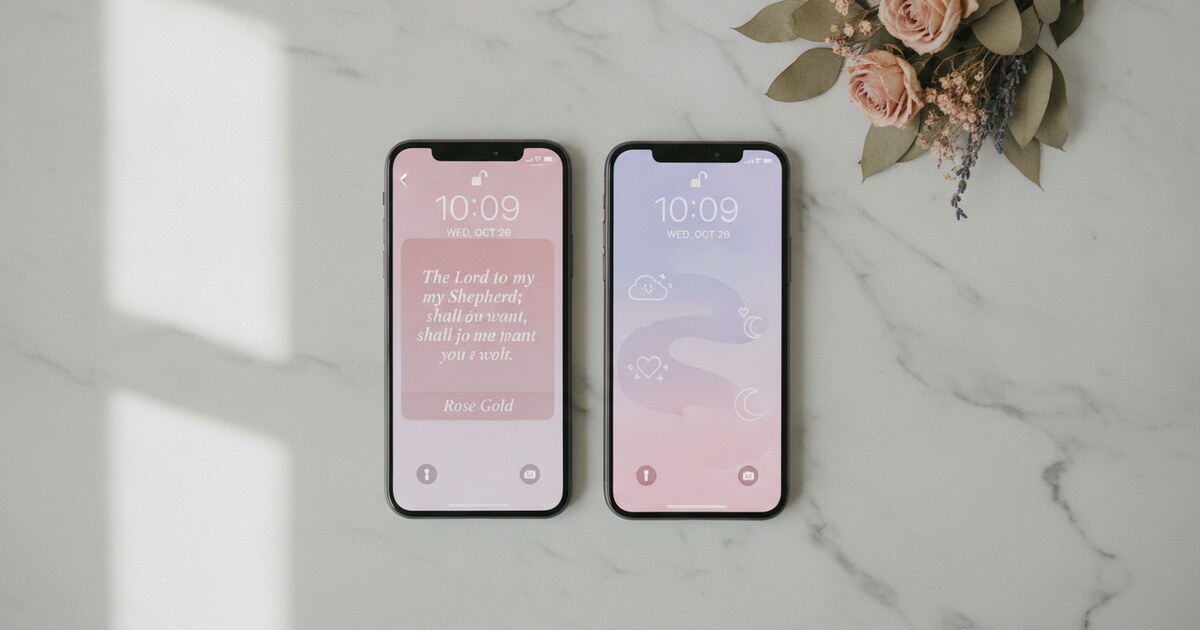
Minimal scripture. A white or off-white background with a single verse in a clean serif or sans-serif font. It reads clearly in any lighting and doesn’t fight visually with the clock, date, or notification badges. If you plan to layer a verse widget on top, a minimal wallpaper gives the widget the most room to land.
Watercolor. Soft washes of blush, sage, or pale cerulean behind hand-lettered scripture. This drives most of the Christian lock screen content on Pinterest and TikTok. One note: a saturated wash can push the verse into readability trouble in direct sunlight. Look for a version where the text sits over the lighter part of the gradient, not over a dark edge.
Dark photography. A dimly lit landscape or nature scene with a white verse overlaid. OLED screens (standard on most recent iPhones and flagship Android devices) draw zero power on true black pixels, so a dark background also saves battery. These hold up well at night and don’t look harsh under a dark notification shade.
Vintage and illustrated. Sketched botanicals, pen-and-ink motifs, or parchment textures. Popular for KJV passages where older typography matches the aesthetic. At 40 to 50 percent screen brightness, verify the verse stays legible before committing.
For download sources across all four styles, the Bible verse wallpaper guide covers specific sites with free HD files organized by verse theme and color palette.
One limitation with any static wallpaper: habituation. Your visual cortex flags new stimuli and deprioritizes familiar ones. A wallpaper you’ve seen for two weeks stops registering the same way a poster on your own wall stops registering after a month. The widget option in the next section addresses this directly.
How to Add a Live Verse Widget to Your Lock Screen
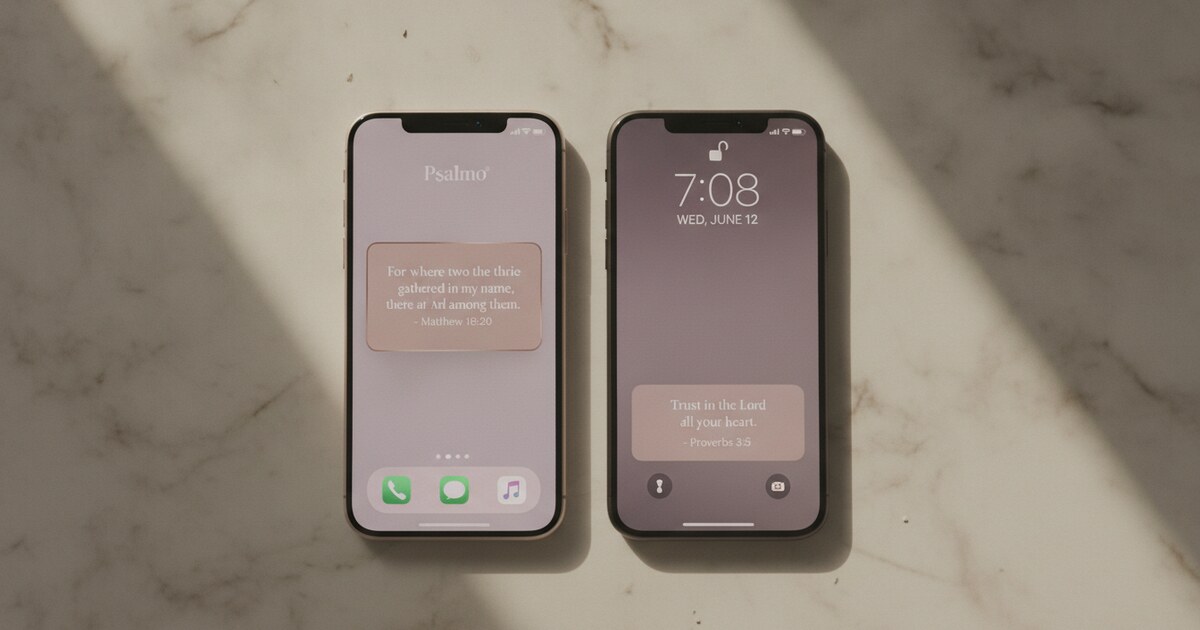
On iOS 16 and later, you can put a verse widget in one of four positions around the clock on your lock screen. Psalmo uses WidgetKit’s Timeline API to push a new verse at midnight each day, so you get fresh scripture every morning without any action on your part.
Setup on iPhone:
- Long-press your current lock screen until the Customize button appears.
- Tap Customize, then tap Lock Screen.
- Tap the area above the clock for an inline widget, or the rectangular area below the clock for a larger text widget.
- Scroll the widget picker to Psalmo and select the size you want.
- Tap Done, then Set as Wallpaper Pair.
Psalmo’s lock-screen widget draws from whichever verse categories you’ve switched on inside the app: Faith, Peace & Anxiety, Morning Verses, Evening Verses, Strength & Courage, Gratitude, Healing, Wisdom, Prayer, and more. Each morning the display updates automatically. No app launch required.
For a detailed walkthrough including screenshots of the three iOS accessory shapes (rectangular, circular, and inline), see how to add a bible verse widget to your iPhone home screen.
Android note. Android removed lock-screen widget support at the OS level with Android 5.0 in 2014. This is a platform constraint, not a Psalmo limitation. On Android, a Psalmo home-screen widget in the large size is the closest functional equivalent: it updates daily via WorkManager and sits in the most-viewed position on your home screen. Pair it with a downloaded scripture wallpaper set as your lock screen background for the nearest equivalent to the iOS setup.
Using iOS Focus Modes with Your Christian Lock Screen
Focus modes on iOS 15 and later let you assign a different lock screen to each Focus. This is one of the more useful features for building a genuinely intentional Christian phone setup, and most people don’t know it exists.
How to link a lock screen to a Focus:
- Long-press your lock screen and swipe to the one you’ve set up with your Psalmo widget.
- Tap Customize, then tap the Focus button at the bottom.
- Choose Morning, Personal, Work, or any custom Focus you’ve created.
- Tap Done.
Once linked, that lock screen activates automatically whenever the Focus starts. A Morning Focus scheduled from 6 to 9 AM and linked to Psalmo’s Morning Verses category means you wake up to morning scripture, and your lock screen shifts to a different configuration when your work block starts.
A Quiet Time Focus works well for prayer or Bible reading. Set it to use Psalmo’s Peace & Anxiety or Prayer category, and the lock screen shifts to matching scripture when you enter a focused spiritual session. Verses stay thematically relevant to what you’re actually doing rather than cycling through general categories all day.
For building the full phone aesthetic beyond just the lock screen, the Christian home screen aesthetic guide covers five complete layout ideas pairing Psalmo themes with matching wallpapers and app layouts.
How Psalmo Builds Your Christian Lock Screen
Psalmo is a scripture widget app built for this use case from the ground up. The lock-screen widget (iOS 16+ required) cycles through a daily verse from your chosen categories. The 15+ visual themes — Minimal, Watercolor, Rose Gold, Night Sky, Forest, Stained Glass, and more — let you match the widget’s visual style to your wallpaper. The free tier includes Classic, Dark, and Minimal. Premium unlocks all themes plus custom photo backgrounds, so you can use your own photography as the widget backdrop.
The verse sharing feature extends the lock screen in a different direction: tap the share icon on today’s verse inside the app, generate a themed image of that specific passage, save it to your camera roll, and set it as a static wallpaper. You get the designed quality of a curated scripture wallpaper with whatever verse you actually want on it rather than whatever a stock gallery offers.
The app-blocking feature connects the lock screen to real behavior: pick which apps (Instagram, TikTok, YouTube, X, Snapchat) get paused behind today’s verse. They stay locked until you’ve opened and read the daily passage, then unlock for the rest of the day. A Christian lock screen that also gates your most distracting apps moves from aesthetic intention to practical habit.
Psalmo is free to download on iOS and Android.
Frequently Asked Questions
What’s the best wallpaper style for a Christian lock screen? Minimal backgrounds (white, off-white, or soft sage) work best because they don’t compete visually with the clock or a verse widget. Watercolor designs are the most popular aesthetic choice on Pinterest and TikTok, but check that the verse stays readable at full brightness before committing. If you’re adding a widget on top of the wallpaper, keep the background clean enough that both elements read at a glance.
Does a Christian lock screen verse widget work on Android? Android removed lock-screen widget support at the OS level with Android 5.0 in 2014. Psalmo’s verse widget runs on the Android home screen instead, in small, medium, or large sizes, with a daily refresh powered by WorkManager. For a Christian lock screen on Android, pair a downloaded scripture wallpaper set to the lock screen with a Psalmo home screen widget in your most-viewed position.
How do I set up a Christian lock screen without any app? On iPhone, save a scripture image to Photos, then go to Settings > Wallpaper > Add New Wallpaper, choose the image, and set it to Lock Screen only. On Android, save the image to your gallery, then go to Settings > Wallpaper & Style and apply it to the lock screen. This gives you a static verse that won’t update automatically, but it costs nothing and takes under two minutes.
Can iOS Focus modes show different scripture verse categories throughout the day? Yes. On iOS 15+, each Focus mode links to a different lock screen. Set up a Morning Focus from 6 to 9 AM with a Psalmo widget pulling from Morning Verses, a Work Focus with a static Psalm wallpaper, and an Evening Focus with the Peace & Anxiety category active. The lock screen shifts automatically as your Focus schedule changes throughout the day.
What’s the difference between a Christian lock screen wallpaper and a live verse widget? A wallpaper is a static image showing one fixed verse. A live widget is a Psalmo element that refreshes at midnight each day, cycling through your chosen categories. Because the content changes, your eye doesn’t learn to filter it out the way it does with a fixed image. Both have a place: a carefully chosen wallpaper verse for seasons when you want one passage to settle in, a rotating widget for daily variety.
If you want your lock screen to pull from 15+ verse categories and show fresh scripture every morning, download Psalmo free on iOS and Android.