
Want a verse on every screen? Psalmo is free.
Cute Bible Verse Widget: Themes and Setup for iPhone
The cute bible verse widget trend picked up momentum on TikTok and Pinterest right after iOS 14 opened iPhone home screens to widgets in September 2020. Rose Gold verse cards on pale linen, Gold Leaf scripture on aged cream, Watercolor backgrounds in muted sage and mauve. Christian creators started building phone setups that looked as intentional as their faith. The aesthetic has only grown since then, but two questions stay the same: which theme actually looks cute with your wallpaper, and which verse categories match that look? This guide maps Psalmo’s 16 themes to the five aesthetics this audience gravitates toward, covers verse category pairings, and walks through the exact setup steps for home screen and lock screen.
The cutest bible verse widget options combine a textured background with a serif typeface and a verse fragment of 10 to 20 words. Psalmo’s Rose Gold, Pastel, Watercolor, and Gold Leaf themes all fit that description, and the medium (4x2) home screen size shows the most color. Classic, Dark, and Minimal are free; the color themes unlock with a premium subscription.
The sections below are organized by aesthetic style so you can jump to the look that matches your phone.
What Makes a Bible Verse Widget Look Cute
Three things decide whether a widget reads cute or looks like a calendar placeholder: background texture, type style, and verse length.
Flat solid colors feel digital and cold. Textured backgrounds (watercolor paper, parchment grain, marble) add warmth without competing with the verse text. A serif typeface carries more softness than a geometric sans-serif, especially at small sizes where letterforms compress. Verse fragments in the 10-to-20-word range fit cleanly without truncation; longer passages push text to the edges and lose the open breathing room that makes a widget look designed rather than crammed.
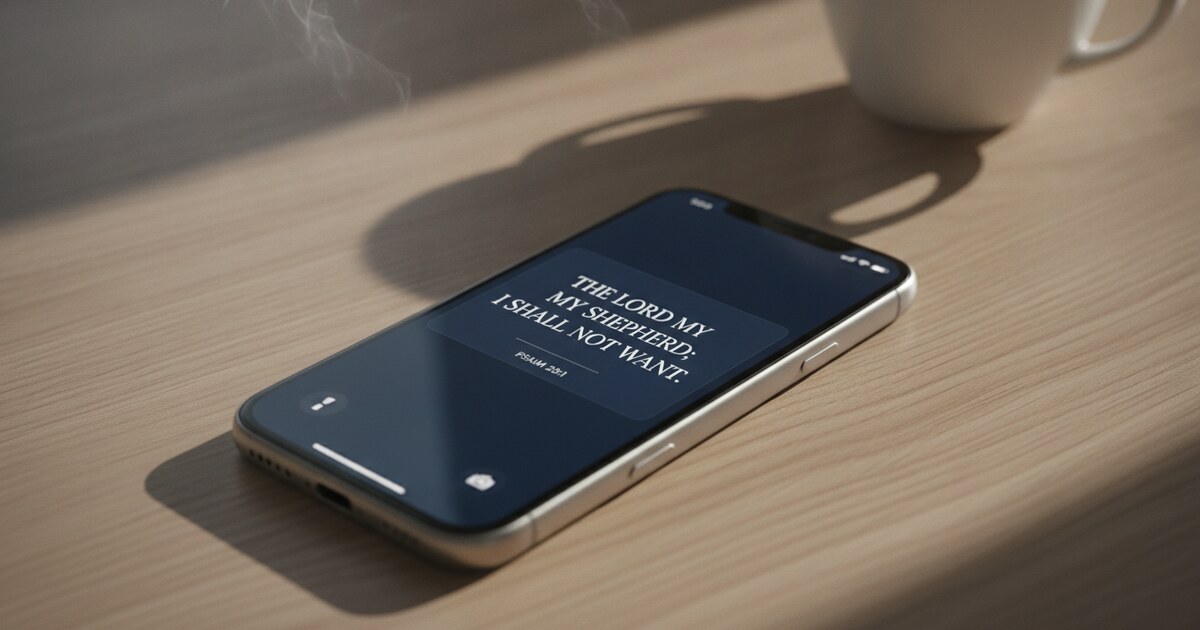
Size affects the final look as much as theme does. Psalmo ships 16 aesthetic themes as of 2026, split across two tiers. The free tier includes Classic (warm parchment background with a warm-brown serif), Dark (near-black with off-white letterforms), and Minimal (clean white with a thin sans-serif). The premium tier adds Rose Gold (blush pink with a delicate serif face), Pastel (soft lavender-to-blush gradient), Watercolor (muted sage or mauve wash on watercolor-paper texture), Gold Leaf (rich warm gold on deep cream), Vintage (aged cream with sepia tones), Marble (white stone grain with gold lettering), Night Sky (deep indigo with silver text), Sunrise (soft gold gradient), Ocean (navy-to-teal wash), Forest (dark green), Stained Glass (jewel-tone accent blocks), Chalkboard (dark slate with a hand-lettered style), and Modern (clean geometric sans-serif). Custom photo backgrounds, where you set your own image behind the verse text, are also a premium feature. All themes ship in three home screen sizes: small (2x2 grid squares, fits a 6-to-8-word phrase), medium (4x2, handles up to 20 words), and large (4x4, displays a 30-to-40-word passage without truncation).
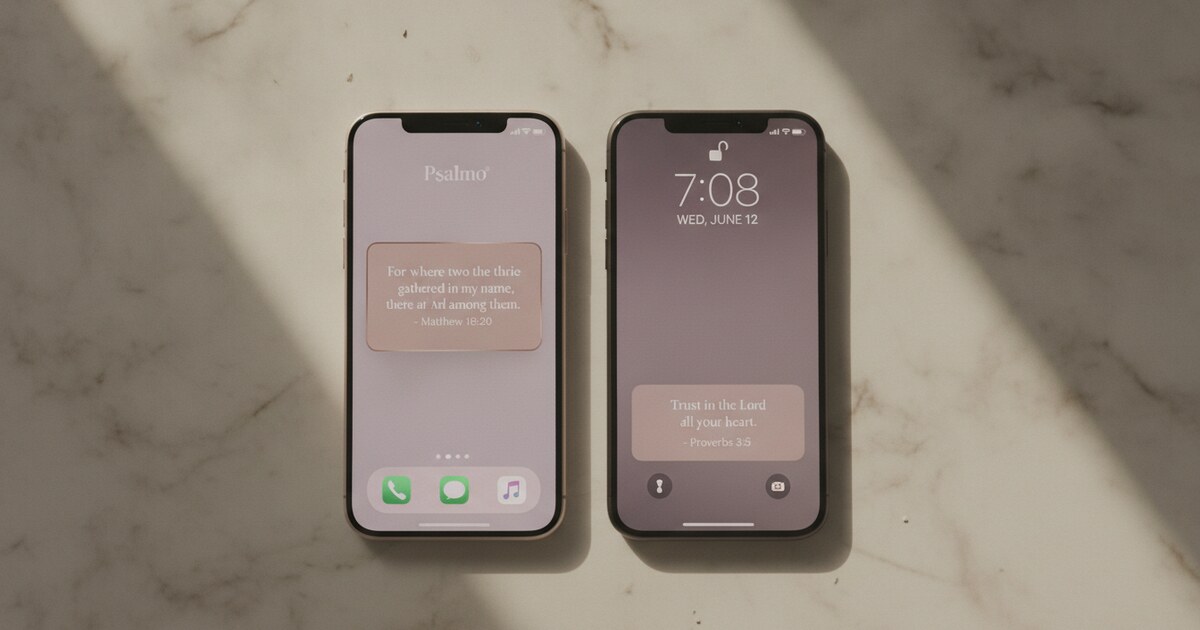
Lock screen widgets, available since iOS 16 (September 2022), come in three accessory shapes: rectangular below the clock, circular above the clock, and inline in the date row. At the lock screen, iOS suppresses widget backgrounds and renders only the text, so visual theme differences are minimal there compared to the home screen.
Cute Bible Verse Widget Themes by Aesthetic
These are the five phone aesthetics that appear most often in the ChristianTok and Pinterest widget communities, with the Psalmo themes that map to each one.
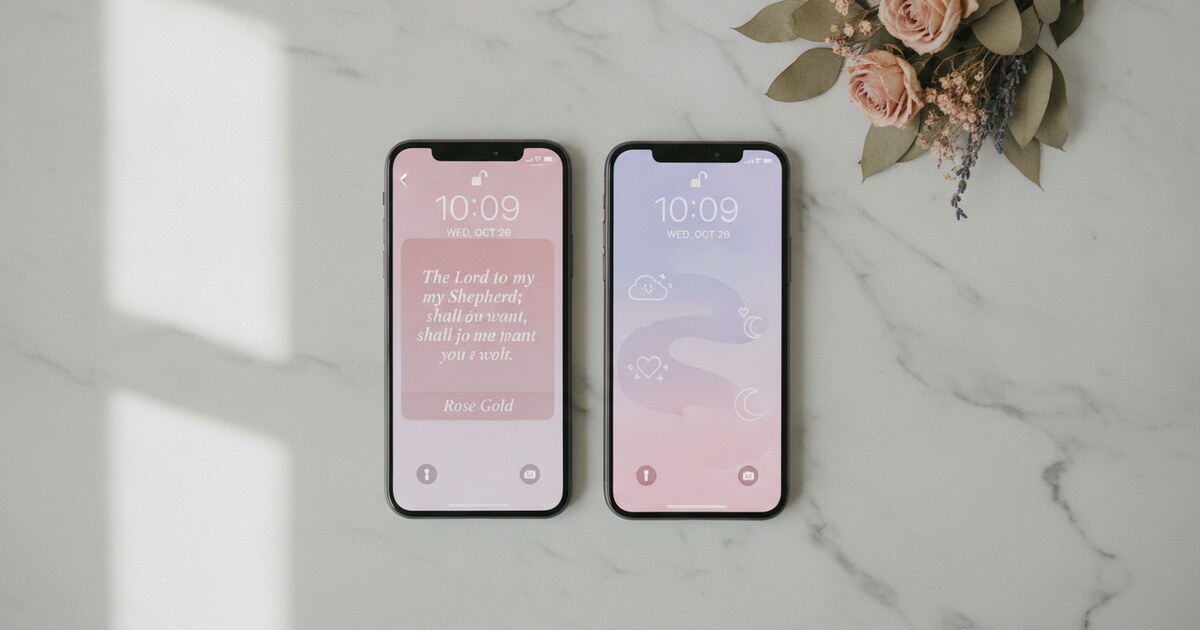
Soft feminine (blush, mauve, cream). Rose Gold and Pastel both land here. Rose Gold uses a blush pink background with a warm delicate serif. Pastel runs a lavender-to-blush gradient with softer letterforms. Both pair best with white, light blush, or cream wallpapers. The medium or large home screen size shows the most color, so use at least a 4x2 widget for this look to register properly.
Cottagecore and boho (sage, warm earth, linen). Watercolor and Vintage suit this aesthetic. Watercolor renders a muted sage or mauve wash on visible paper texture, which gives the widget a hand-painted quality. Vintage uses aged cream with sepia type, closer to an old hymnal page. Both feel tactile rather than digital, which is exactly what the cottagecore phone setup style is after.
Gold and editorial (rich, luxe, old-book). Gold Leaf and Marble. Gold Leaf puts warm gold text on deep cream; Marble layers gold lettering on white stone grain. These themes need contrast from the wallpaper behind them; dark walnut or charcoal backgrounds work well so the gold type doesn’t wash out.
Dark and moody (indigo, charcoal, deep green). Night Sky and Chalkboard. Night Sky runs deep indigo with silver text. Chalkboard uses dark slate with a hand-lettered quality. Both sit well on dark wallpapers without the widget disappearing into the background.
Clean and minimal (white, light gray, airy). Classic and Minimal. Classic has a warm parchment tone that reads slightly warmer than pure white. Minimal is colder with a thin sans-serif, closer to a stark editorial look. If the goal is scripture on screen with zero competing color, these two stay out of the way entirely.
For setups that rotate seasonally: Gold Leaf suits fall, Pastel suits spring, Night Sky works for winter, and Watercolor reads well all through summer.
Which Verse Category to Pair with Your Cute Widget
Psalmo’s 15 verse categories don’t change the widget’s visual appearance, but they change what words surface each day. Some categories pull from longer passages on average, which matters for the widget size you choose.
Morning Verses and Evening Verses draw from praise and rest passages and tend to run short, under 15 words. These fit cleanly on the small and medium widget sizes without truncation.
Peace & Anxiety is the most broadly used category across all phone aesthetics. Verses come from Philippians 4:6-7, Isaiah 26:3, and similar passages. They run at medium length and suit any theme color palette.
Love and Gratitude both trend toward shorter, warmer verse fragments. If you’re building a soft pink, Rose Gold, or Pastel setup, those categories match the color register without clashing tonally.
Strength & Courage and Prayer pull from slightly longer passages on average. If these categories are your primary rotation, the large (4x4) widget displays them without cutting the verse mid-sentence.
You can toggle multiple categories simultaneously inside Psalmo’s settings. Mixing Morning Verses with Gratitude keeps the rotation varied while staying within the shorter verse range.
How to Set Up Your Cute Bible Verse Widget on iPhone
Home screen setup (iPhone with iOS 14 or later):
- Long-press any empty area of your home screen until the apps start jiggling.
- Tap the ”+” button in the top-left corner.
- Search for “Psalmo” in the widget gallery.
- Choose small, medium, or large. Medium (4x2) is the best starting size for aesthetics: it shows the most color without taking over the whole screen.
- Tap “Add Widget” and drag it into position.
- Open the Psalmo app, go to Settings, and pick your theme and verse categories.
- The widget refreshes automatically at midnight each day via WidgetKit, no manual action required.
Lock screen setup (iPhone with iOS 16 or later, September 2022 update):
- Long-press the lock screen until the “Customize” button appears below it.
- Tap “Customize,” then tap the widget area below the clock.
- Tap the ”+” button, search for Psalmo, and choose the rectangular accessory widget for the longest verse fragment.
- Tap outside the editor and tap “Set as Wallpaper Pair” to save.
If the widget shows a placeholder verse instead of today’s verse after setup, open the Psalmo app once. WidgetKit activates the daily refresh timeline after the first app launch.
For more troubleshooting steps and Smart Stack setup, see the full bible verse widget guide for iPhone.
How Psalmo Fits a Cute Phone Setup
Psalmo was built for this use case from the start: theme-first design, three home screen sizes, and lock screen accessory widget support in all three iOS shapes. The verse rotation runs daily at midnight, with an optional hourly refresh in settings if you want the widget to cycle more often throughout the day.
The app-blocking gate is worth knowing about even in a design-focused setup. Psalmo lets you pause apps like Instagram, TikTok, or YouTube until today’s verse has been read. For users building a phone that looks intentional AND functions differently from a doom-scrolling device, the gate adds behavioral weight that the widget design alone doesn’t provide.
On premium, the custom photo background option lets you upload your own image behind the verse text: a film scan, a pressed flower photograph, a texture you shot yourself. That single option produces the most distinct “cute” setup, because no one else has the same source image you do. Pinterest templates all converge on the same dozen looks; a custom background breaks out of that entirely.
The christian widgets for iPhone guide covers a full side-by-side comparison of apps and iOS widget types. The aesthetic bible widget post goes deeper on the visual differences between specific Psalmo themes if you’re still deciding between Rose Gold, Watercolor, and Gold Leaf.
Frequently Asked Questions
What is the cutest bible verse widget app?
Psalmo is the most customizable option for cute aesthetics, with themes including Rose Gold (blush pink with a delicate serif), Pastel (lavender-to-blush gradient), Watercolor (sage and mauve wash on paper texture), and Gold Leaf (rich gold on deep cream). The medium home screen size (4x2) shows the most color and verse text. Classic, Dark, and Minimal are free; all color themes require a premium subscription.
Can I get a cute bible verse widget for free?
Yes. Psalmo’s free tier includes the daily verse widget in all three home screen sizes and three iPhone lock screen shapes, with Classic (warm parchment), Dark (near-black), and Minimal (clean white) themes at no cost. Colorful cute themes like Rose Gold, Pastel, and Watercolor are premium. YouVersion also offers a free home screen widget with less aesthetic customization.
How do I make my bible verse widget look aesthetic?
Choose a theme with a textured background rather than a flat solid color. Psalmo’s Watercolor, Rose Gold, and Gold Leaf themes add visible texture that keeps the widget from blending into a plain wallpaper. Use the medium (4x2) or large (4x4) size for the best verse display. Match your widget’s color temperature to your wallpaper: warm tones suit Gold Leaf or Vintage; cool tones suit Pastel or Night Sky.
Does the cute bible verse widget work on the iPhone lock screen?
Yes, on iPhones running iOS 16 or later (September 2022 update). Lock screen widgets come in three shapes: rectangular below the clock (best for a verse fragment), circular above the clock, and inline in the date row. Psalmo supports all three. Lock screen widgets don’t display full background colors; only the text renders, so the visual difference between themes is smaller at the lock screen than at the home screen.
Which Psalmo verse category is best for a cute aesthetic widget?
Morning Verses and Gratitude both run short, under 15 words on average, and fit cleanly on the medium widget size without truncation. Peace & Anxiety suits any season and reads well in any theme. If you’re building a soft pink or pastel phone setup, the Love category verses match the color palette. Toggle multiple categories simultaneously in Psalmo’s settings to vary the daily rotation.
Psalmo is free to download on iOS and Android. Start with Classic, Dark, or Minimal on the free tier, then unlock Rose Gold, Pastel, or Watercolor when you’re ready to build the cute bible verse widget setup you actually want.