
Want a verse on every screen? Psalmo is free.
Christian Widgets for iPhone: Home Screen + Lock Screen Guide
Apple added home screen widgets in iOS 14 (September 2020), and ChristianTok picked up the format almost immediately. Scripture verses on marble backgrounds, watercolor widgets in muted sage, and the Night Sky theme against a deep blue wallpaper. The aesthetic spread fast across Pinterest and TikTok, and five years on, christian widgets for iPhone have moved from novelty to daily habit anchor. The same visual position your eyes land on dozens of times a day can now carry something worth seeing. This guide covers every widget type iPhone supports, the best apps for each use case, how to pick a theme for your aesthetic, and how to choose the verse categories that actually suit your day.
The best christian widgets for iPhone pair a medium or large home screen verse widget with a lock screen widget in the rectangular slot below the clock (iOS 16+). Psalmo covers both positions with 15+ aesthetic themes, 15 verse categories including Morning Verses and Peace & Anxiety, and a daily midnight refresh via WidgetKit. Classic, Dark, and Minimal themes are free; all others unlock with a premium subscription.
What Christian iPhone Widgets Actually Do
WidgetKit is the Apple framework that powers every home screen and lock screen widget on iPhone. Apps register a Timeline with WidgetKit: a list of entries, each with a scheduled display time. At midnight each day, Psalmo pushes a new verse into the Timeline and the widget updates without the app opening in the background. Apple manages all WidgetKit refreshes centrally, so adding more widgets doesn’t meaningfully drain your battery.
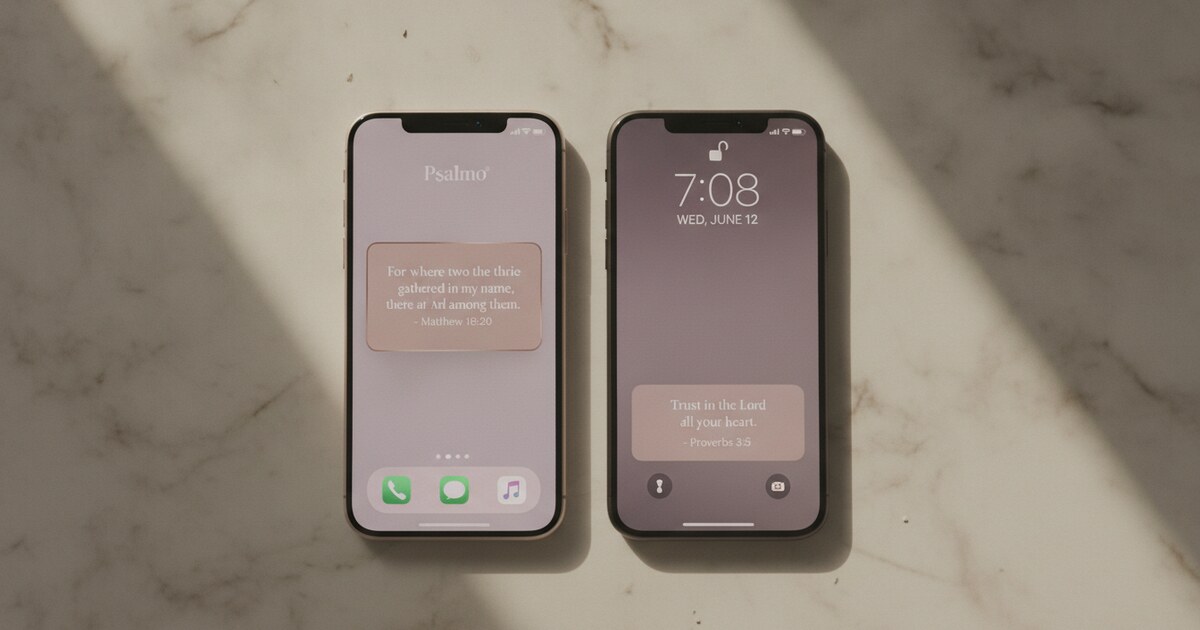
Three widget positions are available on iPhone. Home screen widgets come in small (2x2 grid squares), medium (4x2), and large (4x4). Lock screen widgets (iOS 16+) fit into four slots around the clock face in three accessory shapes: rectangular below the clock (best for a verse fragment), circular above the clock (a compact scripture badge), and inline above the clock (a short phrase in the date row). A home screen widget and a lock screen widget can both run from the same app simultaneously, giving you two scripture displays from a single install.
As of 2026, Pew Research found that 62% of US adults say digital tools have been somewhat or very important to their faith practice, placing roughly 280 million Americans at the intersection of daily phone habits and active faith. DataReportal’s 2025 Global Digital Report clocked average daily mobile screen time at 4 hours 37 minutes. Asurion’s 2023 study found the average iPhone user unlocks their phone 96 times per day, meaning the home screen registers hundreds of glances before bed. iOS 14 launched in September 2020 with the home screen widget layer; iOS 16 (September 2022) added the lock screen widget layer with three accessory shapes around the clock. WidgetKit refreshes widgets via a registered Timeline with minimal battery cost regardless of widget count. Home screen sizes support different verse lengths: the small 2x2 fits a reference or 6-to-8-word phrase, the medium 4x2 handles a full verse up to about 20 words, and the large 4x4 displays a 30-to-40-word passage without truncation.
The Best Christian Widget Apps for iPhone
Psalmo is the most complete option for iPhone if you want home screen and lock screen coverage from one install, with control over which categories of verses appear each day. Three themes (Classic, Dark, Minimal) are free. Premium unlocks 12 additional themes plus custom photo backgrounds. The app-blocking gate (more on this below) is the only feature in this list that connects your widget to an actual behavior change.
YouVersion has the largest translation library (2,500+ versions) and a clean Verse of the Day home screen widget. It doesn’t support lock screen widgets, verse categories, or app blocking. Good if you already use YouVersion for Bible reading and want a passive daily verse without a separate install.
Heavenly (by Katinka Digital) focuses on aesthetics: watercolor and nature-photo widget styles, mood-linked verse categories, and bundled devotionals. iOS only; subscription from around $6.99 per month. No app blocking, no Android support.
Bible Widgets by Monkey Taps builds for the minimal end: clean white or dark widget faces, a single serif typeface, no extra layers. If the only goal is a verse on screen with nothing else attached, it’s built well for that job.
No widget app in this category currently supports verse animations between refreshes or Apple Watch output at launch.
Christian Home Screen Widgets: Sizes and Setup
Long-press any empty space on your iPhone home screen until the apps jiggle. Tap the + icon in the top-left corner. Search for Psalmo (or whichever app you’re adding) and scroll through the size options before placing.
Small (2x2): Works as a faith badge in a corner position. Fits a verse reference or a short phrase. Pairs well with a scripture wallpaper underneath because the widget itself is compact enough not to dominate the screen.
Medium (4x2): The most-used size for readable scripture. A horizontal banner that fits comfortably across a full row. Most of Psalmo’s themes display a complete verse at medium size without truncation for passages under about 20 words.
Large (4x4): Takes a half-screen slot. Best for longer passages or for making the widget the visual centerpiece of a dedicated page. Watercolor and Gold Leaf themes read particularly well at this size, where the color treatment has room to breathe.
Inside the Psalmo app, tap the widget you’ve placed to select your verse category. Morning Verses is a strong default for a home screen widget you’ll see first thing. If your home screen is page two or three of your app library rather than page one, Strength & Courage or Gratitude are categories that read well at any point in the day.
For a full step-by-step walkthrough covering all three sizes, Smart Stack integration, and widget refresh troubleshooting, see the iPhone bible verse widget setup guide.
Christian Lock Screen Widgets on iPhone
Lock screen widgets are the ones most people haven’t set up yet. iOS 16 (September 2022) added a widget layer around the clock face, and it’s a different kind of scripture exposure than the home screen: the verse is there every time you pick up your phone, including before you’ve unlocked it.
Long-press your current lock screen until the Customize button appears at the bottom. Tap Customize, then tap Lock Screen. Tap the rectangular slot below the clock. Scroll the widget picker to Psalmo and select the rectangular accessory widget. Tap Done, then Set as Wallpaper Pair.
The three accessory shapes each show a different amount of text. The rectangular shape below the clock is the most useful for scripture: it fits 8-to-12 words in readable type. The circular shape above the clock shows a short reference (Psalm 23:1) or a few words. The inline shape above the clock puts a single short phrase in the date row alongside the day and date.
Psalmo’s lock screen widget pulls from whatever category you’ve set in the app. Evening Verses makes sense for the lock screen you see at night; Morning Verses for the first glance of the day; Peace & Anxiety during high-stress stretches when you want that category surfacing consistently.
The christian lock screen setup guide covers wallpaper styles, Focus mode integration, and how to link different scripture categories to different times of day automatically.
Matching Your Widget Theme to Your Aesthetic
Psalmo ships 15+ themes. Three are free (Classic, Dark, Minimal); premium unlocks the rest plus custom photo backgrounds. Each reads differently depending on the wallpaper behind it.
Classic or Minimal works with almost any wallpaper. A clean card in white or off-white with simple type. If your wallpaper carries visual weight (a watercolor, a nature photo, a dark landscape), these themes keep the widget from fighting the background for attention.
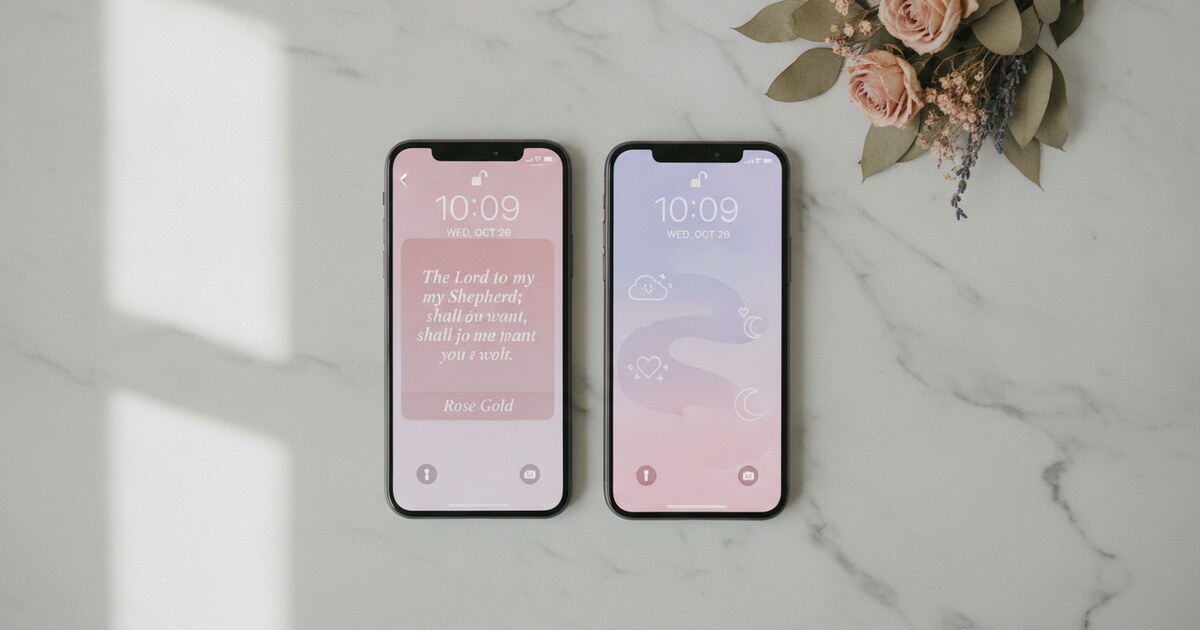
Rose Gold or Pastel suits the soft-feminine aesthetic that runs through ChristianTok and Pinterest’s Christian home screen content. Cream, blush, and lavender wallpapers pair naturally. Both themes also read clearly in full sunlight, where darker themes can struggle.
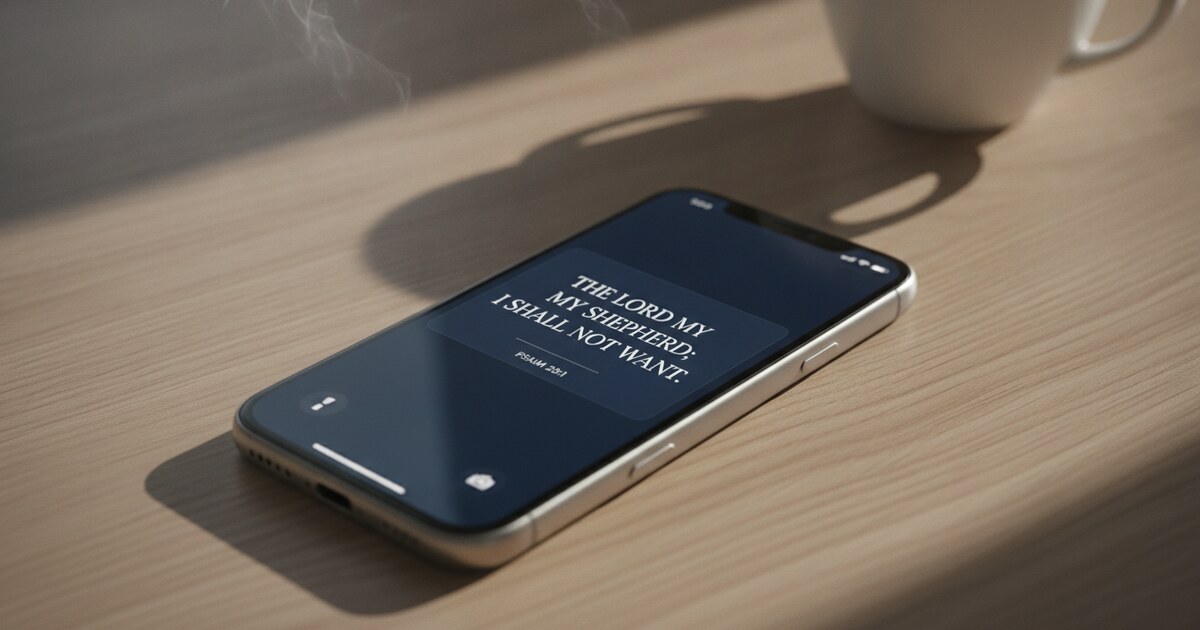
Night Sky or Chalkboard works for a dark academic or moody setup. OLED screens (standard on recent iPhone Pro models) draw zero power on true-black pixels, so a dark-background setup also extends battery life. These two themes hold up well at night and don’t look harsh under a dark notification shade.
Watercolor is the most design-forward theme: soft color washes behind the verse text. It lands best at medium or large size where the background treatment has space. At small size, the wash can feel busy.
Vintage or Gold Leaf pairs with parchment-toned and warm wallpapers, particularly alongside KJV passages where the typographic register matches the older aesthetic of the text.
Custom photo backgrounds (premium) let you drop your own photography behind the verse, so the widget is built around an image that’s genuinely yours.
For a full breakdown of five complete home screen setups pairing Psalmo themes with wallpapers, icon packs, and layout ideas, the christian home screen aesthetic guide covers each style from top to bottom.
The Widget That Also Gates Your Apps
Most scripture widgets are passive: verse on screen, visible if you look. Psalmo adds one layer that makes the habit behavioral rather than decorative.
In settings, pick which apps to gate: Instagram, TikTok, X, YouTube, Snapchat, or any combination you choose. Those apps stay paused until today’s verse has been opened and read inside Psalmo. Once you’ve read it, everything unlocks for the rest of the day.
The verse isn’t just on your screen anymore. It sits between you and the scroll. The widget is still there looking good. But the gate makes reading scripture a condition of your regular phone use rather than an optional extra.
Psalmo is the only app in this category that ships home screen widgets, lock screen widgets (iPhone), and an app-blocking gate as a single free install on iOS and Android.
Psalmo is free to download on iOS and Android. Add the medium widget to your home screen, the rectangular widget to your lock screen, set your verse category, and the setup takes under three minutes.
Frequently Asked Questions
What are the best christian widgets for iPhone? Psalmo is the most complete option: home screen widgets in three sizes, lock screen widgets in three accessory shapes (iOS 16+), 15+ aesthetic themes, and 15 verse categories. The free tier includes three themes. YouVersion is a solid free alternative if you prioritize translation selection (2,500+ versions) and already use it for reading. Heavenly is the best pure-aesthetics option but costs around $6.99 per month and is iOS-only.
How do Christian widgets update daily on iPhone? Apps register a Timeline with Apple’s WidgetKit framework: a list of entries, each with a scheduled time. Psalmo pushes a new verse into the Timeline at midnight each day, and the widget updates automatically without the app launching. You can also switch the refresh interval to hourly inside Psalmo’s settings. Apple manages all WidgetKit refreshes centrally, so the process has minimal battery impact.
Do christian widgets work on the iPhone lock screen? Yes, on iPhones running iOS 16 or later (released September 2022). The lock screen supports four widget positions around the clock face in three accessory shapes: rectangular (a text bar below the clock), circular (a badge above the clock), and inline (a short phrase in the date row). This feature is iPhone-only. Android removed lock screen widget support at the OS level in Android 5.0 (2014), so Psalmo’s Android widget runs on the home screen instead.
Which Psalmo verse category should I use for my home screen widget? Morning Verses works well for a widget on your first home screen page. Evening Verses suits a widget you’ll see at night. Peace & Anxiety is a strong choice during stressful seasons when you want that cluster surfacing consistently. Strength & Courage and Gratitude both read well at any time of day. You can toggle multiple categories on at once for variety, or narrow to one for focused rotation.
Can I use a Christian widget without paying anything? Yes. Psalmo’s free tier includes the daily verse widget in all three home screen sizes, lock screen accessory widgets on iPhone (iOS 16+), and three themes: Classic, Dark, and Minimal. Category selection, the app-blocking gate, and 12 additional themes (Watercolor, Rose Gold, Gold Leaf, Night Sky, and more) require a premium subscription. YouVersion’s home screen widget is free with no subscription.
If you want scripture on your home screen and lock screen with fresh content every morning, download Psalmo free on iOS and Android.