
Want a verse on every screen? Psalmo is free.
How to Share Bible Verses on Instagram (3 Methods)
Many Christians who want to share scripture on Instagram run into the same problem: they paste a verse into a caption and it lands flat. A wall of plain text next to a blurry phone photo gets one courtesy like and disappears.
Format determines whether a scripture post performs. How you present a verse on Instagram determines whether people stop, read, save, or keep scrolling. This guide covers 3 specific methods for sharing Bible verses on Instagram, which placement (Stories, Feed, or Reels) to use for each, and the part most guides skip: how to share Bible verses on Instagram daily without it becoming a chore.
To share Bible verses on Instagram, use a Bible app like Psalmo that generates a themed verse image in one tap and shares directly to your feed or Stories. Or design your own graphic in Canva (1080x1080 for Feed, 1080x1920 for Stories). The Bible app method is fastest and most consistent for daily posting.
How to Share Bible Verses on Instagram from a Bible App
The fastest method needs no design software. Apps like Psalmo and YouVersion generate a formatted image for you and hand it off to Instagram’s share sheet in two taps.
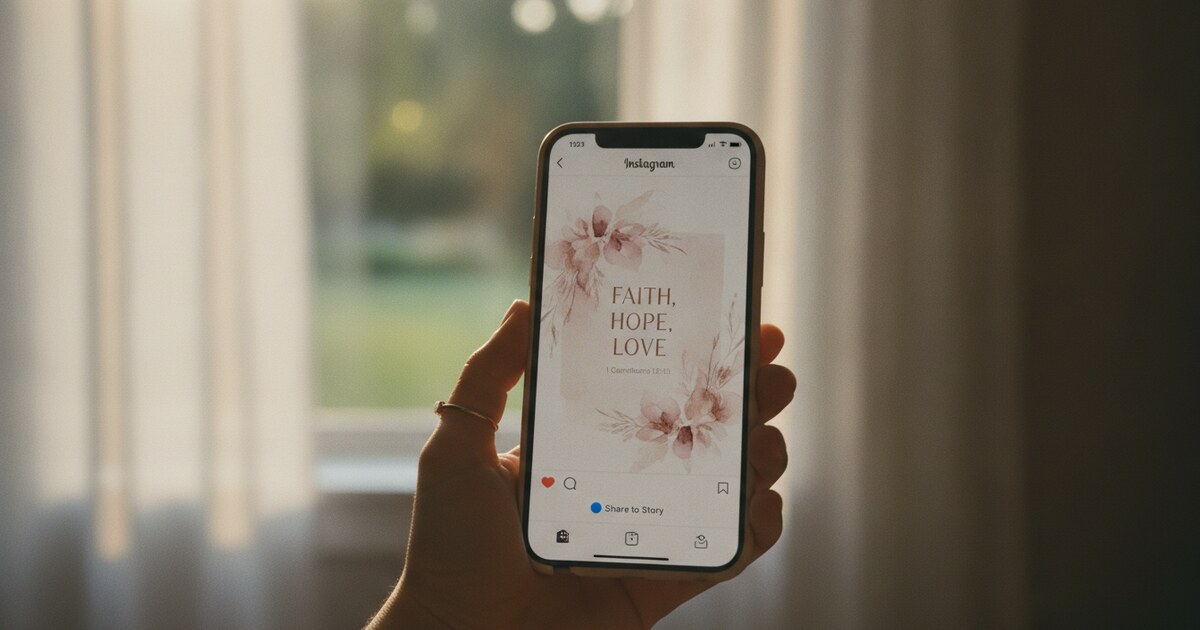
Instagram has 2 billion monthly active users globally (Meta Q1 2024 earnings report). Christian content is one of the platform’s most active niches: the #BibleVerse hashtag surpasses 60 million posts. Despite Instagram’s reputation as a photo platform, text-on-image posts give the algorithm a visual object to classify and distribute, which means they tend to get shown more widely than plain-text captions. Dedicated Bible apps handle the formatting work automatically. Psalmo stores 15 verse categories (Faith, Peace & Anxiety, Strength & Courage, Gratitude, Healing, Forgiveness, Morning Verses, Evening Verses, and more) and pairs each verse with one of its 15+ aesthetic themes: Classic, Marble, Rose Gold, Night Sky, Watercolor, Vintage, Gold Leaf, and others. Tapping share generates a pre-formatted image keyed to your active theme. YouVersion includes a similar image-share flow on both iOS and Android. Both apps produce a ready-to-post PNG in 2 taps. No design work, no Canva subscription needed.
Sharing from Psalmo:
- Open Psalmo and view today’s verse.
- Tap the share icon at the top of the screen.
- The app generates a verse image styled to your current theme.
- Tap Instagram in the system share sheet.
- Choose Feed post or Story, add a caption if you want one, and post.
Sharing from YouVersion:
- Open the YouVersion Bible app and navigate to any verse.
- Tap and hold the verse text to select it.
- Tap Share, then choose Image.
- Select a background style from the available options.
- Tap the Instagram icon and post to Feed or Story.
Both workflows take under 60 seconds from opening the app to hitting Post.
The tradeoff with app-generated images is that you’re working within the app’s template choices rather than your own custom palette. For daily consistency, that constraint is actually helpful: posts from the same app look cohesive across your grid without any extra effort. For something that needs to match a specific brand kit or campaign, you’ll want Canva.
If you’re building your verse-sharing setup from scratch, our Bible verse image maker guide walks through 5 tools (including free web options that require no account) and compares their translation selection and design flexibility.
How to Design a Custom Bible Verse Image for Instagram
When you want full control over fonts, colors, and composition, Canva and Adobe Express both have ready-made templates sized for Instagram.
Canva:
- Go to canva.com or open the Canva app.
- Search “Bible verse Instagram post” in the template search bar.
- Pick a template that matches your aesthetic.
- Replace the placeholder text with your verse and scripture reference.
- Export as PNG. Use 1080x1080 pixels for a Feed square post, or 1080x1920 for Stories.
- Save to your camera roll and import to Instagram.
Canva’s free tier covers most of what you need for verse posts. The paid tier unlocks more font choices and background removals, but the free templates are solid.
Adobe Express follows the same process. It has fewer faith-specific templates than Canva, but the typography controls are more precise if you’re particular about letter spacing or hierarchy.
A few design principles that make a difference:
Short verses fit best. A single line like “Be still, and know that I am God” (Psalm 46:10, KJV) reads clearly at thumbnail size and saves well. Multi-verse passages get cropped in mobile previews and lose readability before the viewer even taps to expand.
Clean backgrounds outperform busy ones. A soft gradient or solid color keeps the verse legible. Nature photography with heavy texture competes with the text.
Put the scripture reference below the verse, not above. Readers encounter the verse first, then see where it comes from. Leading with the citation (Psalm 46:10) buries the verse behind a label.
For a deeper look at which aesthetic bible widget themes map to different visual styles, that article covers 16 Psalmo themes matched to the main Christian Instagram aesthetics (clean minimal, rose gold soft, dark moody, warm vintage).
Stories, Feed, and Reels: Choosing the Right Format
Each Instagram placement behaves differently, and the right choice depends on how long you want the verse to live.
Feed posts are permanent (unless deleted), appear in hashtag searches, and accumulate saves over time. A well-designed verse graphic posted to the Feed can resurface months later when someone searches #morningverse or #philippians4. Size: 1080x1080 square or 1080x1350 portrait.
Stories disappear after 24 hours unless you save them to a Highlight. They’re lower-stakes and more casual, which makes them good for sharing a verse that caught you that morning without feeling like you’re making a permanent statement. Instagram’s built-in text overlay tool works fine for Stories: you don’t need a designed image at all. Type the verse, pick a background color, and post. Size: 1080x1920.
Reels get more algorithmic reach than static Feed posts. You can overlay a verse as text on a still image or a short looping nature video. A 5-second slide with the verse on screen counts as a Reel. More reach, more production work. Worth it for verses you want to push further.
If you’re just getting started: Stories is the lowest barrier (no design needed). Feed posts build your profile over time. Reels maximize reach but require more setup.
For the home screen and lock screen side of your Christian phone aesthetic, the christian home screen aesthetic guide covers how to match widget themes to different visual styles (clean minimal, rose gold soft, dark moody, warm vintage).
One note on translation and copyright: KJV (King James Version) and WEB (World English Bible) are both public domain, so you can quote them freely on Instagram without any legal concern. Modern translations like the NIV and ESV are under copyright, which technically restricts large-scale reproduction. KJV is the safer default for Instagram posts.
How to Share Bible Verses on Instagram Every Day
Daily posting feels manageable until week three, when the design process starts eating into morning time and the habit quietly dies.
The root issue: the verse and the post are two separate decisions. You have to find a verse, then design or write the post, then open Instagram. That’s too many steps before coffee.
The fix is collapsing all three into one flow.
Psalmo puts today’s verse on your home screen widget before you open any app. If you set the app gate (which pauses Instagram until you’ve opened and read the verse), the sequence becomes: see verse on widget, open app to confirm, share, then Instagram opens. The verse comes to you. You don’t go looking for it.
Three habits that make daily sharing stick:
- Pre-decide the format. Stories for every day, Feed for verses that feel worth keeping permanently. One rule removes one decision.
- Pre-write captions in Notes. Keep a running list of 2-3 sentence prompts (“This verse came up during…”) that you can attach quickly. A blank caption field is a bottleneck.
- Post at the same time. Early morning (7-9 AM) or evening (7-9 PM) are when Christian content gets the most engagement on Instagram. Posting consistently at one window builds audience expectation faster than random timing.
Consistency matters more than perfection. A simple verse image shared every morning does more than a carefully designed graphic posted once a week.
Frequently Asked Questions
Can I share Bible verses on Instagram without a design app?
Yes. The easiest option is using a Bible app with a built-in share feature, like Psalmo or YouVersion. Both generate a formatted verse image in a couple of taps and send it directly to Instagram without any third-party design tool.
What image size should I use for Bible verse posts on Instagram?
Use 1080x1080 pixels for a square Feed post, 1080x1350 for a vertical Feed post, or 1080x1920 for Stories and Reels. Most Bible apps and Canva templates automatically size for these dimensions.
Which Bible translation can I quote freely on Instagram?
The King James Version (KJV) and World English Bible (WEB) are public domain, so you can quote them freely in any quantity. Modern translations like the NIV, ESV, and NLT are copyrighted. Personal posts in small quantities generally fall within fair use, but KJV or WEB remove the ambiguity entirely.
How do I add a Bible verse to my Instagram caption?
Type or paste the verse text, then add the scripture reference in parentheses (e.g., Psalm 23:1, KJV). Add a line break before your personal reflection or call to action. Some people end with a question to prompt replies, which tends to increase comment engagement.
What’s the best app for sharing Bible verses on Instagram consistently?
Psalmo’s themed share images are designed for this use case. Tap the verse, tap share, choose Instagram. The image is already styled. The 15+ aesthetic themes (Classic, Rose Gold, Watercolor, Night Sky, Marble, and others) make posts look consistent across your grid without any manual work. YouVersion is the other strong option, especially if you want access to more Bible translations.
Psalmo is free to download on iOS and Android. Set up the daily verse widget and the app gate, and the hardest part of sharing Bible verses consistently (finding today’s verse before Instagram opens) takes care of itself.