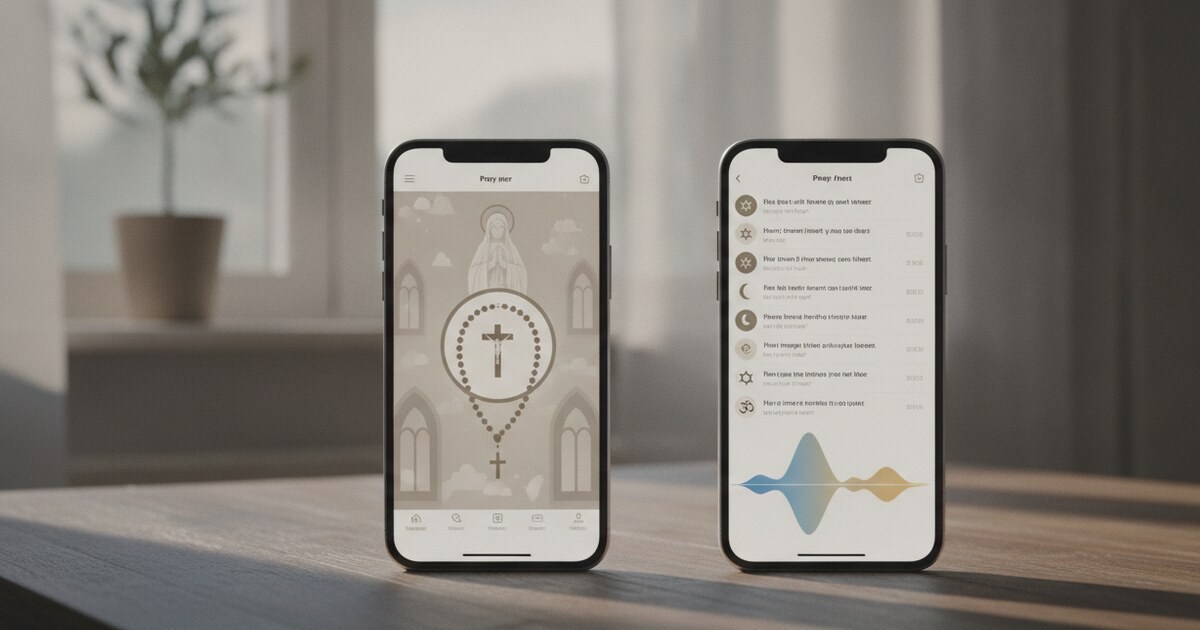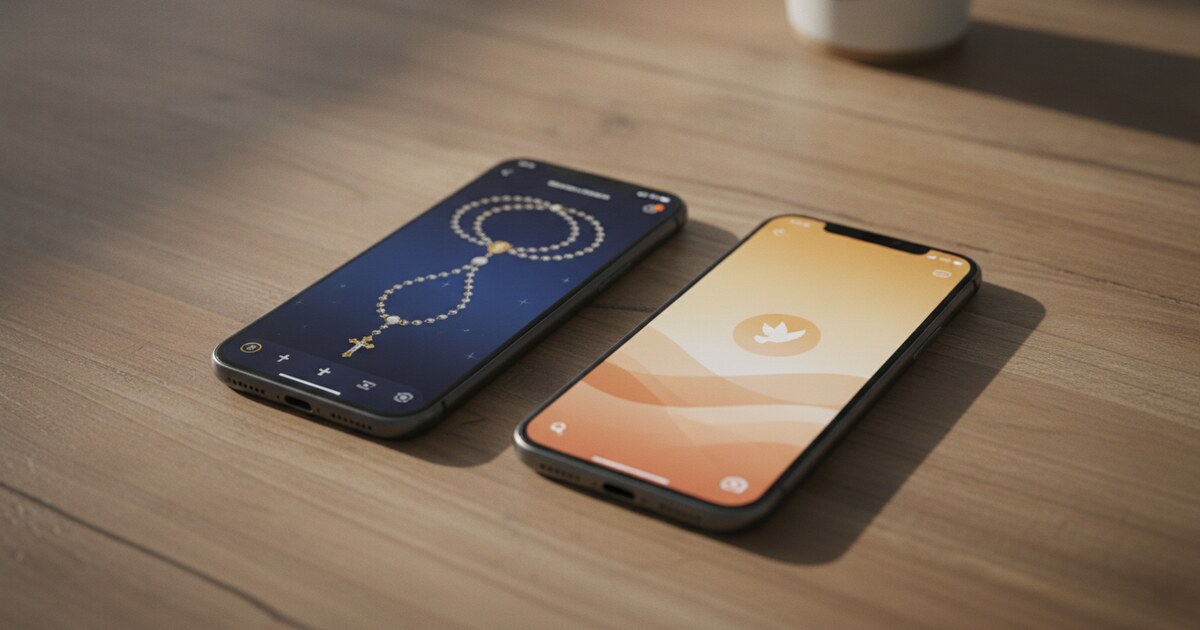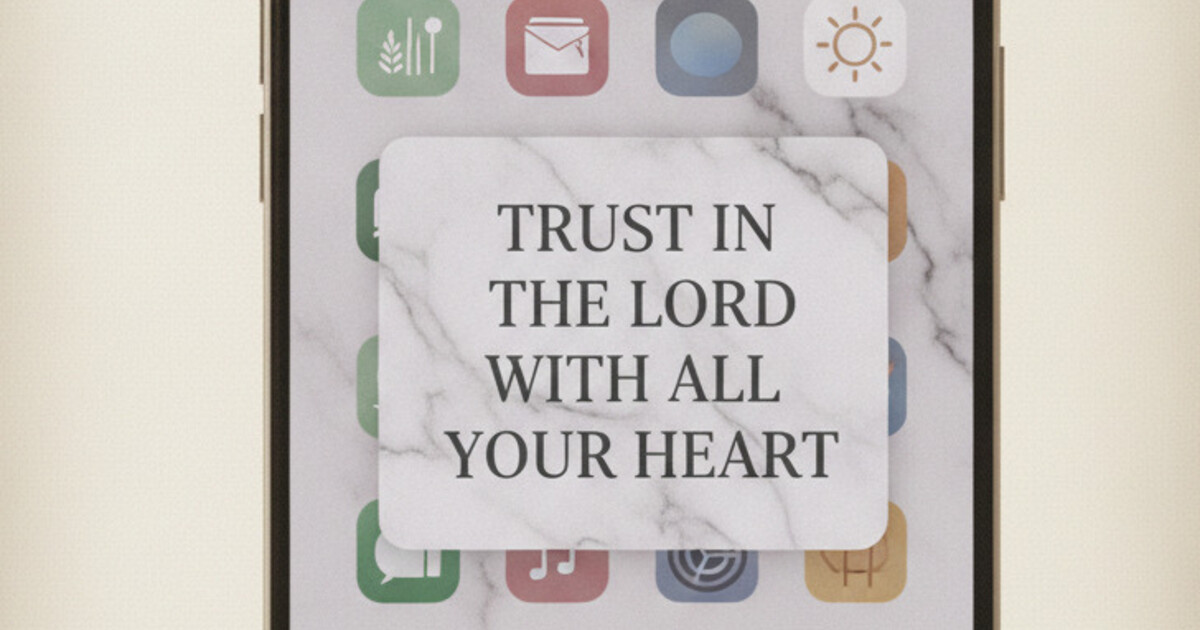

Want a verse on every screen? Psalmo is free.
Widgetsmith was the app everyone scrambled to download when Apple launched home screen widgets with iOS 14 in September 2020. Within days it sat at the top of the App Store, and it’s stayed a fixture of aesthetic iPhone setups ever since. ChristianTok ran with the trend fast: scripture verses on Marble widget backgrounds, soft Pastel cards, Watercolor overlays that look like something torn out of a prayer journal. The search for a “Widgetsmith Bible verse” makes complete sense in that context. A lot of people assume one app handles everything.
Widgetsmith lets you type any static text, including a Bible verse, into a custom text widget. That text won’t update each day: Widgetsmith has no Bible database. For a widget that refreshes daily from scripture categories, Psalmo is the purpose-built option, with 15+ aesthetic themes that pair with any Widgetsmith home screen layout.
Here’s how both apps work, what each one does best, and how to run them side by side.
What Widgetsmith Can (and Can’t) Do with Bible Verses
Widgetsmith was designed around personal data feeds: weather, calendar events, activity rings, clocks, tide charts, photo albums. It also carries a custom text field where you can type anything you want (a Bible verse, a quote, a prayer intention) and display it in a styled widget on your home screen. The layout controls are solid. You get font choices, text color, background color, corner radius, and four widget sizes to work with.
The ceiling is that the text is static. Widgetsmith carries no Bible content at all: no verse database, no category system, no rotation engine. Whatever you type into the text field stays there, unchanged, until you open the app and update it by hand. That’s a workable setup for a single anchor verse you want to sit with for a season. What it can’t deliver is a fresh scripture each morning without manual effort on your part.
The technical gap is worth understanding briefly. iOS’s WidgetKit system supports dynamic timeline updates: weather widgets show tomorrow’s forecast because the weather app has a data pipeline feeding the widget continuously. Widgetsmith’s text widget has no pipeline. Psalmo uses WidgetKit’s Timeline API to schedule a new verse at midnight from whichever scripture categories you’ve toggled on in settings, without any action from you. On Android, the same daily refresh runs via WorkManager background jobs. Pew Research 2024 found 45% of US adults pray daily; 62% own a smartphone. That overlap (roughly 280 million people who are both actively praying and phone-first) built the Christian home screen trend, and it’s why the dedicated Bible widget category grew from 2-3 notable apps in 2020 to more than 12 by 2026. Among those, Psalmo ships the widest range of aesthetic themes: 15+ options covering editorial (Marble, Modern), warm feminine (Rose Gold, Pastel), boho (Watercolor, Vintage), dark moody (Night Sky, Chalkboard), and nature-forward (Forest, Ocean). Widget sizes run small (verse reference only), medium (verse plus reference), and large (full verse with theme art). From download to first widget on screen: under 3 minutes on both iOS and Android.
How to Set a Static Bible Verse in Widgetsmith
If you want to put a specific verse into a Widgetsmith widget, the process is short.
- Open Widgetsmith and tap ”+” to create a new widget. Choose small, medium, or large.
- Select a content slot in the widget layout and tap it. Scroll to “Text” in the content type list.
- Type your verse in the text field. Include the reference (Psalm 23:1 KJV, for example) if you want it displayed alongside the text.
- Style the widget. Adjust font, text color, and background color to match your home screen palette. Widgetsmith has no preset scripture styling, so this is manual work.
- Save, then add to your home screen. Long-press the home screen, tap the ”+” button in the top corner, search “Widgetsmith,” and drag the widget you just built into place.
The verse stays exactly as typed until you reopen the app and change the text field.
Where this approach works well:
- A verse tied to a specific prayer season or retreat theme
- A scripture you’re memorizing and want to see constantly for a month
- A short verse reference badge (just the chapter and verse) as a subtle background element
Where it breaks down:
- You want fresh scripture each morning without any effort
- You want to rotate across verse categories (Gratitude, Healing, Strength) automatically
- You’re building the kind of home screen where daily variety matters
Why a Daily Bible Verse Widget Needs a Dedicated App
The people who search “Widgetsmith Bible verse” usually land in one of two situations. Some want to display a specific chosen verse and the static approach works for them. But most want a widget that brings them a new scripture each morning without any setup each day, closer to how a physical devotional or daily Bible works.
Psalmo was built specifically for this. It has 15+ verse categories covering the range of what people reach for in prayer: Faith, Peace and Anxiety, Strength and Courage, Gratitude, Healing, Forgiveness, Morning Verses, Evening Verses, and more. You toggle on the categories you want in settings. The widget draws from that pool each day and selects a verse for you without any input on your end.
The category system matters more than it sounds. A static text widget shows you the same verse every day until you change it. A category-based system means Monday might surface an Isaiah passage about strength, Tuesday a Psalm of gratitude, Wednesday a verse on forgiveness: all from within the theological territory you’ve marked as relevant to your current season. That variety keeps the widget from becoming visual wallpaper you stop seeing after two weeks.
Psalmo’s refresh runs at midnight by default, swapping in a new verse from your active categories via WidgetKit’s timeline scheduling. Switch to hourly refresh in settings if you want the verse to cycle throughout the day. On Android, WorkManager handles the same job in the background.
The aesthetic-bible-widget guide covers all 15+ themes in detail. For the home screen aesthetics crowd, the visual quality of the widget matters as much as the content. A plain white card in Times New Roman won’t anchor a Dark Academia layout or a Marble aesthetic. Psalmo’s themes are designed for exactly those pairings.
How to Run Widgetsmith and Psalmo Together
The two apps don’t step on each other. They solve different problems.
Psalmo delivers the daily scripture. Pick your theme, pick your categories, place the widget. It handles content automatically from that point forward.
Widgetsmith handles the surrounding layout. Its transparent spacer widgets are the most useful tool in the iOS aesthetic home screen toolkit. Without spacers, iOS pushes app icons into the top-left corner, which crowds your widget and undermines the whole design. Widgetsmith’s blank spacers let you float a Psalmo verse widget in the center of the screen, or anchor it at the bottom with a row of icons spaced beneath it, without anything pressing awkwardly against the widget edges.
A clean two-app layout:
- Center screen: a medium or large Psalmo widget in your chosen theme (Marble, Watercolor, or Night Sky)
- Bottom row: 3-4 app icons with Widgetsmith transparent spacers between them for even spacing
- Lock screen: a Psalmo rectangular accessory widget on iOS 16 and later
The christian-home-screen-aesthetic guide maps out five full aesthetic directions (Minimal, Rose Gold, Boho, Dark Academia, and Cottagecore) with specific wallpaper pairings and widget placement for each. All five assume Psalmo as the verse widget and Widgetsmith-style spacers for icon grid control.
How to Add the Psalmo Widget to Your iPhone
For the home screen widget:
- Long-press your home screen until icons jiggle, then tap the ”+” in the top corner.
- Search “Psalmo” in the widget gallery and choose your size.
- Drag the widget into position. Tap “Edit Widget” to choose your theme and verse categories.
- The how-to-add-bible-verse-widget-to-iphone guide walks through the full setup with troubleshooting steps for widgets that don’t refresh on schedule.
For the iOS lock-screen widget on iOS 16 and later:
- Long-press your lock screen and tap “Customize.”
- Tap the area below the clock to open the widget tray.
- Select Psalmo. The rectangular shape shows a verse fragment; the inline shape shows just the scripture reference as a compact badge.
The bible-widget-themes guide covers each of the 15+ themes with visual descriptions and notes on which wallpaper palettes they pair with best.
How Psalmo’s App-Blocking Feature Ties the Aesthetic Together
A home screen that looks intentional but still opens Instagram on autopilot is just decoration.
Psalmo’s app-blocking gate closes that gap. You pick which apps to lock: Instagram, TikTok, YouTube, Snapchat, X, or any combination. Those apps stay gated until you open Psalmo and read today’s verse. Once you’ve read it, everything unlocks for the rest of the day. No shame mechanics if you miss a day. No streak pressure. Just a daily moment with scripture before the scroll begins.
The verse-sharing feature adds something useful for the creative side. Psalmo generates a themed image of the current verse, sized for Instagram or TikTok, pulling from the same aesthetic you’ve built on your home screen. If you run the Marble theme on your home screen widget, the share image uses the same Marble visual language. It’s a small feature, but it connects the private devotional space to the Christian creator culture that built this whole trend in the first place.
Psalmo is free on iOS and Android. The free tier covers Classic, Dark, and Minimal themes, the daily verse widget in three home screen sizes, verse category control, and the app-blocking gate. Premium unlocks all 15+ themes, custom photo backgrounds for widgets, and the AI prayer and reflection features. The annual subscription includes a 7-day free trial.
Frequently Asked Questions
Can Widgetsmith display a Bible verse?
Yes, but only as static text you type manually. Widgetsmith has no Bible database, so the verse stays fixed until you reopen the app and change it. For a widget that pulls a fresh scripture each morning automatically, you need a dedicated app like Psalmo alongside Widgetsmith.
Does Widgetsmith have a daily Bible verse widget?
No. Widgetsmith has no Bible verse database or daily scripture rotation. Its custom text field accepts anything you type, but that text is static. For a daily-changing verse drawn from scripture categories like Faith, Peace, or Morning Verses, Psalmo is purpose-built for this.
What’s the best aesthetic Bible verse widget for iPhone?
Psalmo is the most theme-forward option, with 15+ aesthetics including Marble, Rose Gold, Watercolor, Pastel, Night Sky, and Forest. The free tier covers Classic, Dark, and Minimal. All themes support three home screen sizes and refresh daily with a new verse from your chosen scripture categories.
Can I use Widgetsmith and Psalmo together?
Yes, and the pairing works well. Use Widgetsmith’s transparent spacer widgets to control your app icon grid and give your Psalmo verse widget visual breathing room. The two apps serve different roles: Widgetsmith handles layout structure, Psalmo delivers daily Bible verse content with aesthetic themes.
Does Widgetsmith work on Android?
No. Widgetsmith is iOS-only. Android users who want an aesthetic Bible verse widget can use Psalmo directly. It supports home screen widgets on Android in small, medium, and large sizes, with the same 15+ theme options and daily automatic verse refresh as on iOS.
If you want a Bible verse widget that refreshes itself each morning with no manual effort, download Psalmo free and have it on your home screen in under 3 minutes.